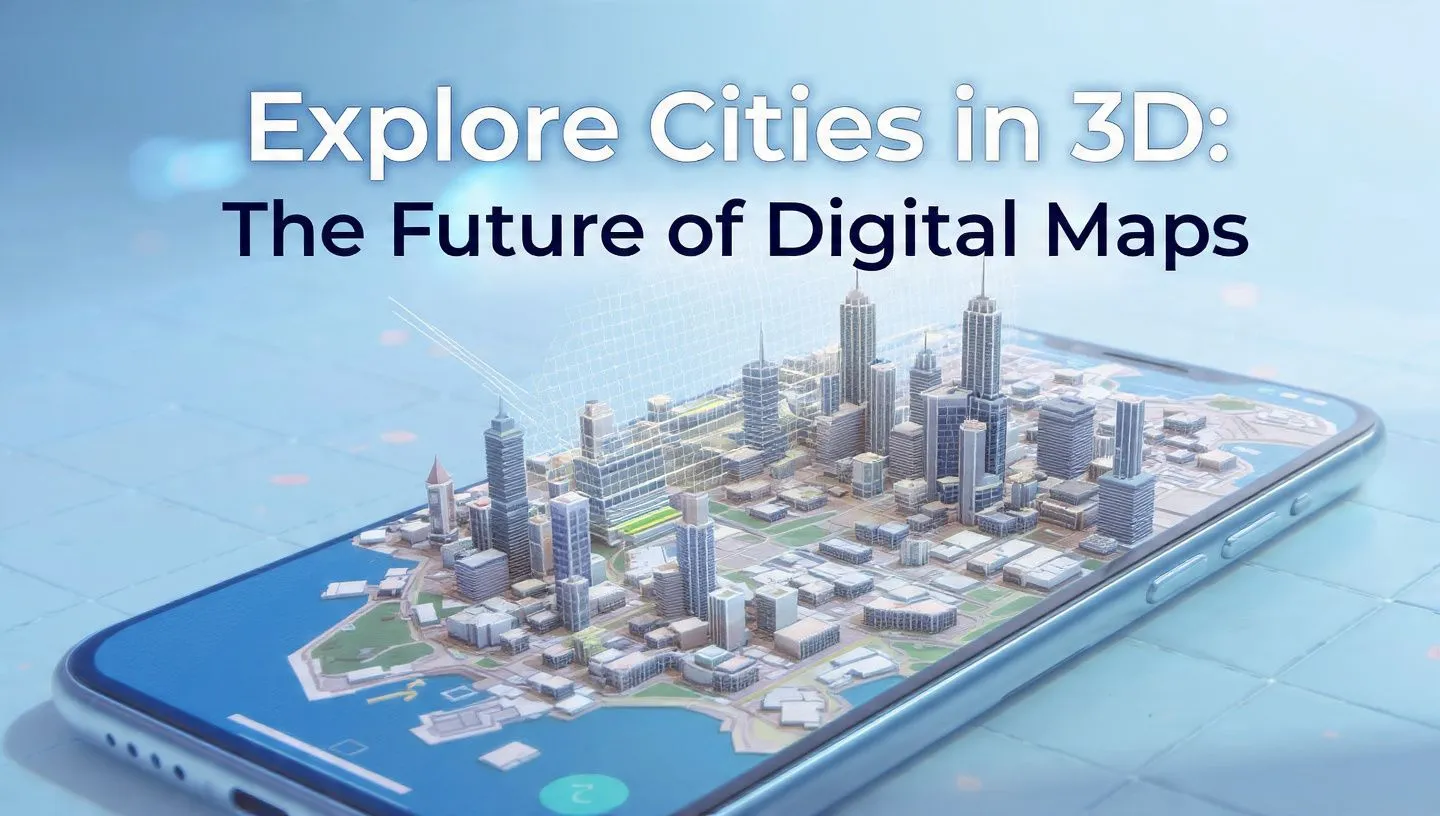
Explore Cities in 3D: A Powerful New Way to View the World
In an era where digital maps are more than flat lines and pins, the ability to explore cities in 3D is transforming how we navigate, understand and interact with our surroundings. Whether you’re planning a trip, exploring a new neighbourhood or simply curious about how urban landscapes are built, the three-dimensional city view brings streets, buildings and terrain to life.
Imagine tilting a map, zooming into high-rises, cruising over rooftops and seeing terrain changes and landmarks like never before. That’s exactly what modern map platforms offer: immersive city visualizations that go beyond traditional maps. For example, the Google Maps Platform now supports photorealistic 3D maps where you can view elevated structures, textured buildings and geographic features in full three-dimensions. Google Maps Platform
In this article, we’ll examine what it means to explore cities in 3D, why it matters in 2025, how the feature works, typical use-cases, and common mistakes to avoid.
What is “Explore Cities in 3D”?
The feature to explore cities in 3D means that a digital map or mapping application provides a three‐dimensional representation of urban environments—buildings extruded with height, terrain modeled with elevation, landmarks and structures rendered with texture or realistic detail.
Examples include:
- Viewing a city’s skyline from different angles (tilt, pan, rotate)
- Zooming in on individual buildings and streets in 3D rather than flat.
- Navigating through cityscapes with realistic terrain, shadows and structures.
For instance, the Mapbox “Standard Style” includes detailed 3D landmarks in 370 global cities. Mapbox
Also, the Apple Maps “Detailed City Experience” provides custom‐drawn 3D landmarks and enhanced visual detail in supported cities. Wikipedia+1
Why “Explore Cities in 3D” Matters in 2025
In 2025, the ability to explore cities in 3D is more relevant than ever. Here’s why:
- Better context & navigation: Three-dimensional views help users orient themselves, understand building heights, terrain and how features relate spatially.
- Enhanced decision-making: Urban planners, real-estate professionals, logistics and delivery services benefit from 3D models when planning routes, building usage or infrastructure. For example, 3D city models support measurement of height, terrain analysis and visibility studies. vu.city+1
- Improved user experience: For tourists, travellers and everyday map users, 3D views create more immersive, engaging experiences.
- Increased data-rich applications: With 3D city models, applications in smart cities, AR/VR, simulation, and digital twins become feasible. Vexcel Data Program+1
- Technological readiness: With improvements in web-GL, faster fibre internet, and better rendering tools, three-dimensional city rendering is more accessible to mainstream users and developers.
Thus, including a feature to explore cities in 3D in your mapping application or website can give you a competitive edge and better user engagement.
How the Feature Works: Steps, Examples & Use Cases
Here is a breakdown of how the “explore cities in 3D” feature functions, along with examples and where you might use it.
Key Steps / Components
| Step | Description |
|---|---|
| Data acquisition | Gathering building footprints, height information, terrain elevation, imagery, model data. developers.arcgis.com+1 |
| Model generation | Extruding building footprints, applying textures, generating 3D meshes or scene layers. developers.arcgis.com |
| Rendering & interactivity | Rendering the 3D scene on the web or mobile, with ability to tilt, zoom, pan, rotate, and interact. Google Maps Platform+1 |
| Integration & platform support | Embedding 3D city view in apps, websites or mapping services; ensuring performance and user experience. |
Example Use Cases
- Travel & tourism: View major landmarks from above and explore cities virtually before visiting.
- Real-estate & urban development: Evaluate building height, location context and terrain for investment or planning.
- Delivery & logistics: Visualise terrain and building access in 3D to optimise routes.
- Education & simulation: Use 3D city models for research, city simulation, environmental studies.
- Consumer mapping apps: Provide users with immersive map experiences, for example tilting the map to see building heights or terrain changes.
Platform Example
You can check out the Google Maps Platform’s 3D maps demo here: Google Maps Platform – Photorealistic 3D Maps Google Maps Platform
This link can be used as a reference or as part of your content to let users try 3D city exploration.
Tips or Common Mistakes
While the feature is exciting, there are some tips to maximise it and common mistakes you should avoid:
Tips:
- Ensure performance is optimized: 3D rendering can be heavy; use LODs (levels of detail), simplify meshes, and optimise textures.
- Provide intuitive controls: allow users to tilt, pan, zoom and switch between 2D/3D easily.
- Offer context: include landmarks, height information or terrain data so users understand what they are viewing.
- Make it mobile-friendly: many users will explore via phone or tablet, so the UI must work well on smaller screens.
- Provide fallback: for users with less powerful devices or browsers, have a 2D view as fallback.
Common Mistakes:
- Overloading the user with too much detail: too many building models or heavy textures can slow performance.
- Poor navigation: if the user cannot easily control the 3D view, the feature will frustrate rather than engage.
- Lack of accurate data: using low-quality models leads to unrealistic or misleading views.
- Ignoring accessibility: 3D renderings may be less accessible to users with certain disabilities or on older devices.
FAQs (Frequently Asked Questions)
Q1: What devices or browsers support exploring cities in 3D?
Most modern web browsers with WebGL support and recent mobile devices can render 3D city views. Some platforms may still restrict 3D to desktop or high-performance devices.
Q2: Is the 3D city view always available for every city in the world?
No. Coverage depends on data availability. For example, Mapbox’s 3D landmarks cover 370 cities, and more are being added. Mapbox
Q3: Can I embed 3D city views into my website or app?
Yes. Many mapping platforms provide APIs or SDKs for embedding 3D maps. For example, Google Maps Platform supports photorealistic 3D tiles. Google Maps Platform
Q4: What is the difference between a 2D map and a 3D city view?
A 2D map shows streets and symbols from a top-down or flat view, whereas a 3D city view includes building heights, terrain elevation and interactive camera movement (tilt/rotate) for a more realistic urban representation.
Q5: How can businesses benefit from offering a “explore cities in 3D” feature?
Businesses in real-estate, tourism, urban planning, and logistics can provide enhanced experiences, improve decision-making, engage users more deeply and differentiate their offerings by providing detailed spatial context.
Conclusion
The ability to explore cities in 3D is no longer just a novelty—it’s a powerful tool in 2025 for navigation, planning, tourism, real-estate and more. With platforms now offering rich, three-dimensional map experiences, users expect more than a flat map. They want immersive, interactive city models that reveal height, terrain, landmarks and realistic context.
If you’re working on a mapping application, travel site, real-estate platform or any product that showcases cities and environments, incorporating a 3D city exploration feature can give you an edge. Give users the ability to tilt, spin, zoom and explore their world in three dimensions. Use the link provided above as a reference to implement or showcase this feature.