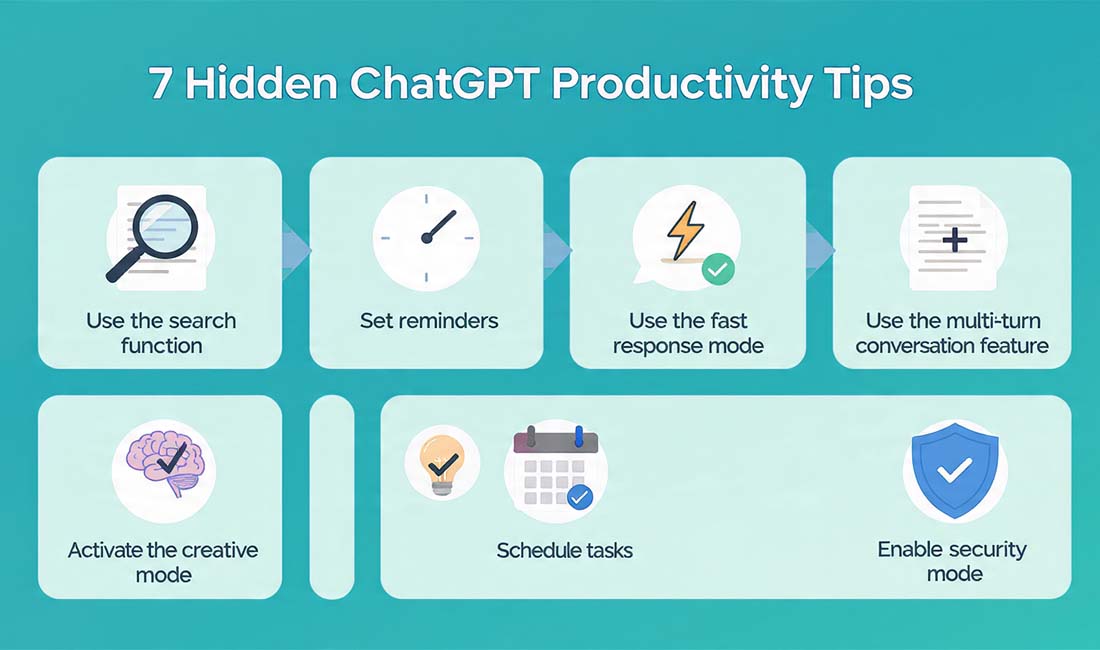
Unlock ChatGPT’s Power: 7 Hidden Tips to Boost Your Productivity in 2025
Artificial Intelligence has become a core part of everyday work, learning, and creativity. Among the leading AI tools, ChatGPT stands out as one of the most versatile and powerful assistants available today. What many people don’t realize, however, is that beyond basic chatting, ChatGPT hides a range of advanced capabilities designed to make work smarter, faster, and more efficient.
This article reveals 7 hidden ChatGPT tips that will boost productivity in 2025. These techniques can help streamline writing, automate repetitive tasks, and improve focus — making AI a true digital partner rather than just a conversational tool.
Before diving into these strategies, readers may find it useful to explore related tech guides such as:
- How to Speed Up Your Laptop in 2025: Step-by-Step Guide
- Best Budget Smartphones 2025: Top Picks for Performance and Price
What Is ChatGPT and Why It’s More Powerful in 2025
ChatGPT, created by OpenAI, is an advanced AI model that processes and generates text in a human-like manner. It can assist with writing, research, coding, and even idea generation. Over time, it has evolved into a sophisticated productivity engine capable of integrating with external tools, handling real-time data, and performing complex reasoning tasks.
In 2025, ChatGPT’s expanded features — such as plugin integration, custom instructions, multimodal input (text, voice, and image), and memory — make it more capable than ever. It can now analyze workflows, automate responses, and even remember previous interactions for a smoother experience.
According to TechRadar, the newest generation of AI assistants has transformed from simple Q&A bots into reliable co-workers that can enhance professional efficiency by over 40%.

Why ChatGPT Productivity Tips Matter in 2025
AI tools are rapidly becoming part of every digital workflow, from business operations to personal learning. However, the difference between average and exceptional results often comes down to how well these tools are used.
Knowing hidden ChatGPT productivity tips helps users:
- Save time: Automate repetitive or time-consuming tasks.
- Increase creativity: Generate new ideas or strategies quickly.
- Enhance quality: Produce polished content, insights, or solutions faster.
- Reduce workload: Allow AI to manage administrative or structural tasks.
With growing competition in digital spaces, understanding how to unlock ChatGPT’s advanced features provides a serious advantage for professionals, students, and creators in every industry.
7 Hidden ChatGPT Tips That Will Boost Productivity in 2025
Below are seven powerful and lesser-known ways to get the most from ChatGPT’s capabilities.
1. Mastering Custom Instructions for Personalized Results
ChatGPT’s “Custom Instructions” feature allows users to set preferences for how the AI should respond. This personalization helps tailor the AI’s tone, writing style, and focus area.
How It Works:
- Open the Settings section.
- Select Custom Instructions.
- Add details such as:
- Preferred tone (formal, friendly, technical, etc.)
- Type of content or goals (emails, reports, creative writing, etc.)
Once saved, ChatGPT automatically applies these preferences in future conversations.
Why It Improves Productivity:
By removing the need to restate context or style preferences each time, tasks become faster and more consistent. This is especially useful for professionals who need uniform communication quality.
2. Using Advanced Prompt Structuring (Role + Task + Output Format)
The effectiveness of ChatGPT responses depends largely on how prompts are written. A well-structured prompt can drastically improve accuracy and reduce time spent revising results.
A proven method is the Role + Task + Output Format formula.
Example:
“Act as a professional productivity coach. List 10 AI tools that can improve time management and explain each one briefly.”
This approach gives the AI a defined role, a specific task, and a clear format, ensuring results are concise and relevant.
Why It Works:
It helps ChatGPT fully understand context, which leads to higher-quality and faster responses.
3. Leveraging Plugins and Custom GPTs for Automation
Plugins and custom GPTs introduced in newer versions of ChatGPT offer a major boost in automation. They allow direct access to external data, design tools, or task managers.
Popular Productivity Plugins Include:
- Zapier: Automates workflows between platforms such as Gmail, Trello, and Slack.
- Wolfram Alpha: Performs advanced calculations and data analysis.
- Canva Plugin: Generates design templates or visual content instantly.
Custom GPTs can also be built to handle repetitive tasks — for example, generating weekly reports or summarizing emails.
External Insight: According to Wired, businesses adopting AI plugins have reported measurable time savings and improved accuracy in administrative processes.
4. Enhancing Creativity with Brainstorming and Mind Mapping
ChatGPT excels at structured brainstorming. Whether developing strategies, outlining projects, or planning content, it can produce organized, high-quality ideas quickly.
Example Prompts:
- “Generate 10 ways to automate daily tasks using AI tools.”
- “Create a mind map for a new mobile app development plan.”
- “List potential startup ideas based on current technology trends.”
Sample Output Table:
| Objective | Example Prompt | Output Type |
|---|---|---|
| Idea generation | “List innovative tech business ideas.” | Bullet list |
| Planning | “Outline a content schedule for a new product launch.” | Table |
| Visualization | “Create a structured mind map for time management strategies.” | Flow-style chart |
Why It Improves Productivity:
It replaces hours of brainstorming sessions with immediate, structured insights that can be refined further.
5. Integrating ChatGPT with Everyday Tools
Integration with daily-use software brings ChatGPT’s capabilities directly into existing workflows. Through APIs and automation tools, it can connect with apps for data management, communication, and scheduling.
Common Integrations:
- Google Sheets: Auto-generate formulas, summarize data, or analyze statistics.
- Notion: Create structured notes, to-do lists, and meeting summaries.
- Slack or Discord: Automate responses or information sharing.
- Trello or Asana: Generate project timelines and assign tasks automatically.
Such integration allows AI to assist in real time, reducing manual effort and improving overall efficiency.
6. Using the Memory and Follow-Up Features for Continuous Workflows
New memory capabilities enable ChatGPT to remember information shared during earlier sessions. This includes details such as user preferences, ongoing projects, and specific writing tones.
Advantages of the Memory Feature:
- Maintains context across sessions.
- Supports long-term projects without repeated instructions.
- Provides personalized responses over time.
For instance, after saving certain preferences, ChatGPT automatically applies them in future conversations — a major productivity benefit for anyone managing multi-step projects or consistent workflows.
7. Conducting Workflow Audits with ChatGPT
ChatGPT can be used as an analytical partner to identify inefficiencies and improve productivity systems.
Useful Prompts Include:
- “Analyze a typical daily routine and suggest time-saving strategies.”
- “List ways to automate communication and task tracking.”
- “Evaluate this workflow and recommend tools for optimization.”
The AI can highlight redundant steps, propose automation tools, and even generate templates for improved performance.
Why It Works:
This approach combines AI analysis with human decision-making, creating a balanced and efficient workflow.
Common Mistakes to Avoid When Using ChatGPT
Even with advanced knowledge, some habits can limit productivity gains. The following mistakes are worth avoiding:
- Vague Prompts: Unclear instructions lead to inconsistent responses.
- Over-Reliance on AI: ChatGPT supports decision-making but should not replace critical judgment.
- Skipping Verification: Always verify factual or data-heavy results before use.
- Ignoring New Features: Regular updates often include powerful tools; staying current maximizes potential.
- Lack of Context: Providing background information helps generate more relevant results.
Avoiding these mistakes ensures a smoother and more efficient experience.
Frequently Asked Questions (FAQs)
1. How can ChatGPT improve productivity?
By automating repetitive tasks, generating structured ideas, and summarizing complex information, ChatGPT saves time and enhances efficiency.
2. What is the best way to structure prompts for ChatGPT?
The most effective method is using Role + Task + Output Format, which gives clear guidance and context for accurate results.
3. Are advanced features like plugins available to all users?
Some plugins require premium access or specific platform permissions, but even without them, ChatGPT provides extensive productivity features.
4. Can ChatGPT integrate with work tools like Google Docs or Slack?
Yes, through third-party automation tools such as Zapier, ChatGPT can interact with various productivity platforms.
5. How often should ChatGPT settings or instructions be updated?
It is recommended to review settings monthly to stay aligned with evolving needs and to benefit from new features or updates.
Conclusion: Work Smarter with ChatGPT in 2025
Artificial Intelligence is reshaping how work gets done, and ChatGPT remains at the center of this transformation. By applying these 7 hidden ChatGPT tips that will boost productivity, anyone can achieve greater efficiency, creativity, and focus.
From mastering custom instructions to using plugins and memory features, these techniques unlock the true potential of AI-assisted work. The key is not just using ChatGPT — it’s about using it strategically.
As technology continues to evolve, those who learn to work with AI rather than around it will lead the next wave of digital productivity.