

Project Management Software: The Tools That Actually Keep Teams From Imploding
I’ve been on both sides of the project management fence. I’ve been the developer who ignored Jira tickets until someone physically walked to my desk. And I’ve been the team lead desperately trying to figure out why a two-week sprint turned into six weeks of “we’re almost done.”
Here’s what I learned: the tool doesn’t matter nearly as much as people think. But the wrong tool? That’ll kill your team’s productivity faster than you can say “let’s have a quick sync.”
So let’s talk about project management software that actually works, and more importantly, when each one makes sense.
Why Most Teams Pick the Wrong PM Tool
Back in 2021, I joined a startup that was using Asana, Trello, and Monday.com simultaneously. Different teams picked different tools. Nobody talked to each other. We spent more time updating three different boards than actually shipping features.
The problem wasn’t the tools. It was that nobody asked: “What are we actually trying to solve?”
Before you pick any project management software, answer these:
- Are you tracking tasks or managing complex dependencies?
- Do you need time tracking built in?
- Is your team technical or non-technical?
- Do you work in sprints or continuous flow?
Your answers change everything.
The Big Players (And When They Make Sense)
Jira: For Technical Teams Who Like Complexity
Let’s get this out of the way: developers love to hate Jira. But we keep using it.
Why it works: Jira’s built for software teams running Agile. Sprint planning, backlog grooming, burndown charts… it’s all there. If you’re doing Scrum properly, Jira handles it without you needing to jerry-rig things.
When it doesn’t: I watched a marketing team try to use Jira once. They gave up after two weeks. Too many fields, too much setup, too much “story points” talk that meant nothing to them.
Real talk: If your team isn’t technical and you’re not running sprints, Jira’s overkill. You’ll spend more time fighting the tool than using it.
Best for: Software teams, agencies doing client work with complex dependencies, anyone already in the Atlassian ecosystem.
Asana: The All-Rounder That Doesn’t Suck
Asana’s what I recommend when someone says “we just need to get organized.”
I used it at my last company for everything from product launches to office move planning. The learning curve’s gentle. Your non-technical teammates won’t revolt. And the free tier’s actually usable.
What I like:
- Timeline view (Gantt charts without calling them that)
- Custom fields that don’t require a PhD to set up
- It looks good, which matters more than you think
- Integrations with basically everything
What drives me crazy: Reporting’s weak unless you pay for the premium tiers. And if you’ve got a team bigger than 20 people, those costs add up fast.
Best for: Cross-functional teams, marketing teams, startups that need something yesterday.
Monday.com: Pretty But Pricey
Monday.com’s the project management tool your CEO sees in a LinkedIn ad and immediately wants.
It’s visual. It’s colorful. It’s got those satisfying automation buttons. I’ll admit, I got sucked in by the demo too.
The good: The customization’s ridiculous. You can basically build your own workflow without code. The automation recipes are genuinely helpful (auto-assign tasks, send Slack notifications, update statuses).
The bad: Holy hell, it’s expensive. We’re talking $39/user/month for the features you actually need. For a 10-person team, that’s nearly $5K a year.
Also, it can get overwhelming. Too many options means your team spends a week arguing about board layouts instead of working.
Best for: Teams with budget, operations teams managing lots of processes, anyone who needs visual dashboards for stakeholders.
Trello: Simple Until It Isn’t
Trello’s what I use for personal projects. It’s also what every team starts with before they realize they need something more powerful.
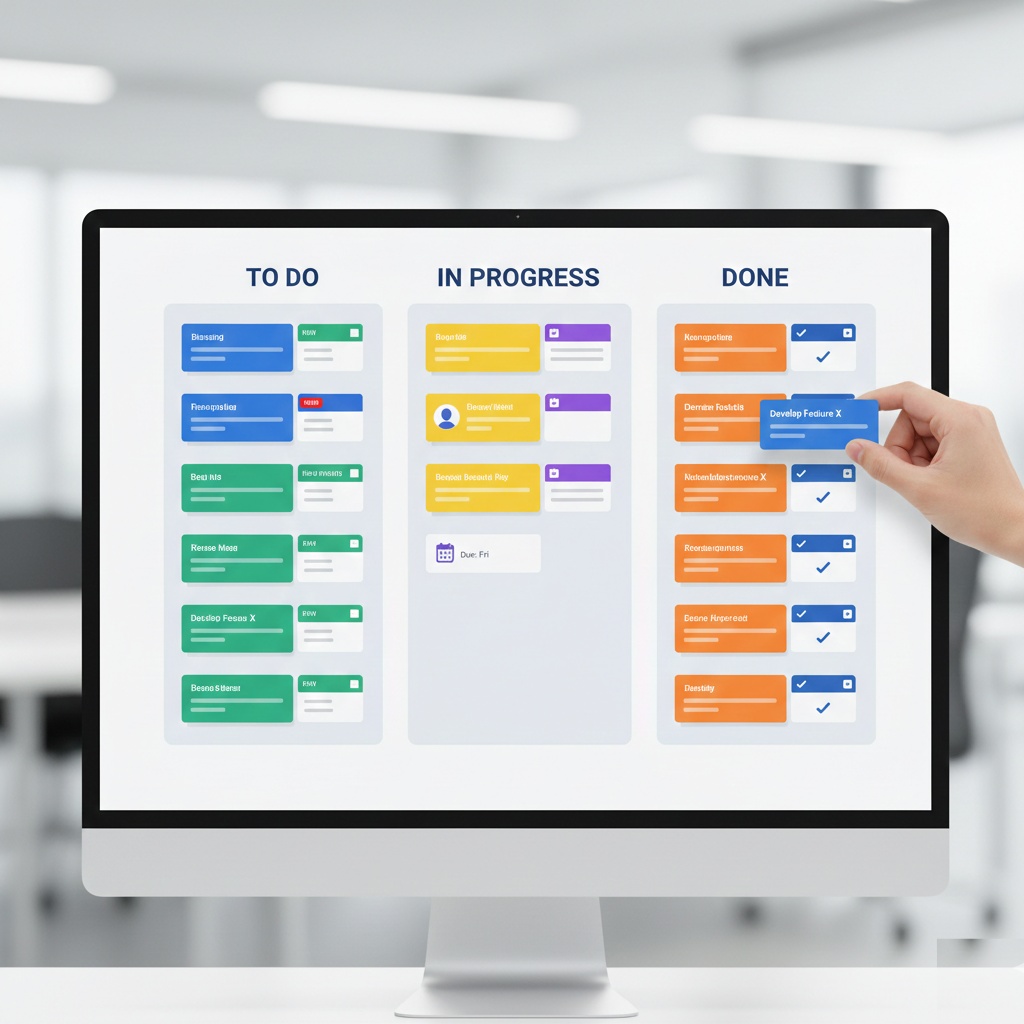
Kanban boards are dead simple. You’ve got columns, you move cards. My mom could figure it out in five minutes.
When Trello works:
- Small teams (under 10 people)
- Simple workflows (to-do, doing, done)
- Visual thinkers who hate text-heavy tools
When it falls apart: You can’t see dependencies. Time tracking’s a third-party plugin. Reporting’s basically non-existent. Once you hit about 50 active cards, it becomes a chaotic mess.
I watched a team try to manage a product launch with Trello. They ended up with 12 different boards and nobody knew where anything was.
Best for: Freelancers, small creative teams, personal task management.
ClickUp: The Swiss Army Knife (That Might Be Too Sharp)
ClickUp wants to be everything to everyone. Calendar, docs, chat, goals, time tracking… it’s all crammed in there.
I tried it for three months. Some days I loved it. Other days I wanted to throw my laptop out the window.
The promise: Replace Asana, Notion, Google Docs, and your time tracker with one tool. It’s genuinely impressive how much they’ve packed in.
The reality: The learning curve’s steep. You’ll spend your first week watching YouTube tutorials. And performance can be sluggish when you’ve got a lot of data.
But if you stick with it, it’s powerful.
Best for: Teams that want an all-in-one solution, remote teams that need built-in chat, power users who like customization.
The Specialized Tools You Should Know About
Linear: For Teams Who Think Jira Sucks
Linear’s what happens when designers and engineers build project management software for themselves.
It’s fast. Like, scary fast. Keyboard shortcuts for everything. The UI’s gorgeous. And it’s opinionated about how software teams should work.
I switched our team to Linear last year. The developers actually started closing tickets without me nagging them.
Why it’s different: No customization overload. The workflow’s designed around how modern dev teams actually work. GitHub integration that doesn’t feel like an afterthought.
The catch: It’s for software teams. Period. Don’t try to make your marketing team use this.
Notion: When You Need Wikis With Your Tasks
Notion’s not technically project management software, but teams use it that way.
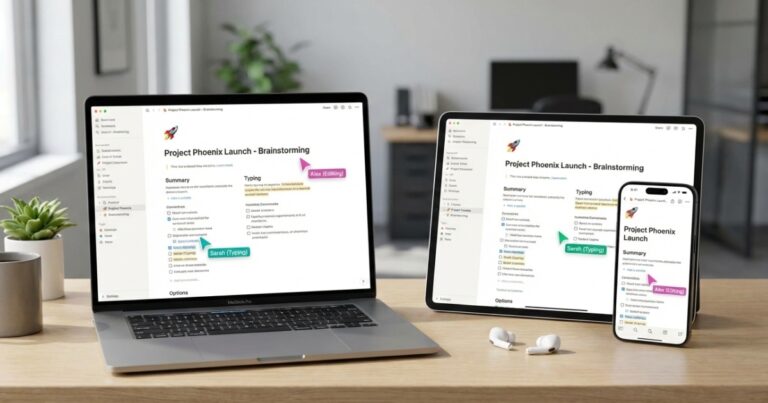
I use Notion for documentation, meeting notes, and light task tracking. The database views are clever. You can create a task board that’s also a calendar that’s also a table.
The problem: It gets slow with lots of data. And collaboration’s weird. Multiple people editing the same page at once can get messy.
Best for: Small teams, knowledge management, teams that need docs and tasks in one place.
What I Actually Recommend
Here’s my honest take after using all of these:
If you’re a software team: Linear or Jira. Linear if you value speed and design. Jira if you need enterprise features or you’re already using Confluence.
If you’re a mixed team: Asana. It’s the least-worst option that everyone can actually use.
If you’ve got budget and need flexibility: Monday.com or ClickUp. Monday for less technical teams, ClickUp if you’re willing to invest learning time.
If you’re just starting out: Trello. It’s free, it’s simple, and you can always migrate later.
The Mistakes I See Teams Make
Picking tools based on features you’ll never use. Yeah, ClickUp has time tracking and goal setting and wikis. But if you’re only using the task board, you’re paying for a Ferrari to drive to the grocery store.
Not standardizing on one tool. I cannot stress this enough. Pick one. Make everyone use it. The context switching will kill you otherwise.
Ignoring your team’s actual workflow. If your team’s not doing sprints, don’t force them into sprint-planning software. Match the tool to how you actually work.
Forgetting to actually use it. The best project management tool is the one your team actually updates. If nobody’s looking at it, it doesn’t matter how powerful it is.
Making Any Tool Actually Work

I’ve seen teams succeed with Trello and fail with Jira. The tool’s not the magic bullet.
What actually matters:
- Clear ownership (who’s responsible for each task?)
- Regular updates (daily standups, weekly reviews, whatever)
- Buy-in from everyone (if half the team ignores it, it’s useless)
- Realistic expectations (no tool fixes bad planning)
I spent two years using a fancy Gantt chart tool before I realized our problem wasn’t the software. It was that we kept saying yes to every feature request without adjusting timelines.
The Bottom Line
Project management software won’t save a dysfunctional team. But the right tool, used consistently, can make a functional team way more effective.
Start simple. Most teams overestimate what they need. You can always add complexity later.
And honestly? The best project management tool is the one your team will actually use every day without complaining. Sometimes that’s Jira. Sometimes it’s a shared Google Sheet.
Don’t let perfect be the enemy of done.
This article is part of our comprehensive guide on Software, Apps, and Productivity Tools. For more insights on staying productive and organized, check out the full guide.





4 Comments
Comments are closed.