
Productivity App Trends 2026: What’s Actually Coming (And What’s Just Hype)
Look, I’ve been writing about productivity tools since 2018, and I’ve seen enough “revolutionary” apps come and go to fill a graveyard. Remember when everyone thought blockchain would solve task management? Yeah, me too.
But here’s the thing: 2026 is shaping up differently. I’ve been testing beta versions of upcoming tools, talking to developers, and watching what actual users are demanding (not what tech blogs think they want). Some of this stuff is genuinely interesting. Some of it… well, we’ll get to that.
The AI Integration That Might Not Suck
Every productivity app is shoving AI into their feature list right now. Most of it’s garbage. I tested a task manager last week that suggested I “use AI to prioritize tasks” and it literally just sorted them alphabetically. Cool.
But there’s a subset of apps getting it right. They’re using AI for the boring stuff we actually hate:
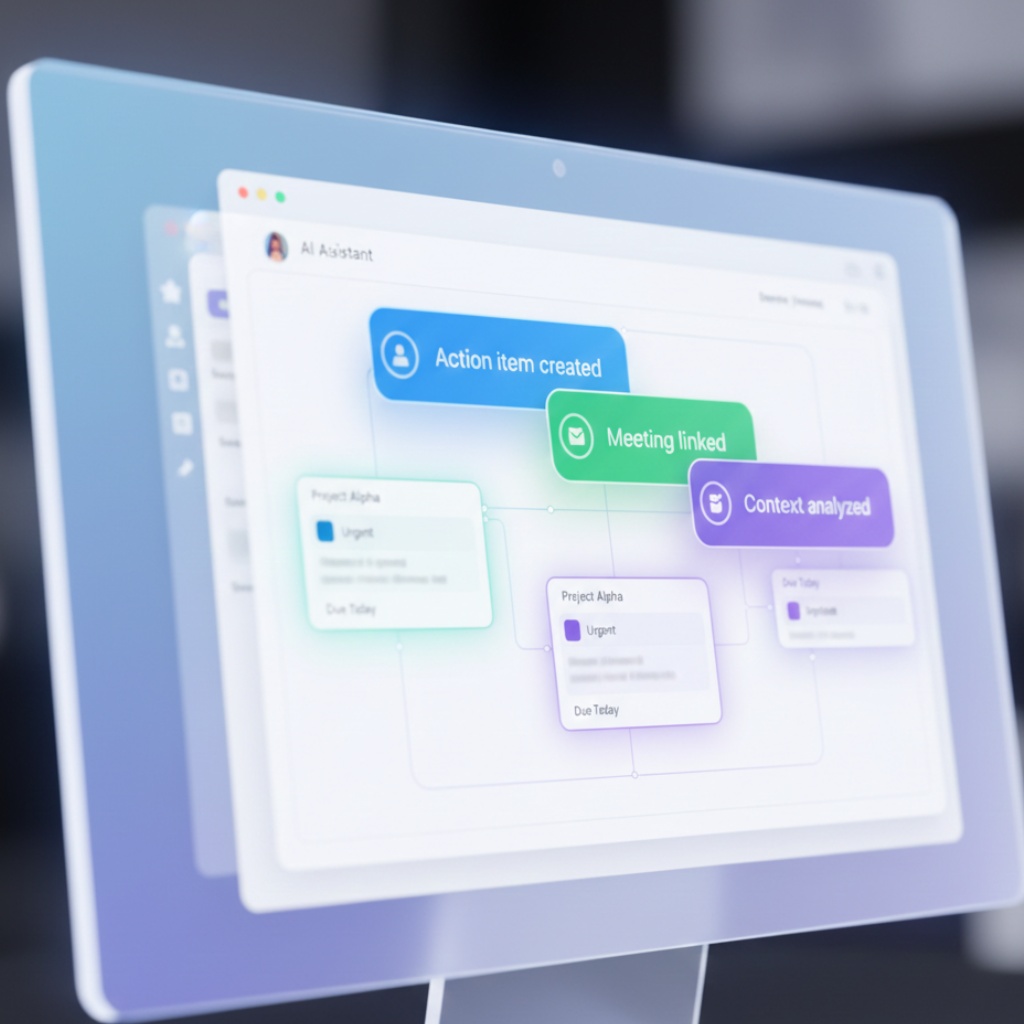
Meeting notes that write themselves. I sat through a two-hour product sync yesterday and didn’t take a single note. The app (still in beta, can’t name it yet) transcribed everything, identified action items, and sent them to our project board. Automatically. I’ve been burned by transcription tools before, but this one actually understood context. When someone said “we should probably do that thing,” it linked back to “that thing” from 20 minutes earlier in the conversation.
Email triage that learns. Gmail’s priority inbox has been around forever, but the new wave of tools goes deeper. They’re watching how you actually respond to emails (not how you say you will) and surfacing the ones that match your real patterns. I archive 80% of newsletters without reading them, but I always open anything from my DevOps team within 5 minutes. The app figured this out in three days.
The catch? These tools need access to everything. Your calendar, emails, chat history, the works. If that makes you uncomfortable, you’re not wrong to feel that way.
The Death of Single-Purpose Apps
I’ve got 47 apps installed on my phone right now. I use maybe 12 of them regularly. This is getting stupid.
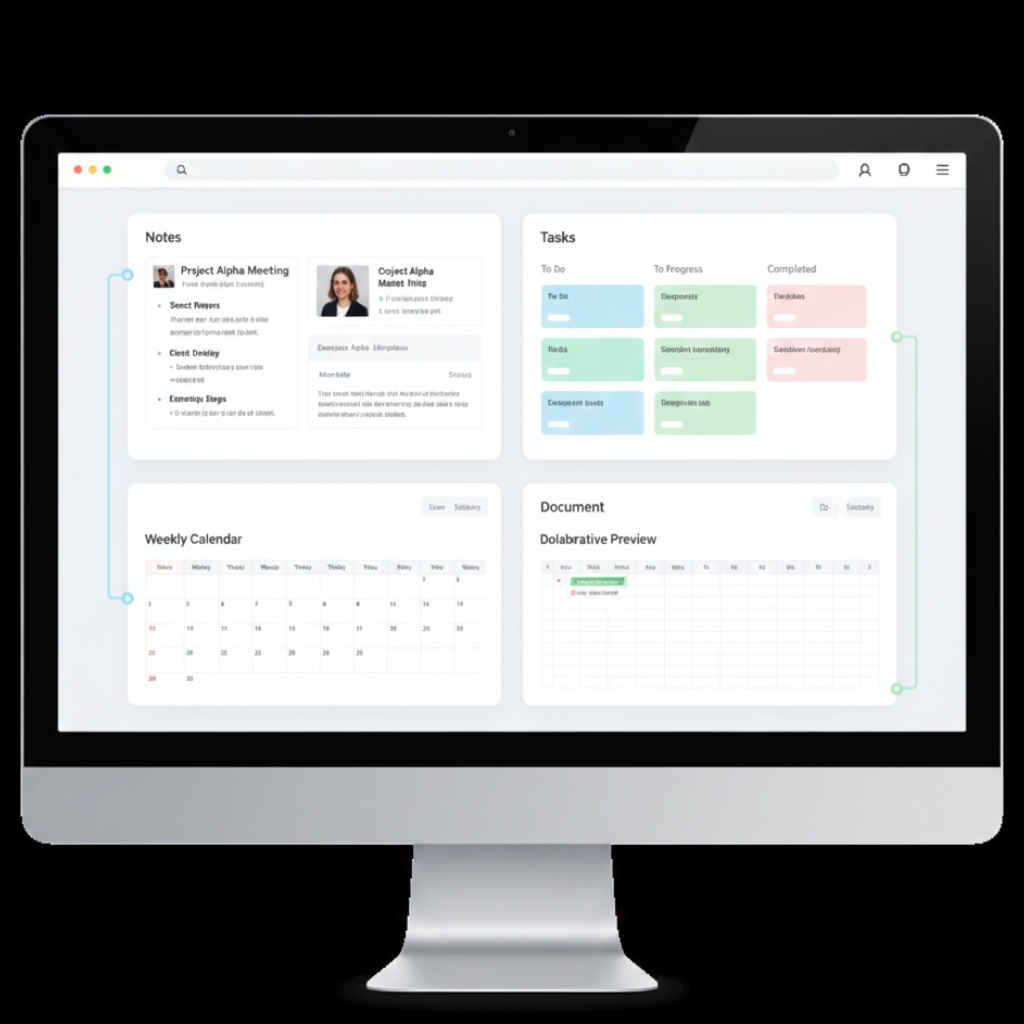
What’s emerging in 2026 is the “productivity hub” approach. Instead of having separate apps for notes, tasks, calendar, and documents, you’ve got one interface that does all of it. Notion started this trend years ago, but the new players are taking it seriously.
I switched to one of these platforms last month. Here’s what actually happened:
Week 1: Absolutely hated it. Everything felt clunky. Kept opening my old apps out of habit.
Week 2: Started seeing the connections. When I created a task from a meeting note, it auto-linked to the calendar event and pulled in the attendees.
Week 3: Realized I hadn’t opened my separate task manager in four days.
Now: I’m not going back. But I also lost two hours migrating my data, and there’s still stuff my old tools did better.
The trend is real, but don’t expect it to be painless. These platforms are trying to replace 5-10 specialized tools, and they can’t match all of them perfectly. Yet.
Voice-First Workflows (That Actually Work)
I’ve been skeptical about voice interfaces since Siri launched and couldn’t set a timer half the time. But something’s changed.
The new voice-first productivity apps aren’t trying to replace typing. They’re designed for the moments when typing sucks: driving, cooking, walking, or when you’re three drinks deep at a networking event and someone mentions a great book you need to remember.
I tested one that integrates with your task system. You just say “remind me to check the server logs before the standup tomorrow” and it:
- Creates the task
- Sets it for tomorrow
- Tags it with your work project
- Sets a reminder for 15 minutes before your standup (because it knows your calendar)
No follow-up questions. No “I found this on the web.” Just done.
The accuracy is scary good now. I’ve got a thick accent and it still catches everything. Five years ago, this same use case would’ve resulted in a task called “chicken sever logs” scheduled for next Tuesday.
Privacy-First Tools Are Winning
After years of giving Google, Microsoft, and Notion access to our entire digital lives, people are getting nervous. I know I am. Last month I searched my email history and realized there’s a complete record of every stupid thing I’ve ever asked a project manager.
The privacy-focused productivity tools launching in 2026 are doing two things differently:
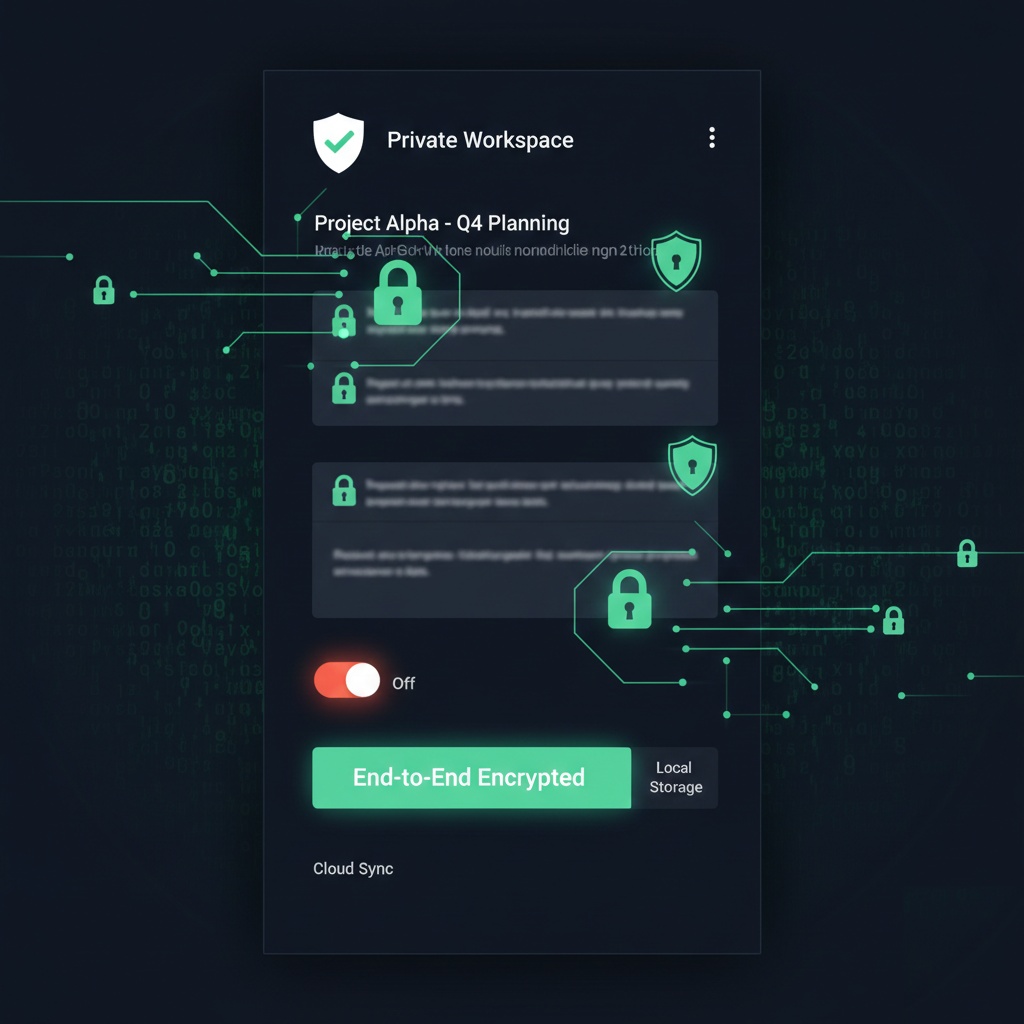
- Local-first everything. Your data lives on your device. Sync is encrypted end-to-end. The company literally can’t read your stuff even if they wanted to.
- Selective cloud sync. You choose what syncs and what stays local. Work notes? Sure, sync those. Personal journal entries? Those stay on your laptop.
I switched one of my note-taking apps to a privacy-focused alternative. The performance hit was real (syncing is slower when it’s encrypted), but I sleep better knowing my half-baked startup ideas aren’t training someone’s AI model.
The Automation Paradox
Here’s something nobody talks about: we’re building tools to automate our productivity tools. Think about how ridiculous that is.
I’ve got a Zapier workflow that watches my calendar, checks if I’ve blocked focus time this week, and if I haven’t, it creates the blocks automatically. Then it sends me a Slack message to confirm. Which I have to click. To approve the automation. That was supposed to save me time.
But 2026’s automation tools are getting smarter about this. Instead of “if this, then that,” they’re learning patterns and making suggestions. I tested one that noticed I always reschedule my Friday afternoon meetings to Monday morning. After watching this happen for two weeks, it asked if I wanted it to suggest Monday slots automatically when someone requests Friday afternoon.
I said yes. Three Fridays in a row, it’s worked perfectly. I’ve saved maybe 10 minutes total, but it feels like magic.
The trend here is automation that learns and asks permission, not automation that breaks in weird ways and floods your Slack with error messages at 2 AM (yes, that happened to me, yes, it was my own fault).
Cross-Platform Actually Means Cross-Platform Now
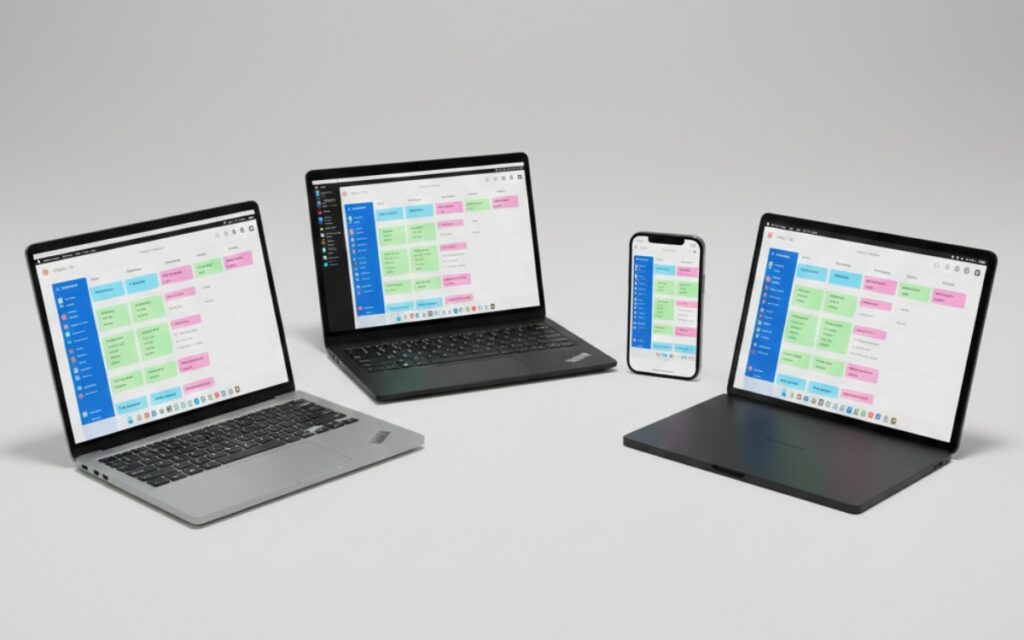
I work on a Mac. My personal laptop runs Linux because I’m difficult. My phone’s an iPhone. My tablet’s Android because I bought it in 2019 and it still works fine.
For years, this meant I had to use web apps for everything because native apps never worked everywhere. But 2026 is different. The new productivity tools are shipping actual native apps for everything, and they’re good.
I’m using a project management tool right now that has a legit Mac app (not Electron, actual native), a real Linux app (not a weird AppImage), and mobile apps that don’t feel like afterthoughts. The keyboard shortcuts work the same everywhere. The offline mode actually works. When I edit something on my phone, it syncs before I’ve even looked at my laptop.
This should’ve been the standard years ago, but most companies couldn’t afford to build for every platform. The new tools are using modern frameworks that make this easier. Finally.
The Backlash Against Notifications
Every productivity app thinks it needs to notify you about everything. Task due soon? Notification. Coworker commented? Notification. You haven’t used the app in three days? Believe it or not, notification.
I counted last week: I was getting 47 productivity-related notifications per day. That’s not productive. That’s assault.
The 2026 trend is “notification detox” features. Apps are building intelligent batching (bundle all your updates into one notification per hour), focus modes that actually work (no notifications during blocked time, no exceptions), and digest views instead of real-time alerts.
I enabled this on my task manager and calendar. First day was weird because I kept checking manually. But after a week? I was getting 8 notifications per day instead of 47, and I wasn’t missing anything important.
Some apps are going even further. They’re removing notification counts entirely. No more little red badges making you anxious. You check when you’re ready to check, not when the app demands attention.
What’s Probably Just Hype
Let me save you some time. Here’s what I’m seeing that I don’t think will stick:
Gamification 2.0. Apps are adding experience points, achievement badges, and leaderboards to task completion. I tried one for two weeks. It made finishing tasks feel like homework. Pass.
VR productivity spaces. Yes, you can sit in a virtual office and arrange virtual sticky notes. No, this is not better than a screen. I tried it. I got a headache in 20 minutes and accomplished nothing I couldn’t do faster on my laptop.
Blockchain-based task management. Why? Just… why? I haven’t found a single compelling reason why task completion needs to be on a blockchain. If you have one, email me. I’m genuinely curious.
What You Should Actually Pay Attention To
If you’re only going to track a few trends, watch these:
AI that does the tedious stuff. Not AI that writes your emails (please stop doing that, we can tell). AI that files things, transcribes things, and connects related items without you asking.
Consolidation platforms. Apps that replace 3-5 single-purpose tools. The migration will suck, but the long-term experience is better.
Privacy-first options. Even if you don’t switch, their existence is forcing the big players to take privacy seriously again.
Actually good mobile experiences. We’re finally past the era of “here’s the desktop UI crammed into a phone screen.”
The Real Question: Do You Even Need This Stuff?
Here’s what I’ve learned after testing productivity tools for seven years: the app doesn’t matter nearly as much as the habit.
I’ve seen people crush their goals with a paper notebook and a pen. I’ve seen people with $400 worth of productivity subscriptions who can’t finish a task list.
The 2026 trends are interesting. Some of them will genuinely make your life easier. But if you’re switching apps every three months hoping the next one will fix your productivity problems, you’re solving the wrong problem.
Try the new stuff when it solves a specific pain point you actually have. Don’t adopt it because it’s trending or because some tech blog (including this one) said it’s the future.
I’m currently using a mix of new AI-powered tools and a physical notebook I bought at Target for $3. They both work. Because I actually use them consistently.
What I’m Watching in Late 2026
The year’s not over, and there’s more coming. I’m keeping an eye on:
- Apps that integrate with your actual business tools (Jira, GitHub, Figma) without making you build the integrations yourself
- Better offline modes that don’t break sync when you reconnect
- Tools that help teams, not just individuals (most “collaboration” features still suck)
- Anything that reduces the number of apps I need open at once
I’ll probably write about these as they mature. Or I’ll forget and get distracted by something shiny. We’ll see.
This article is part of our comprehensive guide on Software, Apps, and Productivity Tools. For more insights on productivity tools and trends, check out the full guide.
Related Articles You Might Find Useful
If you’re interested in productivity trends, you might also want to check out:
- Best Productivity Apps 2025 – Current top picks before the 2026 wave hits
- Free vs Paid Productivity Apps – Worth the upgrade, or nah?
- Automation Tools for Productivity – Deep dive on the automation stuff I mentioned
- Focus and Distraction-Blocking Apps – Because notifications are the enemy



One Comment
Comments are closed.