Natural Language Processing (NLP) Explained
So here’s the thing: I’ve been working with NLP for about three years now, and I still remember the first time I tried to build a sentiment analysis tool. Spoiler alert – it thought “This product is sick!” was a negative review. Took me two days to figure out why my accuracy was stuck at 60%.
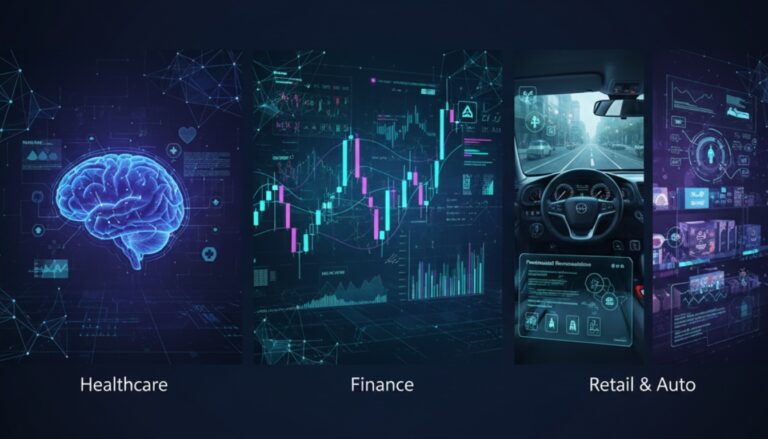
NLP is everywhere now. Your phone’s autocorrect (which still can’t figure out when you mean “duck”), Siri trying to understand your accent, spam filters catching Nigerian prince emails. But what actually is it, and why does it fail so hilariously sometimes?
This article is part of our comprehensive guide on Artificial Intelligence and Machine Learning. If you’re new to AI concepts, you might want to start with our Introduction to Artificial Intelligence first.
What Is NLP, Really?
Natural Language Processing is basically teaching computers to understand human language. Not just recognize words, but actually get the meaning, context, and intent behind them.
Think about it. When I say “I’m going to the bank,” you need context to know if I’m depositing money or sitting by a river. Computers don’t naturally get that. They see “bank” and have to figure out which one I mean based on everything else in the sentence.
I’ve built chatbots that confidently told users the exact opposite of what they meant because it misunderstood one word. It’s humbling.
The Core Components That Actually Matter
Text Preprocessing (The Boring But Critical Part)
Nobody talks about this enough, but text preprocessing is where half your NLP problems get solved or created.
Real talk: I once spent a week debugging a classification model that wasn’t working. The problem? Someone upstream was converting everything to lowercase, which meant it couldn’t tell the difference between “Apple” the company and “apple” the fruit. Basic mistake, massive impact.
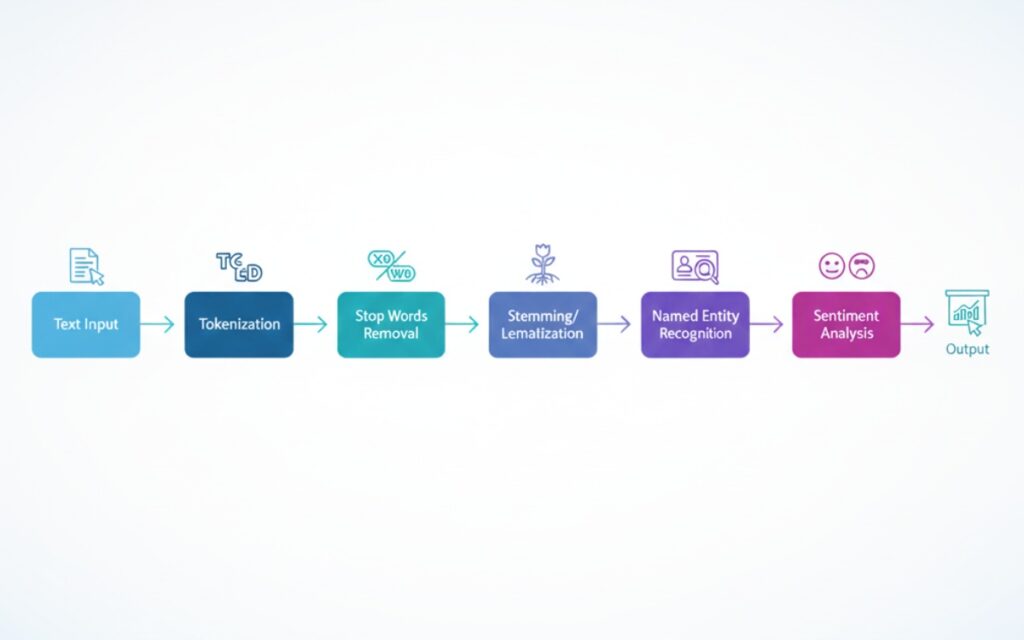
Here’s what preprocessing usually involves:
- Tokenization (splitting text into words or phrases)
- Removing stop words (the, is, at, which)
- Stemming or lemmatization (reducing words to their root form)
- Handling special characters and numbers
Pro tip: Don’t remove all special characters blindly. I did this once and my model couldn’t understand emails or prices anymore. Context matters.
Named Entity Recognition (NER)
This is where the computer tries to identify specific things in text – people, places, organizations, dates, whatever.
I use NER almost daily now. It’s great for extracting structured data from unstructured text. Like pulling out all company names from news articles or finding dates in customer support tickets.
But here’s what the tutorials don’t tell you: pre-trained NER models suck at domain-specific terms. I worked on a medical records system last year, and the off-the-shelf models kept tagging drug names as locations. We ended up fine-tuning our own model, which took three weeks and a lot of labeled data.
Sentiment Analysis (More Complex Than You Think)
Everyone wants sentiment analysis. “Can you tell if this review is positive or negative?”
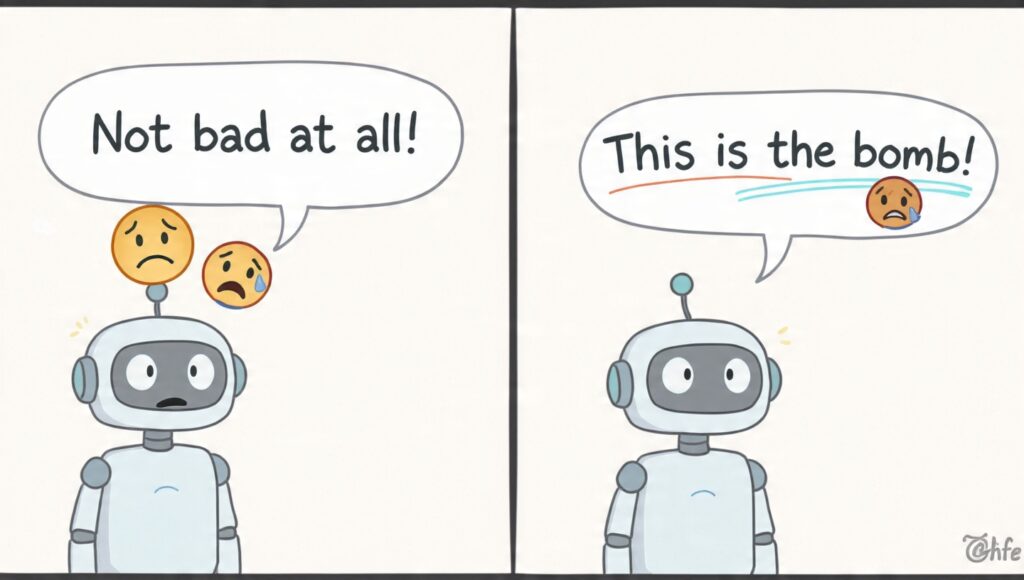
Sure. Until someone writes “Not bad at all!” and your model tags it as negative because it sees the word “bad.” Or “This camera is the bomb!” gets flagged as dangerous content.
Sarcasm? Forget about it. I’ve seen models confidently classify “Oh great, another software update that breaks everything” as positive because it found the word “great.”
If you’re doing sentiment analysis, use something like VADER for social media text or fine-tune BERT for your specific domain. And test it on real data, not just the clean examples from Kaggle.
The Technologies Behind NLP
Traditional Approaches (Still Useful Sometimes)
Before transformers took over, we had bag-of-words, TF-IDF, and n-grams. These are “old school” now, but they’re fast and work fine for simple tasks.
I still use TF-IDF for document similarity checks because it runs in milliseconds and doesn’t need a GPU. Sometimes simple is better.
Neural Networks and Embeddings
Word2Vec changed everything back in 2013. Instead of treating words as isolated tokens, it started representing them as vectors that captured semantic meaning. “King” minus “man” plus “woman” roughly equals “queen.” Mind-blowing at the time.
Then came BERT, GPT, and the transformer revolution. If you want to understand modern NLP, you need to understand machine learning basics and deep learning first.
The Transformer Era
Transformers (the neural network architecture, not the robots) are everywhere now. BERT, GPT-3, GPT-4, they’re all based on transformers.
The attention mechanism in transformers lets the model look at all words in a sentence simultaneously and figure out which ones are most relevant to each other. It’s why modern NLP suddenly got so much better at understanding context.
But here’s the catch: these models are huge. BERT-base is 110 million parameters. GPT-3 is 175 billion. You can’t just run this on your laptop. I learned this the hard way when my MacBook Pro started sounding like a jet engine and crashed trying to fine-tune a BERT model.

Real-World Applications I’ve Actually Built
Chatbots (The Good, Bad, and Ugly)
I’ve built maybe five chatbots at this point. Here’s what I’ve learned:
Don’t try to make it understand everything. Seriously. Constrain the domain. One chatbot I built only handled order status questions, and it worked great because we could train it on actual customer service logs.
The chatbot that tried to handle “general customer inquiries”? It failed spectacularly. A customer asked about return policies for perishable items during a heatwave, and it suggested wrapping them in aluminum foil. We turned that one off pretty quick.
Document Classification
This actually works really well. I built a system that automatically routes support tickets to the right team based on the content. It’s about 85% accurate, which saves hours of manual sorting every day.
The trick was getting enough labeled training data. We had support agents tag tickets for a month before we had enough to train a decent model.
Search and Information Retrieval
NLP makes search so much better. Instead of exact keyword matching, you can understand what users actually mean.
I worked on an internal knowledge base where “How do I reset my password?” and “I can’t log in” would both return password reset articles. The semantic search understood they were asking the same thing.
We used sentence embeddings (specifically, Sentence-BERT) to encode both the questions and all our articles. Then just found the closest matches. Worked way better than our old keyword system.
Common Pitfalls I’ve Hit
The Data Problem
NLP models are only as good as your training data. Garbage in, garbage out.
I trained a text classifier on formal business emails once, then deployed it on customer chat messages. It failed miserably because chat messages are full of typos, abbreviations, and emoji. Different data distributions = different results.
The Bias Problem
NLP models learn from text written by humans, and humans are biased. I’ve seen models that were more likely to associate male names with technical roles and female names with administrative ones. Not because we programmed that in, but because that’s what was in the training data.
You have to actively test for this stuff. And be ready to adjust your training data or add debiasing techniques.
The Computational Cost
Running large language models gets expensive fast. I worked on a project where we calculated that processing all customer emails with GPT-3 would cost about $5,000 a month in API calls.
We ended up using a smaller, fine-tuned model that ran on our own servers. Not as capable, but it handled our specific use case well enough and cost way less.
Tools and Libraries Worth Using
For Python (which is basically required for NLP):
- spaCy – My go-to for production NLP. Fast, well-documented, comes with pre-trained models
- NLTK – Good for learning and research, not as fast as spaCy
- Hugging Face Transformers – Essential if you’re working with BERT, GPT, or any modern transformer models
- Gensim – Great for topic modeling and document similarity
I use spaCy for 90% of my NLP work. It just works, and the documentation is actually helpful.
Where NLP Still Struggles
Even with all the advances, NLP falls apart with:
- Heavy sarcasm or irony
- Very domain-specific jargon
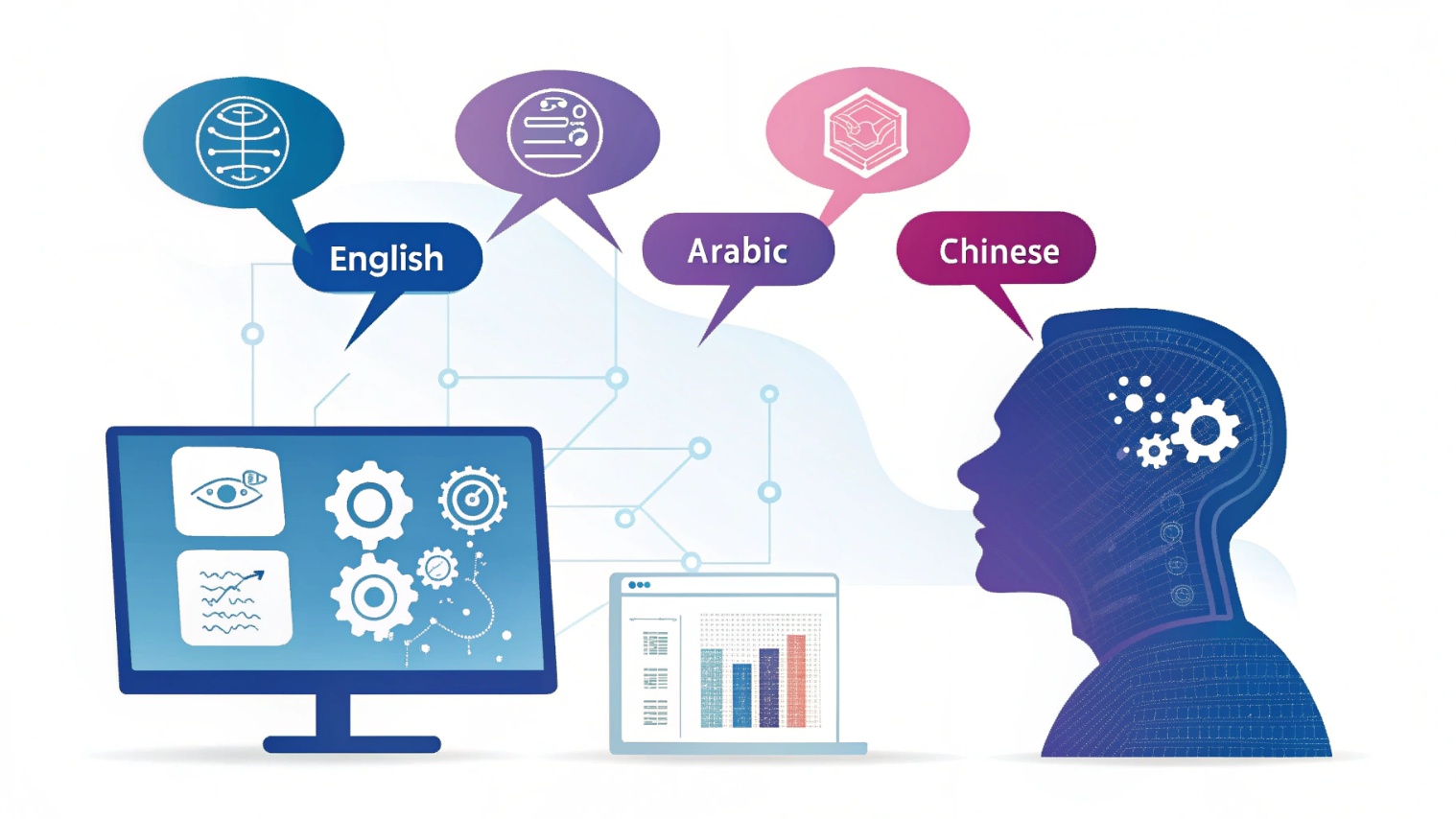
- Languages other than English (the models exist, but they’re not as good)
- Understanding implicit context
- Common sense reasoning
I had a model that couldn’t understand “She dropped her phone in the pool. It stopped working.” It couldn’t figure out that “it” referred to the phone, not the pool. Humans get this instantly. Models? Not so much.
The Future Looks Interesting
We’re seeing generative AI capabilities merge with traditional NLP tasks. Models like GPT-4 can do sentiment analysis, translation, summarization, and question answering all in one.
The challenge now isn’t “can we do this?” but “should we?” and “how much will it cost?”
I think we’ll see more specialized models that are really good at specific tasks rather than trying to build one model that does everything. More efficient, more accurate, more practical.
Getting Started With NLP
If you want to actually build something:
- Start simple. Build a sentiment analyzer or spam classifier with spaCy or scikit-learn
- Work with clean data first. Real-world messy data comes later
- Read AI algorithms to understand what’s happening under the hood
- Don’t jump straight to fine-tuning BERT. Master the basics first
- Test your models on data they haven’t seen. I can’t stress this enough
I made every mistake in this article so you don’t have to. NLP is powerful when you know its limitations. Just don’t expect it to understand sarcasm anytime soon.
For a deeper dive into how NLP fits into the broader AI ecosystem, check out our main guide on Artificial Intelligence and Machine Learning.
Related Articles: