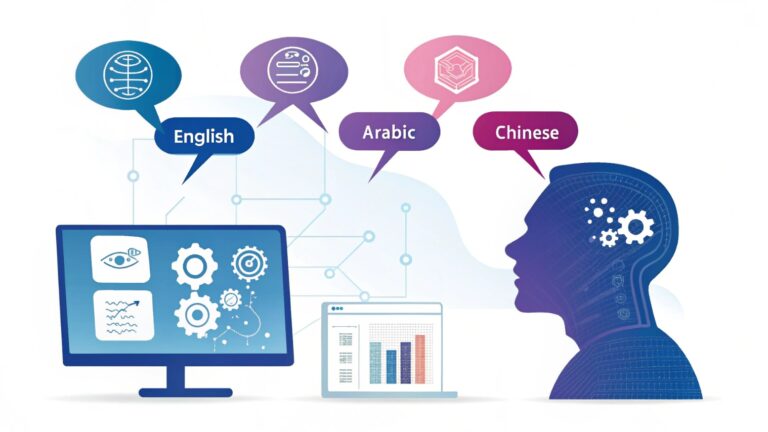
AI Tools for Beginners: Where to Actually Start (Without the Overwhelm)
Look, I get it. You want to learn AI, you Google “AI tools,” and suddenly you’re drowning in a sea of platforms, each claiming to be the “best” or “most intuitive.” I’ve been there. Last year, I tried to help my cousin get started with AI, and we spent two hours just trying to pick a tool. Two. Hours.
Here’s what nobody tells you: the “best” tool doesn’t exist. What exists is the right tool for what you’re trying to do right now.
This article is part of our comprehensive guide on Artificial Intelligence and Machine Learning. For the full guide on AI concepts and applications, check out the main resource.
Why Most Beginner AI Tool Lists Are Useless
Most articles will throw 20 tools at you with zero context about when to use what. That’s like handing someone a toolbox and saying “good luck building a house.”
So instead, I’m going to break this down by what you actually want to accomplish. Because the tool you need for playing with image generation is completely different from what you need for analyzing data.
The “I Just Want to Understand What AI Can Do” Starter Pack
ChatGPT (OpenAI)
Yeah, I’m starting with the obvious one. But here’s why: ChatGPT is basically the gateway drug to AI. It’s conversational, it responds immediately, and you can just… talk to it.
I had a friend who was terrified of “technical stuff.” I showed him ChatGPT, and within 10 minutes, he was using it to debug his Excel formulas. That’s the power of starting simple.
What it’s good for:
- Understanding how language models work
- Writing assistance and brainstorming
- Learning to write effective prompts (this skill transfers everywhere)
- Quick coding help for beginners
The catch: The free version can be slow during peak times. And honestly? You’ll hit the “I need more power” wall pretty fast if you’re doing anything complex.
Google Colab
This one changed everything for me when I was learning. It’s basically Jupyter notebooks in your browser, and it comes with free GPU access. Free. GPU. Access.
I remember spending $200 on cloud compute credits before someone told me Colab existed. I wanted to cry.
What it’s good for:
- Running Python code without installing anything
- Experimenting with machine learning models
- Following tutorials (most AI tutorials use Colab)
- Testing ideas before committing to paid platforms
Real talk: The free tier disconnects after 12 hours of inactivity. Save your work obsessively. I’ve lost code because I went to grab lunch and forgot to save.
If you’re curious about how AI actually processes and analyzes information at a deeper level, check out our guide on Machine Learning Basics. It’ll help you understand what’s happening behind these tools.
For the “I Want to Build Something Visual” Crowd
Midjourney
I’ll be honest, I resisted image generation AI for months. Thought it was just a gimmick. Then I needed a blog header at 11 PM on a Sunday, and Midjourney saved my life.
It works through Discord, which is weird at first. But once you get the hang of prompting, it’s stupid powerful.
What you need to know:
- Requires a Discord account
- Not free anymore (starts at $10/month)
- Learning curve is all about prompt writing
- The community galleries are gold for learning
My first disaster: I tried to generate “a professional office” and got images of literal fish in suits at desks. Turns out, being specific matters. “Modern minimalist office with natural lighting” got me what I actually needed.
Runway ML
This is where video generation gets accessible. I used it to create a 10-second animation for a presentation, and people thought I’d hired a designer.
Why beginners like it:
- Web-based, no installation
- Templates to start from
- Video editing with AI assistance
- Image-to-video generation that actually works
The limitation: Free credits run out fast. Like, really fast. If you’re serious about video work, you’ll need a subscription.
Want to understand the underlying technology that makes these visual tools work? Our article on Computer Vision Explained breaks down how AI “sees” and interprets images.
For Data Nerds (Or People Who Need to Become Data Nerds)
Kaggle
This platform is criminally underrated for beginners. It’s technically for data science competitions, but the real value is in the free datasets and notebooks people share.
I learned more from reading other people’s Kaggle notebooks than from any online course. It’s like having thousands of mentors showing their work.
What you get:
- Free cloud notebooks (similar to Colab)
- Massive library of datasets
- Complete projects to learn from
- A community that actually helps beginners
Pro tip: Don’t start by entering competitions. Just explore datasets and run existing notebooks to see how things work.
Teachable Machine (Google)
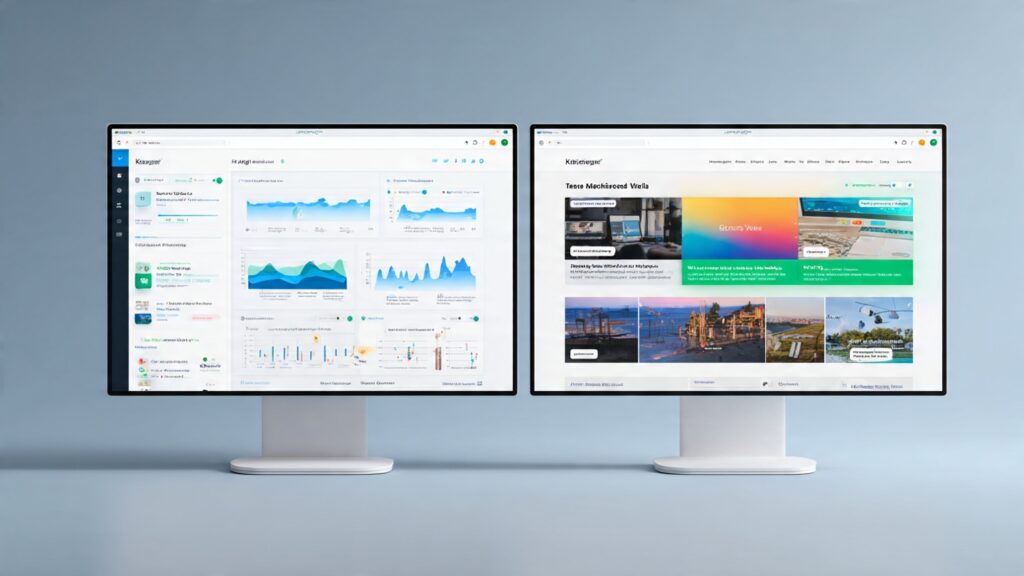
This one’s perfect if you want to understand how AI training works without writing code. You literally train a model by showing it examples through your webcam.
I used this to teach a model to recognize when my cat was on my keyboard. Took 5 minutes. It was 87% accurate. My cat was not impressed.
Why it’s great for beginners:
- Zero coding required
- Immediate visual feedback
- Exports models you can use in real projects
- Makes the “training” concept click instantly
For a deeper dive into how AI learns from data and makes predictions, our Predictive Analytics with AI guide covers the concepts these tools are built on.
The “I Code a Little” Toolkit
Hugging Face
Think of this as GitHub for AI models. It’s where the open-source AI community lives, and it’s absolutely packed with pre-trained models you can use.
First time I discovered Hugging Face, I spent three hours just trying different models. It’s that addictive.
What’s available:
- Thousands of pre-trained models
- Interactive demos (try before you download)
- Datasets for training
- Spaces for deploying models
Getting started reality check: The documentation assumes you know more than you probably do. Don’t get discouraged. Start with the Models tab, try the interactive demos, and work backward from there.
Python + Basic Libraries
Look, if you’re going to stick with AI for more than casual experimentation, you’ll want Python. Not because it’s the “best” language, but because 99% of AI resources assume you’re using it.
Essential libraries to start with:
- NumPy (number crunching)
- Pandas (data manipulation)
- Scikit-learn (classic machine learning)
- TensorFlow or PyTorch (deep learning, pick one)
I started with scikit-learn because the documentation is actually readable. TensorFlow came later, after I’d built up some confidence.
My recommendation: Don’t try to learn everything at once. Pick one library, build three small projects with it, then move on.
If you’re wondering which programming language fits your AI goals, check out our breakdown of AI Programming Languages to see what each one excels at.
The Tools I Wish I’d Started With
Weights & Biases
This isn’t sexy or flashy, but if you’re training models, you need experiment tracking. Trust me on this.
I once trained the same model six times because I forgot which hyperparameters I’d used. W&B prevents that nightmare.
What it does:
- Tracks your experiments automatically
- Visualizes training progress
- Compares different model runs
- Free for personal projects
When you need it: Not day one. But by week three of your AI journey, you’ll understand why this matters.
Jupyter Notebooks (Local)
Eventually, you’ll want to move off cloud notebooks and run things locally. Jupyter is the standard.
Why go local:
- No internet required
- No session timeouts
- Full control over your environment
- Faster iteration
The setup pain: Installing everything correctly is annoying. Use Anaconda. It handles the messy dependency stuff for you.
What I’d Tell My Past Self

If I could go back to when I was starting with AI tools, here’s what I’d say:
Start with one tool for one specific thing. Don’t try to master five platforms simultaneously. I tried that. It sucked.
Use the free tiers until they hurt. Only pay for tools when the limitations actively block what you’re trying to build.
Join the communities. Discord servers, subreddit, whatever. AI tools change so fast that official documentation is often outdated. The community knows the workarounds.
Save everything. Cloud notebooks crash. Sessions timeout. Your brilliant 2 AM experiment will vanish if you don’t obsessively save and export.
Expect frustration. My first week with AI tools involved more error messages than results. That’s normal. The tools are powerful but not always intuitive.
Common Beginner Mistakes (That I Absolutely Made)
Mistake 1: Jumping straight to complex tools. I tried TensorFlow on day two. I understood nothing. Should’ve started with something visual like Teachable Machine.
Mistake 2: Not learning prompt engineering. With language models and image generators, how you ask matters as much as what you ask. I generated garbage for weeks before learning this.
Mistake 3: Ignoring the basics. I wanted to build neural networks before I understood what a training set was. Don’t be me. Understanding core concepts like Deep Learning will save you hours of confusion.
Mistake 4: Using the wrong tool for the job. Not everything needs a neural network. Sometimes a simple regression model works better. Learn when to use what.
Your Actual Next Steps
Here’s a concrete path if you’re starting today:
Week 1: Play with ChatGPT. Get comfortable with prompting. Try to break it. Learn its limits.
Week 2: Open Google Colab. Run a tutorial notebook. Any notebook. Just see how it feels.
Week 3: Pick a problem you actually have. Doesn’t need to be big. Then find a tool that might solve it.
That’s it. Don’t overthink it.
The hardest part about starting with AI tools isn’t the technology. It’s the analysis paralysis from having too many options. So pick one thing, do it badly, learn from it, and move forward.
I’ve spent hundreds of hours with these tools, made every mistake possible, and burned through more free credits than I’d like to admit. But that’s how you learn. By trying things, breaking them, and figuring out why.
Additional Resources
Ready to explore more advanced AI concepts? Check out our comprehensive Artificial Intelligence and Machine Learning guide for deeper dives into theory and applications. You might also find value in learning about AI Algorithms that power these beginner-friendly tools.
Want to see these tools in action across different industries? Our AI Case Studies show real-world implementations from companies that started exactly where you are now.
And if you’re curious about what comes after the beginner phase, take a look at the Future of Artificial Intelligence to see where this field is heading.
Now go experiment. Break things. Learn stuff. You’ve got this.