Best Foldable Phone Accessories: What Actually Works (And What’s a Waste)
I’ll be honest. When I got my first foldable phone last year, I thought I could just slap on any old case and call it a day. Wrong. So very wrong.
Broke the inner screen protector in three weeks because I used the wrong cleaning cloth. Spent $40 on a case that didn’t even support wireless charging. And don’t get me started on the stylus situation.
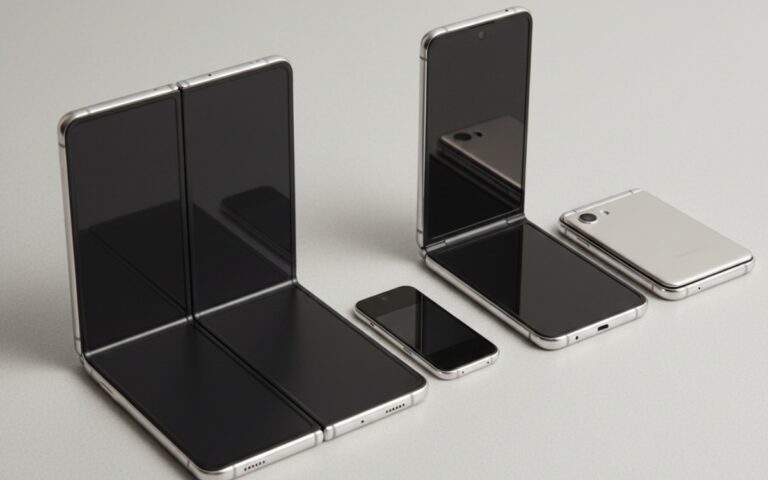
Here’s the thing about foldable phones: they’re amazing pieces of tech, but they need specific accessories. Not just “phone accessories,” but stuff actually designed for the folding mechanism, the dual screens, and all the quirks that come with them.
Let me save you the money and frustration I went through.
This article is part of our comprehensive guide on Smartphones and Mobile Technology. For more info on foldables themselves, check out our full guide.
Why Foldable Phones Need Different Accessories
Regular phone accessories won’t cut it. I learned this the hard way.
Foldables have unique needs:
- The hinge mechanism needs protection but also flexibility
- Two screens mean two surfaces to protect
- Most fold in half, so cases have to account for that
- The inner screen is usually plastic or ultra-thin glass (more fragile)
- Wireless charging might not work with thick cases
You can’t just grab a generic case off Amazon and hope for the best. Trust me.
Cases for Foldable Phones: The Essential First Purchase
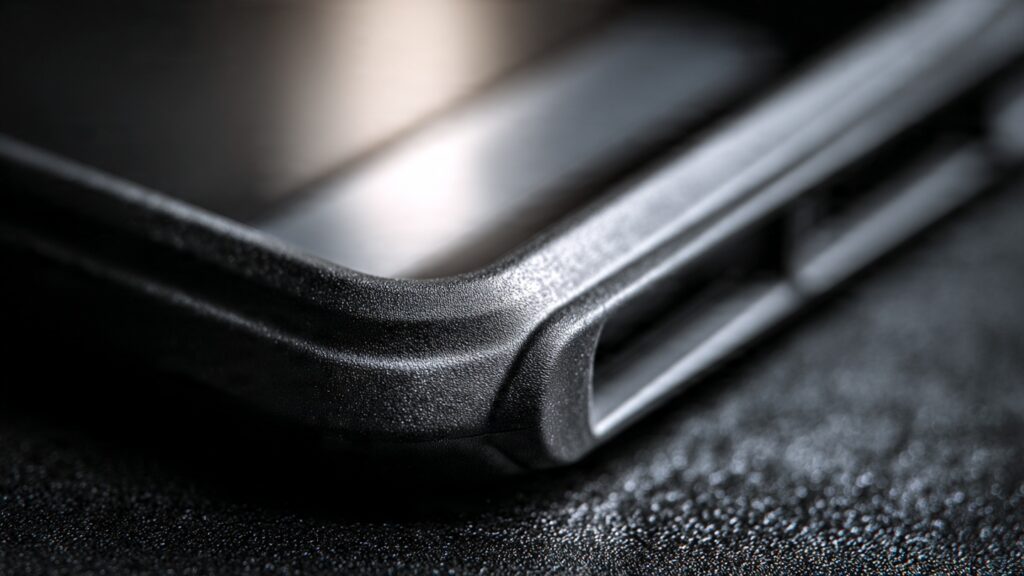
What Makes a Good Foldable Case
I’ve gone through four different cases. Here’s what actually matters:
Hinge protection is critical. The hinge is the most vulnerable part of your phone. Any case worth buying should have reinforced corners around the hinge area. I dropped my Galaxy Fold once, and the only reason it survived was because the case absorbed the impact on that hinge corner.
You want a case that folds flat. Some cheaper cases add bulk that prevents the phone from closing completely. This puts stress on the hinge over time. Not worth it.
Wireless charging compatibility. Check this before buying. I didn’t, and ended up with a case that was too thick for my wireless charger to work through. Had to remove it every night. Annoying as hell.
My Top Recommendations
Look for cases from Samsung (if you have a Galaxy), or brands like Spigen and Ringke. They actually test these on foldables. The cheap $15 cases on Amazon? Maybe skip those unless you’re willing to gamble.
For Galaxy Z Fold users, Samsung’s official case with the S Pen holder is expensive but worth it if you use the stylus. For Flip users, anything that protects the hinge and doesn’t add crazy bulk works.
One more thing: avoid leather cases. They look nice, but leather doesn’t flex well over time, and you’ll end up with cracking right where the fold happens. Learned that one the expensive way.
Screen Protectors: Handle With Care
This is where it gets tricky.
Most foldables come with a factory-installed screen protector on the inner screen. Do not remove it. I know it looks like it’s bubbling or peeling, but removing it can damage the actual screen underneath. Samsung specifically warns about this.
If it does start peeling badly, take it to an authorized service center. They’ll replace it properly. Costs around $20-30, but way better than a $400 screen replacement.
Outer Screen Protection
The outer screen is usually normal glass, so regular tempered glass protectors work fine there. I use a standard tempered glass protector on my outer screen, and it’s been great. No special considerations needed.
Just make sure it’s cut properly so it doesn’t interfere with the folding mechanism.
Stylus Options for Foldables
If you have a Galaxy Z Fold, you’ll want an S Pen. But not just any S Pen.
The regular Galaxy Note S Pen will damage your Fold’s screen. You need the S Pen Fold Edition, which has a softer tip. Samsung makes this very clear, but people still mess it up.
I use the S Pen Pro, which works with both the Fold and my Galaxy Tab. Costs more, but the dual compatibility is worth it for me. Plus it charges via USB-C, so no more AAAA batteries.
For other foldables like the Pixel Fold, capacitive styluses work, but they’re not as precise. If you’re serious about note-taking or drawing, stick with Galaxy Folds that support the S Pen.
Charging Accessories
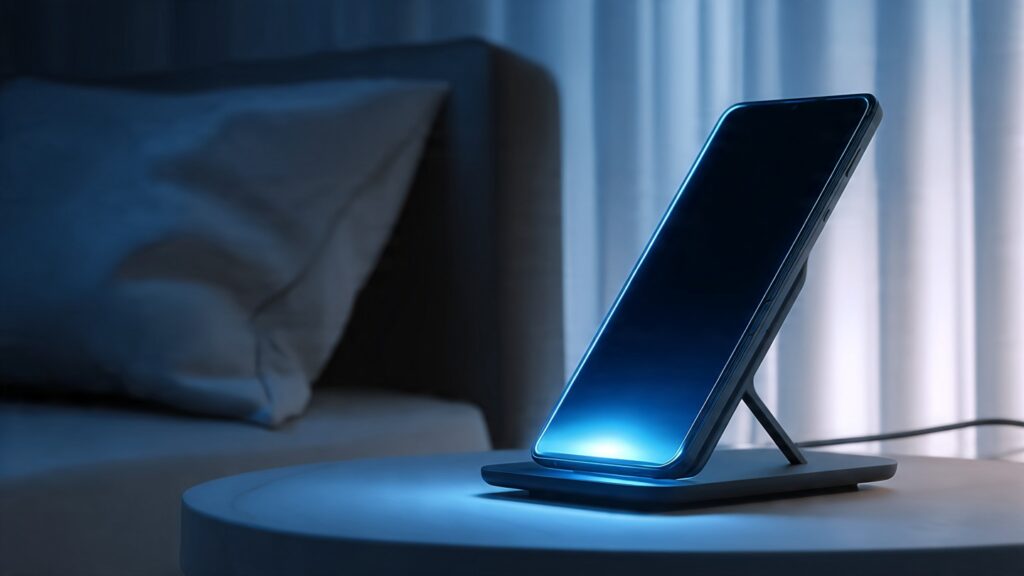
Wireless Chargers
Most foldables support wireless charging, but they’re pickier about charger placement than regular phones.
When folded, the phone is thicker, so some wireless chargers struggle to maintain contact. I’ve had the best luck with:
- Anker’s PowerWave stand chargers (they have a good angle)
- Samsung’s official wireless chargers (obviously)
- Any charger with multiple coils
Avoid flat pad chargers. They don’t work well with folded phones.
Cable Charging
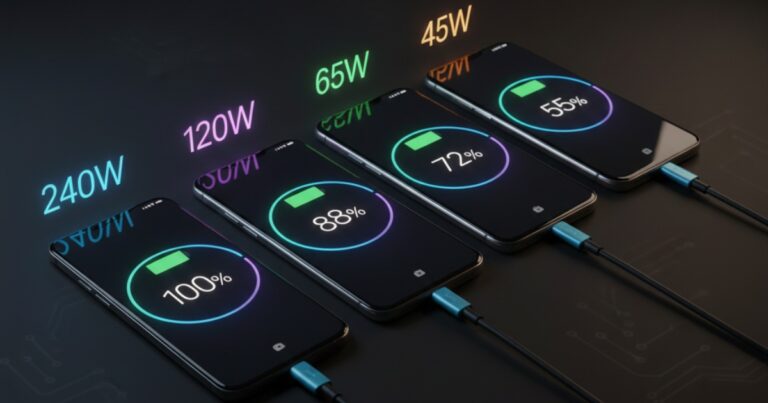
All modern foldables use USB-C, which is great. But here’s something I didn’t expect: because these phones have larger batteries (usually 4,000-5,000 mAh), they really benefit from fast charging.
Get a charger that supports at least 25W if you have a Fold, or 15W minimum for a Flip. The included chargers are often slower than what the phone can handle. I upgraded to a 45W charger, and it cut my charging time almost in half.
Also, get a braided cable. These phones are expensive. Don’t cheap out on a cable that’ll fray in two months.
Stands and Holders
Foldables can actually work as their own stand when partially folded (Flex Mode), which is awesome for video calls or watching content. But sometimes you need a proper stand.
Car mounts are annoying. Most car mounts are designed for regular phones. With foldables, you either mount them folded (which works but feels wasteful) or unfolded (which doesn’t fit most mounts).
I ended up using a generic tablet mount in my car. It’s bigger, but it actually fits my unfolded phone properly.
For desks, any tablet stand works. Just make sure it’s sturdy, because these phones are heavy when unfolded.
Cleaning Kits: More Important Than You Think
The inner screen is delicate. Very delicate.
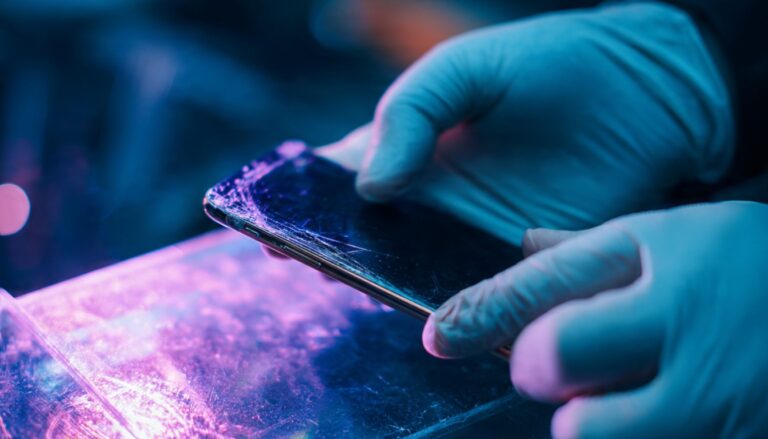
I mentioned earlier that I ruined my screen protector with the wrong cleaning cloth. Here’s what happened: I used a rough microfiber cloth with some glass cleaner. The screen protector got scratched up, started peeling, and I had to get it replaced.
What you should use:
- Soft microfiber cloths (the kind for glasses)
- Screen cleaning solution (not Windex or alcohol)
- Gentle circular motions
Samsung sells official cleaning kits for like $10. Worth it for peace of mind. Or just use the cloth that came with your glasses. That works too.
Never use paper towels. Never use rough cloths. Never press hard.
Earbuds and Audio Accessories
Good news: foldables work with any Bluetooth earbuds. No special requirements here.
That said, if you’re in the Samsung ecosystem, Galaxy Buds have some neat integration features with Galaxy Folds. Auto-switching between devices, Bixby routines, that sort of thing.
I use the Buds Pro, and they’re solid. But honestly? Any decent wireless earbuds will work fine.
One tip: use the outer screen to control music playback. Don’t unfold your phone every time you need to skip a track. Saves wear on the hinge.
What About Portable Batteries?
Foldables have decent battery life, but they’re power-hungry when you’re using that big inner screen.
I carry a 10,000 mAh power bank with Power Delivery support. Makes sure I can fast-charge on the go. Anker makes good ones around $30-40.
For travel, I use a 20,000 mAh battery. Overkill for one phone, but I also charge my tablet and earbuds, so it makes sense.
Just make sure whatever you buy supports USB-C PD (Power Delivery). Regular power banks are too slow for these batteries.
Camera Accessories (Yes, Really)
Foldables have great cameras, and the ability to use the main camera for selfies (by using the outer screen as a viewfinder) is fantastic.
For serious photography, consider:
- A phone grip or handle (these phones are slippery when unfolded)
- A small tripod (the phone’s Flex Mode is great, but a tripod is more stable)
- A lens cleaning kit (you’ll be using these cameras a lot)
I got a Peak Design phone case with their mounting system. Lets me quickly attach my phone to tripods, car mounts, or even my bike. Little pricey, but the versatility is worth it.
Storage Solutions
These phones are expensive and fragile. When you’re not using it, protect it properly.
I keep mine in a hard-shell case when traveling. Something like a small camera case works perfectly. Protects against drops in my backpack and keeps dust out of the hinge.
At home, I have a dedicated spot on my desk with a wireless charger. Keeps the phone safe and charged.
What’s Not Worth Buying
Let me save you some money:
Skip the cheap screen protectors for the inner screen. You can’t apply them yourself without risking damage. Factory installed or professional installation only.
Avoid gimmicky hinge covers. Some sellers offer decorative hinge covers or “hinge protection films.” They mess with the mechanism and can cause more problems than they solve.
Don’t buy magnetic accessories. Some cases and car mounts use magnets. These can interfere with the phone’s wireless charging and sometimes even the hinge mechanism. Not worth the risk.
Generic phone grips won’t work. Those PopSockets or ring holders? They don’t stick well to the textured backs of most foldable cases, and they definitely don’t work on the folding part.
Related Articles You Should Check Out
Want to learn more about foldables? I’ve written about other aspects of these phones that might help:
- Foldable Smartphones Explained covers the basics of how these devices work
- Foldable vs Traditional Smartphones helps you decide if a foldable is right for you
- Smartphone Buying Guide for general advice on picking your next phone
- Smartphone Performance Tips to keep your foldable running smoothly
The Bottom Line
Foldable phones need specialized accessories. Period.
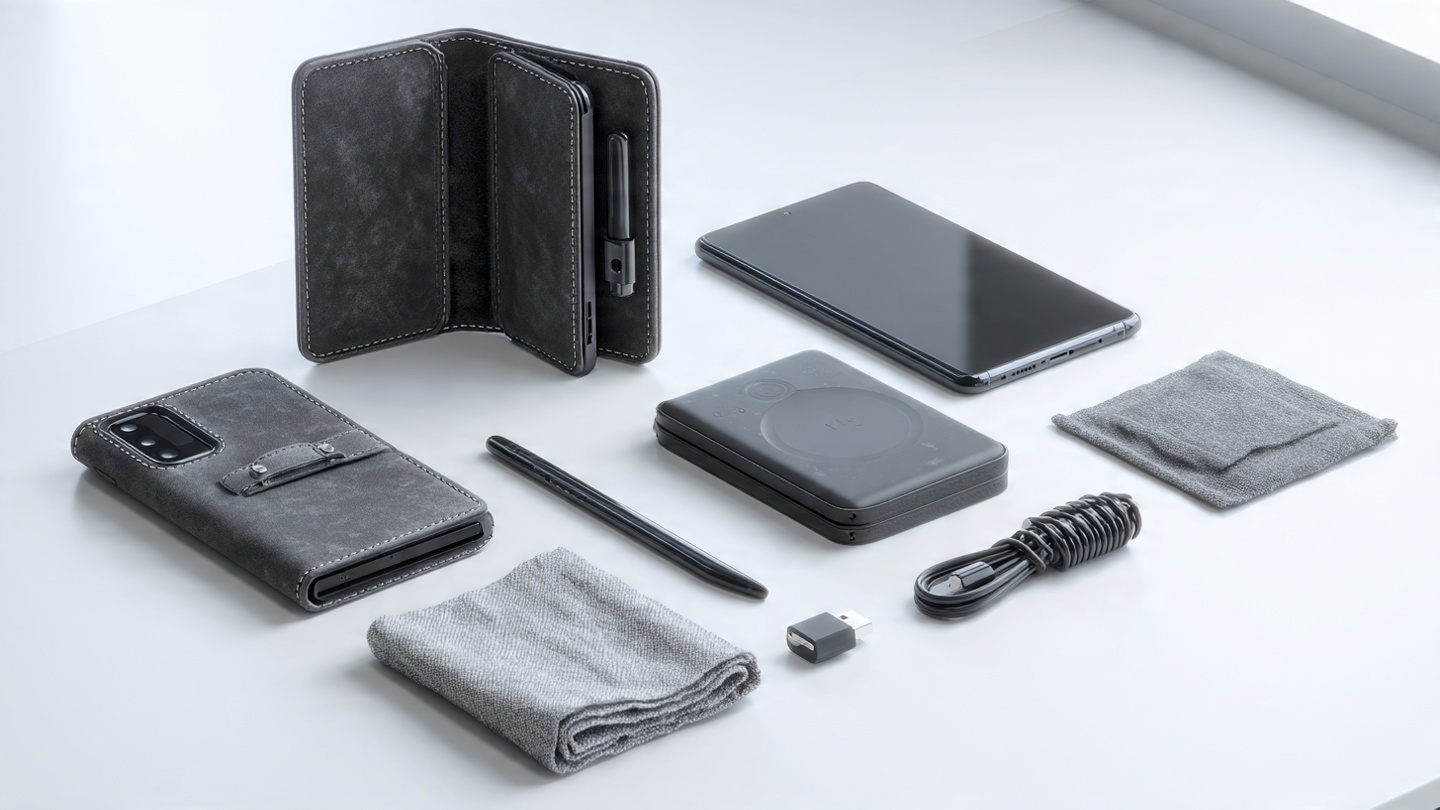
You don’t need everything on this list, but at minimum, get a good case and be careful with the inner screen. Those two things alone will save you hundreds in repairs.
Start with:
- A quality case from a reputable brand
- A fast USB-C charger and cable
- A wireless charger if you use one
- A soft cleaning cloth
Then add other accessories based on your actual needs. If you use a stylus, get the right one. If you travel a lot, invest in good protection. If you take lots of photos, grab a tripod or grip.
The good news? Once you have the right accessories, these phones are incredible to use. Just don’t make the mistakes I made by cheaping out on protection or buying stuff that wasn’t designed for foldables.
Your wallet will thank you.