
Productivity Apps for Entrepreneurs: Tools That Actually Work (And Some That Don’t)
Look, I’ve tried probably 30 different productivity apps in the past three years of running my own dev consultancy. Most of them ended up gathering digital dust after week two. But a few? They’ve genuinely changed how I work.
Here’s the thing about being an entrepreneur: you’re wearing like seven different hats at once. One minute you’re coding, the next you’re chasing invoices, then suddenly you’re in a client call pretending you totally remember what you promised to deliver. It’s chaos. And if you don’t have systems in place, you’ll drown.
So let me walk you through the apps that actually stuck around, why they work, and which ones I ditched (and why you should probably skip them too).
Why Entrepreneurs Need Different Tools
Before we get into specific apps, real talk: what works for a corporate team doesn’t always work when you’re solo or running a small team. I learned this the hard way when I tried using enterprise project management software for my three-person agency. Spent more time managing the tool than actually doing work.
Entrepreneurs need tools that are:
- Fast to set up (you don’t have time for two-week onboarding)
- Flexible enough to handle the constant pivots
- Not overengineered for massive teams
- Actually worth the monthly subscription
That last point matters. When it’s your money, you start caring real quick about ROI.
Task Management: The Foundation

What I Actually Use: Todoist
I’ve bounced between Asana, Trello, ClickUp, and about five others. Todoist is what stuck because it’s stupid simple but powerful enough.
Here’s my setup: I have projects for each client, plus internal ones for “Business Dev” and “Admin Hell” (yes, that’s the actual project name). Natural language input is clutch. I can type “Follow up with Sarah next Tuesday at 2pm” and it just works.
The killer feature? Recurring tasks. I bill clients monthly, and I kept forgetting until I set up a recurring task: “Send invoices – every 28th.” Saved me probably $3k last year just by not forgetting to bill people.
Cost: Free tier works fine, Premium is $4/month if you need labels and reminders.
What I Ditched: Monday.com
Too much. Way too much. It’s like they took every feature anyone ever wanted and crammed it into one interface. Great if you’re managing a 50-person team. Overkill if you’re just trying to remember to call your accountant.
Time Tracking: Where Your Day Actually Goes
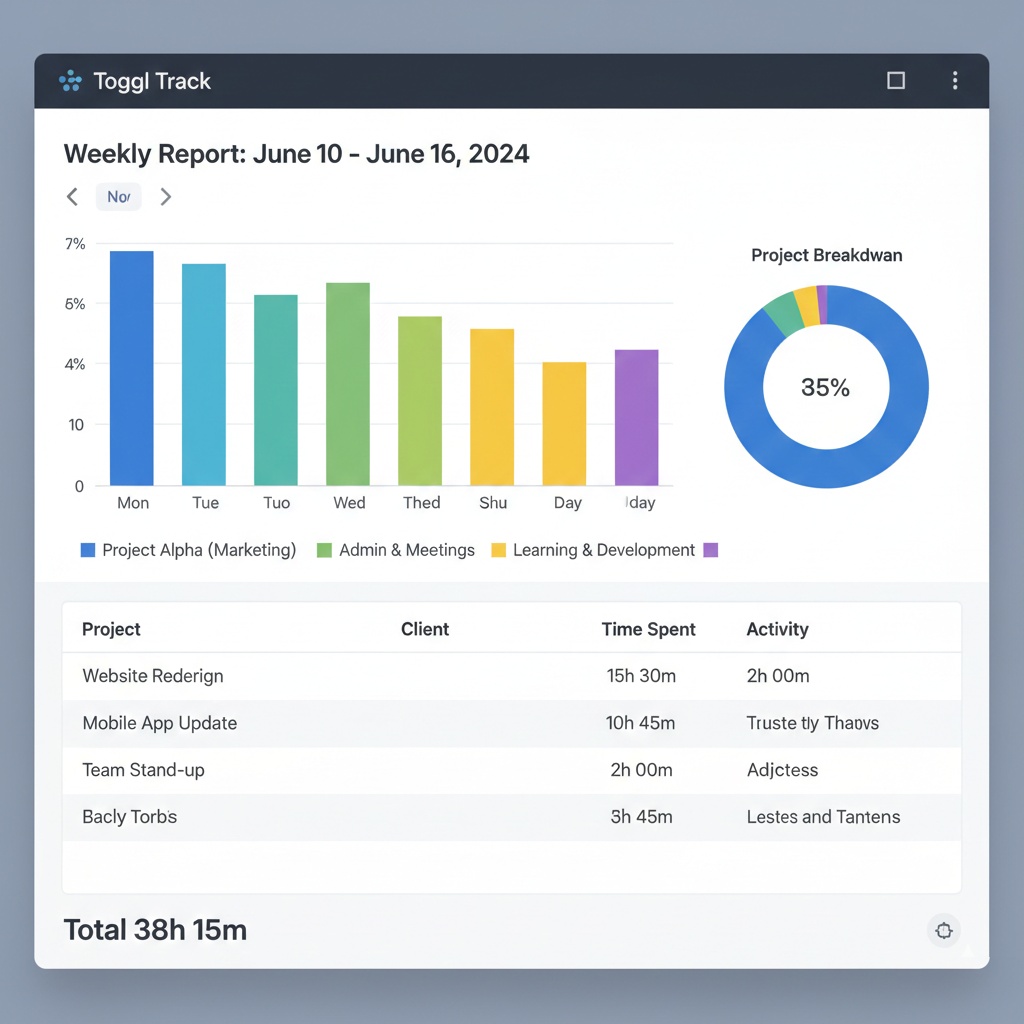
Toggl Track: The Reality Check You Need
I resisted time tracking for ages because it felt like corporate surveillance on myself. Then I actually tracked my time for two weeks and discovered I was spending 8 hours a week on admin tasks that weren’t billable.
That sucked to see. But it also let me fix it.
Toggl’s dead simple. One click to start a timer, tag it with a project, stop when done. The reports are actually readable (looking at you, Harvest with your overcomplicated dashboards). I can see exactly which clients are eating up my time and whether I’m undercharging.
Pro tip: I set up a “Context Switching” tag for when I get interrupted. Turns out I was losing like 90 minutes a day just bouncing between tasks. Now I batch similar work and protect my deep work time.
Cost: Free for basic tracking, $10/month for advanced reporting.
Communication: Keeping Clients Happy Without Living in Email
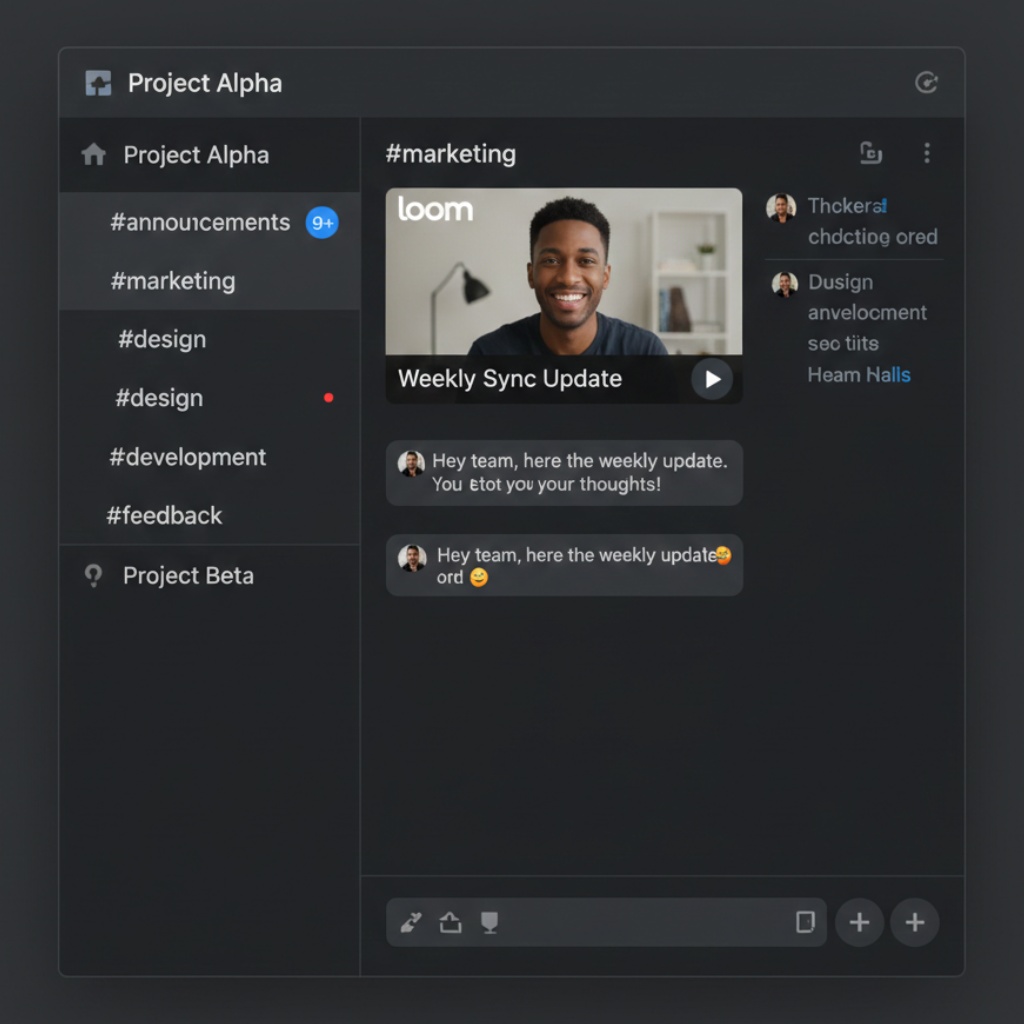
Slack: For Team Stuff
If you have even one other person working with you, get Slack. Email’s terrible for quick back-and-forth. We use channels for each project, and it keeps everything organized.
But here’s where I screwed up initially: I gave clients Slack access. Don’t do this. They’ll message you at 11pm about typos. Keep clients on email, team on Slack.
Cost: Free tier is fine until you need message history beyond 90 days.
Loom: When You Don’t Want to Type
This one’s been huge for client updates. Instead of writing a 12-paragraph email explaining what I built, I record a 3-minute video walking through it. Clients love it, and it saves me probably two hours a week.
I also use it for bug reports to my developer friend who helps occasionally. Way easier to show the problem than describe it.
Cost: Free for up to 25 videos, $8/month for unlimited.
Financial Tracking: Because Taxes Are Real
Wave: Free Accounting That Doesn’t Suck
I tried QuickBooks. $50/month and I still didn’t understand half the features. Wave is free (they make money on payment processing), and it does everything I need: invoicing, expense tracking, basic reports for my accountant.
Set up bank connections, categorize expenses, done. It’s not fancy, but I’m not a CFO. I just need to know if I’m making money.
The gotcha: If you accept credit cards through Wave, they charge 2.9% + 30¢. That’s industry standard, but it adds up. I still use it because the convenience is worth it.
Document Everything: Because You’ll Forget
Notion: My External Brain
Notion’s one of those tools people either love or never really get into. I’m in the love camp. It’s where I keep:
- Client onboarding templates
- Meeting notes (with action items that link to Todoist)
- SOPs for recurring tasks
- That list of freelancers I might want to hire someday
- Random business ideas at 2am
The linking between pages is what makes it powerful. I can tag a client in meeting notes, and all their notes are connected. When someone asks “what did we decide about X three months ago?” I can actually find it.
Learning curve warning: It takes like two weeks to really get comfortable with it. Push through that. It’s worth it.
Cost: Free for personal use, $8/month for small team features.
Project Management: When Tasks Aren’t Enough
ClickUp: The Swiss Army Knife
Okay, I know I said Monday.com was too much. ClickUp is also a lot, but it’s organized better. I use it when I’m working with clients who need to see project progress.
The views are what sold me. I can look at the same tasks as a list, board, timeline, or calendar depending on what makes sense. Client wants a Gantt chart? Sure. I prefer a kanban board? Also fine.
Reality check: Setup takes time. I spent a weekend getting our workspace configured right. If you’re solo and projects are simple, this might be overkill.
Cost: Free tier is generous, paid plans start at $7/month.
What About AI Tools?
I’m using ChatGPT Plus ($20/month) for first drafts of client emails, blog posts, and documentation. It’s not writing the final version, but it’s killing the blank page problem.
Also using it to review contracts before I send them to my actual lawyer. Saved me a few hundred bucks on billable hours for stuff that was fine.
The Apps I Tried and Hated
Evernote: Used to be great. Now it’s slow and they keep changing the pricing. Switched to Notion.
Basecamp: Too opinionated about how you should work. I get it, they have opinions about project management. But I need flexibility.
Trello: Works great until you have 47 boards and can’t find anything. Outgrew it fast.
RescueTime: Told me I was unproductive every day. Thanks, I already knew that. The guilt wasn’t helpful.
My Actual Daily Stack

Here’s what I actually use every day:
- Morning: Check Todoist, plan the day
- During work: Toggl running, Slack for team stuff
- Client calls: Take notes in Notion, create Todoist tasks from action items
- End of day: Review Toggl, update project status in ClickUp if needed
- Weekly: Wave accounting check, invoice clients
Total cost: About $40/month for all paid subscriptions. Saved time: Probably 5-10 hours a week compared to my old spreadsheet-and-email system.
What Actually Matters
Here’s what I’ve learned after trying way too many tools: the best productivity app is the one you’ll actually use. Notion is powerful, but if you hate it, use Google Docs. ClickUp is feature-rich, but if it’s overwhelming, stick with Todoist.
Start simple. Pick one task manager, one time tracker, and one place to keep notes. Get comfortable with those. Then add more if you need them.
And for the love of all that is good, turn off notifications. I check Slack three times a day on a schedule. Email twice. Everything else can wait. Constant interruptions are productivity kryptonite.
Common Mistakes I See (And Made Myself)
Tool hopping: Switching apps every month because the new one looks shiny. Give each tool at least a month before you decide it’s not working.
Over-automating: Spent three hours setting up a Zapier workflow to save five minutes a week. The math didn’t math.
Not tracking time: You can’t improve what you don’t measure. Track for two weeks, even if you hate it. The data’s worth it.
Forgetting about integrations: Make sure your tools play nice together. My Todoist-Notion-Toggl setup means I rarely have to copy-paste anything.
The Real Secret
Want to know the actual secret to entrepreneur productivity? It’s not the apps.
It’s saying no. To clients who aren’t a fit. To projects that don’t align with your goals. To “quick calls” that turn into hour-long rambles. To the 47th productivity app promising to change your life.
The tools help. But they’re just that, tools. They won’t fix a business model that doesn’t work or clients who don’t respect your time.
That said, the right tools make everything smoother. They free up mental energy for the stuff that actually matters. And they keep you from forgetting to invoice people (seriously, set up those recurring tasks).
Next Steps
If you’re just getting started with productivity tools, here’s what I’d recommend:
- This week: Set up Todoist (or any task manager). Brain dump everything you need to do.
- Next week: Add Toggl. Track your time for five days. Be honest about it.
- Month two: Review your time data. Pick one problem area (for me it was context switching) and find a tool or process to fix it.
- Month three: Add Notion or similar for documentation. Start simple with meeting notes.
Don’t try to implement everything at once. I did that. It sucked. Build your system gradually.
Looking for More?
This article is part of our comprehensive guide on Software, Apps, and Productivity Tools. For the full guide covering everything from note-taking apps to collaboration tools, check out the main resource.
Related reading you might find useful:
- Best Productivity Apps 2025 – A broader look at productivity tools across different use cases
- Task Management Apps – Deep dive into how to pick the right task manager for your workflow
- Time Management Apps – More on tracking and optimizing how you spend your time
- Automation Tools for Productivity – When to automate and when to just do it manually
The tools change, but the principles don’t. Find what works, stick with it, and don’t let the productivity tool hunt become another form of procrastination.
Now go actually build something instead of researching more apps. (Yes, I’m talking to myself too.)