
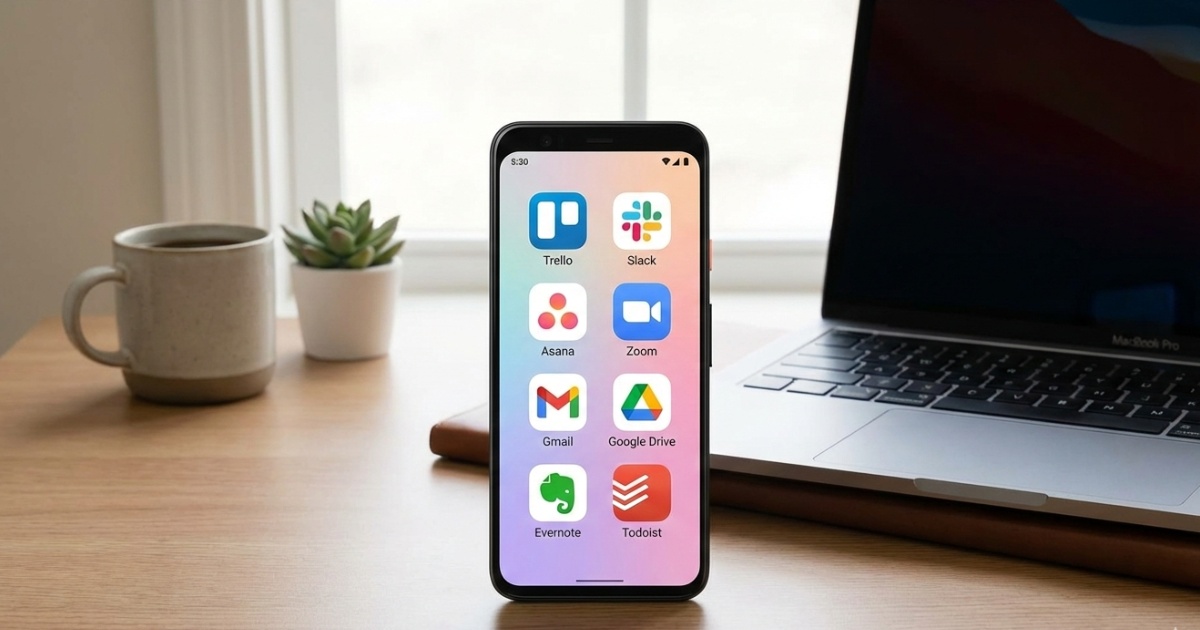
Best Productivity Apps 2025
I’ve tested probably 50+ productivity apps in the last year. Want to know how many I actually still use? Five. Maybe six if you count the one I open once a month and feel guilty about not using more.
Here’s the thing about productivity apps: most of them are solving problems you don’t actually have. They look gorgeous in demos, promise to “revolutionize your workflow,” and then… you’re back to sticky notes and a messy inbox within two weeks.
So let’s talk about the apps that actually stuck around in 2025. The ones I open every single day without thinking about it.
Why Most Productivity Apps Fail (And What Actually Works)
Real talk: the best productivity app is the one you’ll actually use. I don’t care if it has AI-powered task prediction or blockchain-based priority matrices (yes, I’ve seen both). If the learning curve takes longer than your lunch break, you’re not going to stick with it.
I learned this the hard way after spending $200 on various “ultimate productivity solutions” in 2023. Most of them are still installed on my phone. I think I last opened them in March.
The apps that work share three things:
- They do one thing really well
- They sync fast (I mean fast)
- They don’t make me think about how to use them
Let’s dig into what’s actually worth your time in 2025.
The Apps I Actually Use Every Day
Notion (Still the King for Knowledge Management)
Look, I know Notion isn’t new. But here’s why it’s still on this list: they finally fixed the mobile app speed issues that plagued 2023 and early 2024. Opening Notion on my phone used to feel like waiting for dial-up internet. Now? It’s instant.
I use Notion for project documentation, meeting notes, and that weird collection of code snippets I keep telling myself I’ll organize someday. The database features are clutch if you’re managing multiple projects. You can create views, filter by tags, and actually find stuff later.
What works: The flexibility. You can build exactly what you need.
What doesn’t: You’ll spend your first week building the perfect setup instead of actually working. Don’t do this. Start simple.
Pricing: Free for personal use, $10/month for team features
Best for: People who need both notes and project management in one place
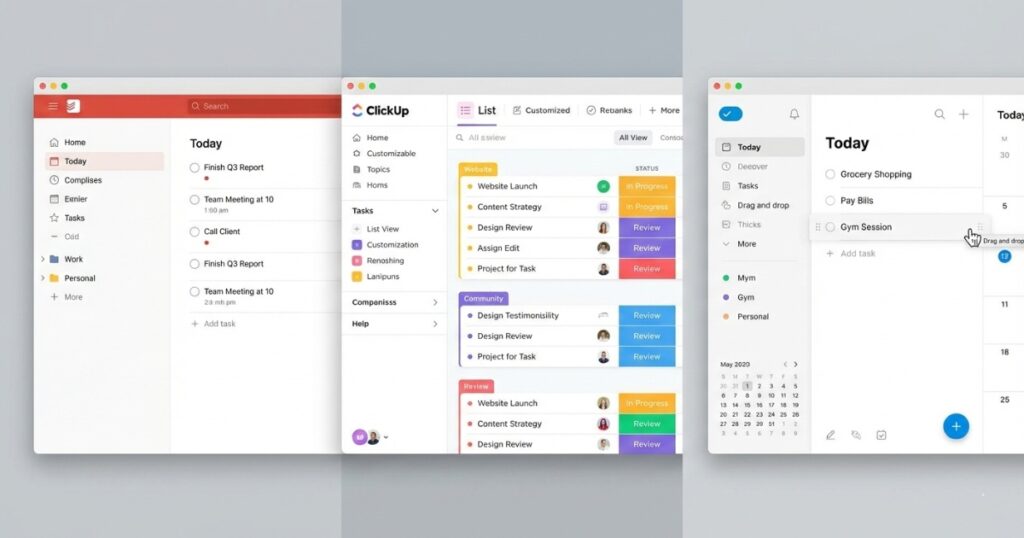
Todoist (Task Management Without the Drama)
I’ve bounced between task apps more times than I can count. Tried TickTick, Microsoft To Do, Things 3 (beautiful but iOS-only, which killed it for me), and probably a dozen others.
Todoist won because it’s dead simple and works everywhere. I can add a task from my phone, laptop, or even by emailing it. The natural language input is scary good. Type “Meeting with Sarah tomorrow at 3pm” and it just figures it out.
Here’s what sold me: the karma system. Yeah, it’s gamification, and yeah, I know that’s manipulation, but watching my productivity streak hit 90 days actually motivated me to keep my inbox at zero. Sometimes the dumb tricks work.
What works: Fast, reliable, works on everything including my weird Linux desktop
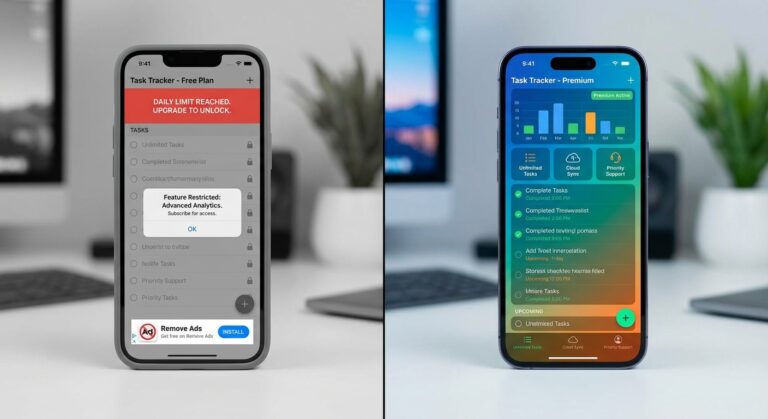
What doesn’t: The free version is pretty limited. You’ll probably need the $4/month plan.
Best for: People who want tasks, not a whole project management system
Obsidian (For the Note-Taking Nerds)
This one’s polarizing. Half my developer friends swear by it. The other half think it’s overkill.
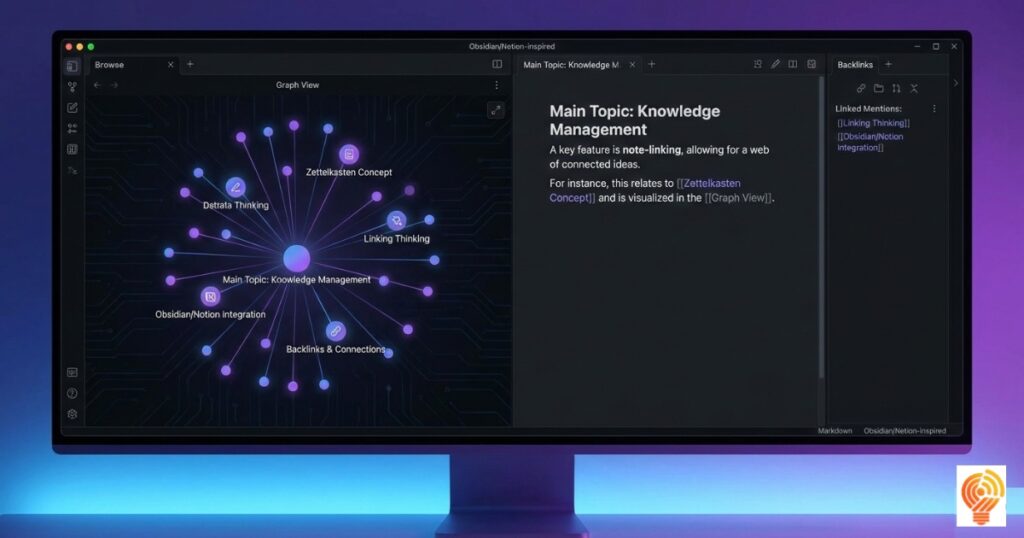
Obsidian stores everything as plain markdown files on your computer. No cloud lock-in, no subscription (unless you want their sync service), and you can back it up however you want. I’ve got mine in a Git repo because of course I do.
The linking between notes is where it gets interesting. You can build a whole knowledge graph of connected ideas. I use it for technical documentation and those random shower thoughts about code architecture that hit at 2am.
What works: You own your data. The plugin ecosystem is insane.
What doesn’t: The learning curve is real. Expect a week of setup and YouTube tutorials.
Pricing: Free, $8/month for sync
Best for: Developers, writers, or anyone who thinks in connected concepts
Sunsama (The One That Costs Too Much But I Pay Anyway)
$20 a month. For a calendar and task planner. I know.
But here’s why I haven’t canceled it: Sunsama forces me to actually plan my day. Every morning, it makes me drag tasks from Todoist, emails from Gmail, and meetings from Google Calendar into a daily plan. It’s like having a really insistent personal assistant.
The time-blocking feature is what hooked me. I can see exactly when I’m overcommitting (which is always) and actually say no to things. Revolutionary concept, I know.
What works: Integration with everything. The daily planning ritual actually helps.
What doesn’t: That price. Also, if you skip the daily planning, you feel weirdly guilty.
Best for: People who struggle with time management and can justify the cost
Raycast (The Mac Launcher That Replaced Everything)
If you’re not on Mac, skip this one. Sorry.
Raycast is basically Spotlight search on steroids. I use it to control Spotify, search my notes, convert units, run scripts, and about 50 other things I used to need separate apps for.
The clipboard history alone is worth it. Can’t tell you how many times I’ve copied something, copied something else, and then needed that first thing back. Now I just pop open Raycast and grab it.
What works: Fast, extensible, free tier is generous
What doesn’t: Mac only. Some extensions are hit or miss.
Pricing: Free, $8/month for team features
Best for: Mac users who live in keyboard shortcuts
The Apps I Wanted to Love But Didn’t
ClickUp
Too much. Just… too much. I spent two hours trying to set it up and still couldn’t figure out where to just write a damn task. If your productivity tool requires a certification course, it’s not productive.
Roam Research
The backlink thing is cool. The $15/month for what’s essentially a note-taking app is not. Obsidian does the same thing for free.
Any.do
Gorgeous interface. Completely forgot to use it after three days. Being pretty doesn’t make me productive.
What Actually Matters When Choosing Productivity Apps
After burning through dozens of apps, here’s what I’ve learned:
Pick tools that play nice together. My setup works because Todoist feeds into Sunsama, which pulls from Google Calendar, and everything syncs everywhere. If your apps live in silos, you’ll waste time copying stuff between them.
Start with one thing. Don’t try to overhaul your entire workflow at once. I started with just Todoist. Added Notion after three months. Built from there.
Free trials are your friend. Every app on this list has one. Use them. Actually use them for a full week, not just the first day when everything is exciting and new.
Mobile matters more than you think. If the mobile app sucks, you won’t use it when you’re away from your desk. And that’s when you actually need to capture ideas.
The Apps to Watch in 2025
Capacities is doing interesting things with object-based notes. It’s like if Notion and Obsidian had a baby. Still rough around the edges, but I’m watching it.
Akiflow is trying to be the calendar and task manager that actually makes sense. Early days, but promising.
Mem went all-in on AI features before it was cool. The automatic organization is hit or miss, but when it works, it’s magic.
What I’m Actually Recommending
If you asked me right now what to use, here’s what I’d say:
Just starting out? Todoist. Simple, works everywhere, free tier is usable.
Need more organization? Add Notion. Use Todoist for tasks, Notion for everything else.
Serious about time management? Try Sunsama for a month. If it doesn’t change how you work, cancel it.
On a Mac and love keyboard shortcuts? Raycast immediately.
The productivity app market in 2025 is honestly overwhelming. There’s AI in everything now (do I really need ChatGPT in my task manager?), and every app is trying to be an all-in-one solution.
But the apps that work are still the ones that do one or two things really well and get out of your way. Find those. Ignore the rest.
This article is part of our comprehensive guide on Software, Apps, and Productivity Tools. For more insights on optimizing your workflow, check out the full guide.
Related Articles:
- Task Management Apps – Deep dive into dedicated task managers
- Note-Taking Apps Guide – Everything about modern note-taking solutions
- Time Management Apps – Focus on time-blocking and scheduling tools
- Productivity Tools for Students – Apps specifically for academic workflows




10 Comments
Comments are closed.