Smartphone OS Updates: What You Actually Need to Know
This article is part of our comprehensive guide on Smartphones and Mobile Technology. Check out the full guide for everything smartphone-related.
I’ll be honest. I’ve bricked exactly two phones in my life, both times because I got impatient with an OS update and did something stupid while it was installing.
The first time? 2019. Android update stuck at 47%. Pulled the battery. Phone never recovered. The second time? Just last year. iOS update during a flight. Phone went into airplane mode mid-update. You can guess how that ended.
So yeah, I’ve learned a thing or two about OS updates the hard way. Let’s talk about what actually matters.
Why OS Updates Aren’t Just About New Emojis
Look, I get it. Update notifications are annoying. Your phone works fine right now. Why risk breaking something that isn’t broken?
Here’s what nobody tells you: that “works fine” phone is running software from six months ago. Six months in tech years is like three regular years. Security holes that didn’t exist when you bought the phone? They exist now. And hackers know about them.
I learned this after my girlfriend’s phone got compromised through a known vulnerability in an old version of Android. The fix had been available for two months. She just kept hitting “remind me later.”
Real talk: security patches are 80% of why updates matter. New features are nice. Not getting your banking app hacked is nicer.
The iOS Update Experience (Spoiler: It’s Easy Until It Isn’t)
Apple’s got OS updates down to a science. Most of the time.
Here’s what actually happens:
- Notification appears
- You click install
- Phone reboots twice
- Everything works
Except when it doesn’t. I’ve seen iOS updates fail in creative ways. One time iOS 16 killed Face ID on my friend’s iPhone 12. Just stopped working. Apple Store visit required.
The worst part? You can’t really control iOS updates. Sure, you can delay them, but Apple will eventually force your hand. It’s the tech equivalent of your mom telling you to clean your room. You’ll do it eventually, on their schedule.
But here’s the thing – this approach works for most people. Updates just happen, and life goes on. If you want to learn more about how iOS compares to Android’s approach, check out our Android vs iOS comparison.
Android Updates: The Wild West

Android updates are… complicated.
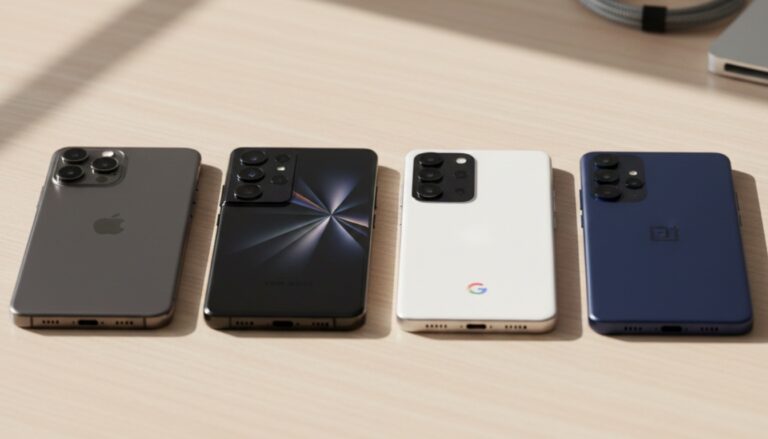
You’ve got Google’s Pixel phones getting updates immediately. Samsung phones getting them two months later. Budget phones? Good luck. Some manufacturers promise two years of updates. Some don’t even promise that.
I’ve owned three Android phones. Here’s how updates went:
- Pixel 5: Updates on launch day, smooth as butter
- OnePlus 7: Updates 3-4 weeks late, usually buggy
- Random budget phone: Got one update in two years
The fragmentation is real. If you’re serious about getting timely updates on Android, stick with Pixels or look into our guide on smartphones with the longest software support.
What Actually Changes in OS Updates
Besides the changelog you never read, here’s what typically gets updated:
Security patches: The unsexy stuff that keeps you safe. These come monthly for most major phones. Install them.
Performance improvements: Sometimes your phone gets faster. Sometimes it gets slower. It’s a lottery. My iPhone got noticeably faster with iOS 17. My buddy’s got slower.
New features: Usually minor. Occasionally game-changing. iOS 16’s lock screen customization was actually cool. Android 14’s per-app language settings? I use that daily.
Bug fixes: This is where it gets interesting. Updates fix bugs but also introduce new ones. Last year’s Android update fixed my Bluetooth connection issues but broke my notification sounds. Choose your poison.
The Pre-Update Checklist (Because I’ve Learned My Lesson)
Before hitting that update button, do this:
Back everything up. I use cloud backups now. Both times I bricked phones, I lost photos. Not making that mistake again.
Check your storage. Need at least 5GB free for iOS, varies for Android. Ran out of space mid-update once. Phone got stuck in a boot loop.
Do it on WiFi. Cellular updates eat your data and are slower. Also, if you lose connection (like I did on that flight), things can go sideways fast.
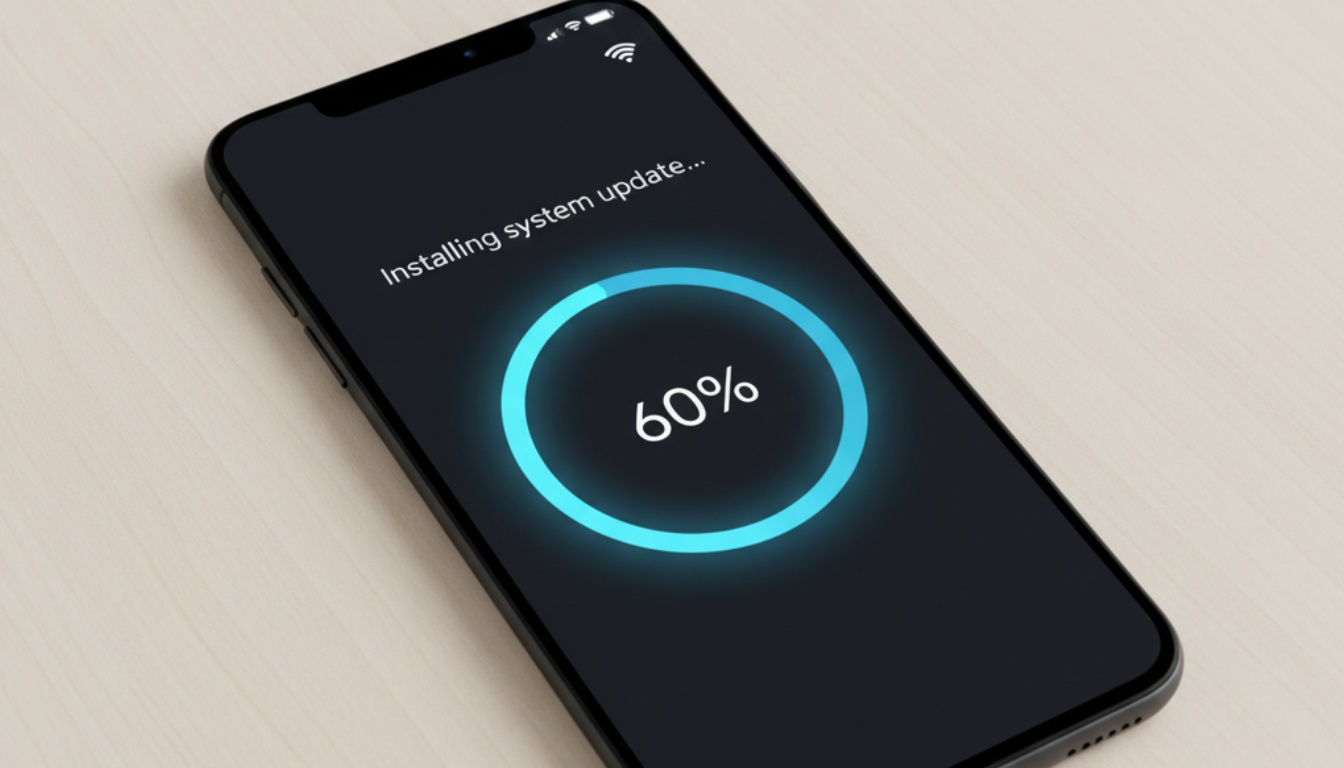
Charge your phone. Or keep it plugged in. Updates can take 30-60 minutes. Running out of battery during an update is a special kind of hell.
Wait a few days after release. Let other people be the beta testers. Seriously. Major updates always have day-one bugs. Wait three days, see what breaks, then update.
Common Update Problems (And Fixes)
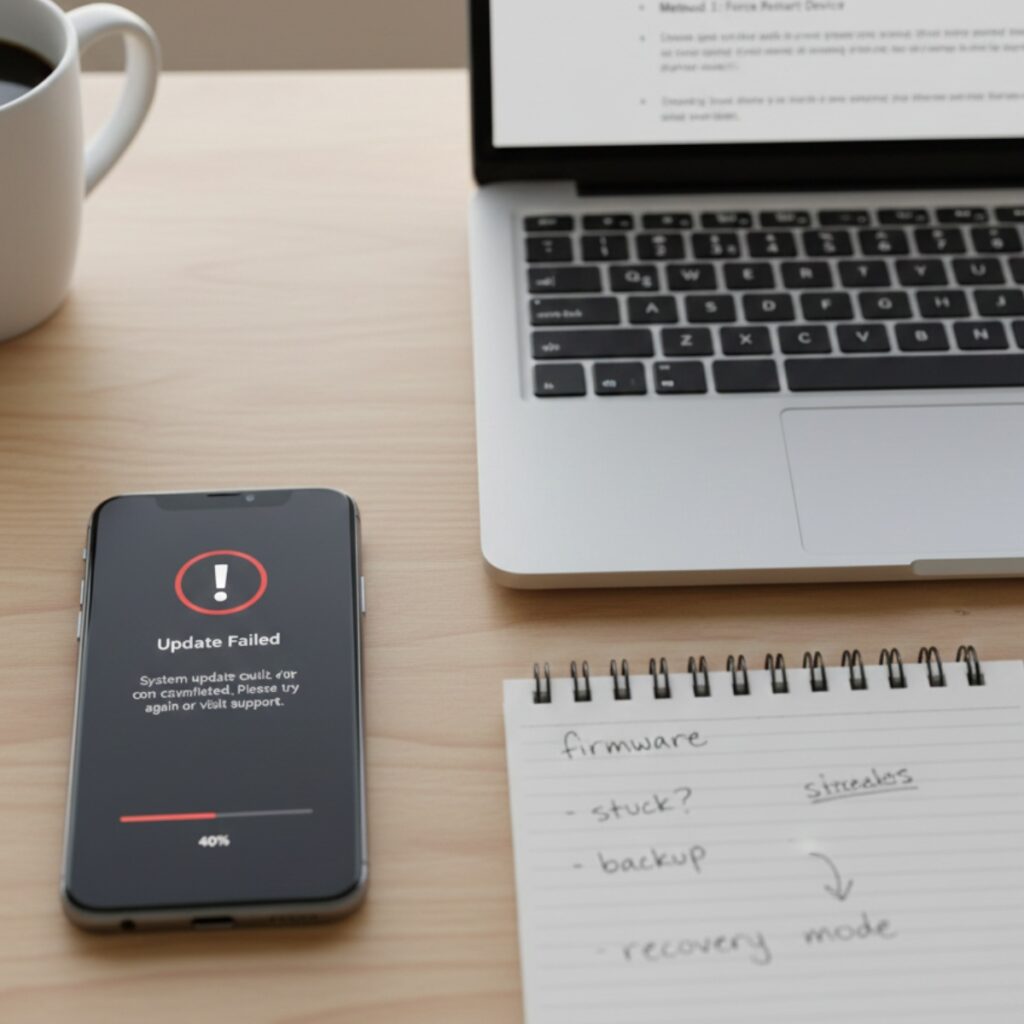
Update won’t download: Usually storage. Delete some apps, try again. If that doesn’t work, restart your phone. I know, “have you tried turning it off and on again” is a meme, but it works.
Update stuck: This is where I usually panic. Don’t be like me. Wait at least 30 minutes before doing anything. Most “stuck” updates are just slow. If it’s genuinely stuck, force restart. Google the exact key combination for your phone model first.
Phone acting weird after update: Give it 24 hours. No joke. The phone needs time to reindex everything, rebuild caches, all that background stuff. If it’s still weird after a day, factory reset time.
Battery drain after update: Happens every. Single. Time. Apps need to adapt to the new OS. Battery life usually normalizes within a week. If it doesn’t, check our smartphone battery life tips guide.
Should You Update to Beta Versions?
Short answer: No.
Long answer: Only if you like living dangerously and have a backup phone.
I ran iOS 17 beta on my daily driver last year because I’m apparently bad at decision-making. Banking app didn’t work for a month. Camera randomly crashed. Notifications were chaos.
Beta software is for developers and tech enthusiasts with masochistic tendencies. Not for your main phone that you need for actual work and life.
When NOT to Update
There are times when hitting “skip” makes sense:
Right before a big trip. Don’t update the night before you leave. Murphy’s Law guarantees something will break.
If you’re on a critical deadline. Updates can break apps. I once updated before a presentation and PowerPoint wouldn’t open my files. Learn from my pain.
If your phone is really old. Sometimes the newest OS makes old phones unusable. iOS 17 on an iPhone 8? Technically supported, but it’s gonna be slow.
If you need specific app compatibility. Check if your critical apps support the new OS first. Learned this when my banking app stopped working after an Android update.
The Update Strategy That Actually Works
Here’s what I do now:
- Enable automatic security patches (monthly)
- Wait 5-7 days for major OS updates
- Check Reddit/Twitter for major bugs
- Back everything up
- Update over weekend when I don’t need the phone urgently
- Give the phone 24 hours to settle
It’s not exciting. But I haven’t bricked a phone in three years, so there’s that.
Looking Ahead
The update situation is getting better. Android phones are getting longer support periods. Apple’s still the gold standard with 5-6 years of updates. Even budget phones are starting to guarantee 2-3 years.
But we’re not there yet. If update reliability matters to you, choose your phone carefully. Our smartphone buying guide covers which brands take updates seriously.
Bottom Line
OS updates are like going to the dentist. Annoying, sometimes uncomfortable, but necessary if you don’t want bigger problems later.
You don’t need to install every update the second it drops. But you also can’t ignore them forever. Find the middle ground that works for you.
And for the love of all things holy, back up your data first.
Trust me on that one.
Want to dive deeper into smartphone topics? Check out our main guide on Smartphones and Mobile Technology for everything from security tips to performance optimization.