Smartphones with Best Displays: Which Screens Actually Matter for Gaming and Media
This article is part of our comprehensive guide on Smartphones and Mobile Technology. For the full guide and more smartphone insights, check out the main hub.
Look, I’ll be honest. I used to think all smartphone screens were basically the same. Then I borrowed my friend’s Galaxy S24 Ultra for a weekend gaming session, and holy hell, I couldn’t go back to my old phone. The difference was like switching from 720p YouTube to 4K HDR. It wasn’t subtle.
Here’s the thing nobody tells you: your phone’s display is literally the only interface between you and everything your device does. You could have the fastest processor and the best camera, but if you’re looking at it through a mediocre screen, you’re missing out. Hard.
So let’s talk about what actually makes a display great, which phones nail it, and what specs matter versus what’s just marketing fluff.
Why Display Quality Actually Matters (More Than You Think)
I spent three years using a budget phone with an “okay” display. Thought I was being smart, saving money. Then I upgraded to a phone with a proper AMOLED screen, and I realized I’d been consuming content through, basically, a dirty window.
Here’s what changed:
- Watching videos: Colors popped. HDR content actually looked like HDR. That YouTube video essay I’d watched five times before? Suddenly had detail I’d never noticed.
- Gaming: 120Hz refresh rate made scrolling and gaming feel smooth instead of choppy. It’s the difference between skating on ice versus asphalt.
- Reading: Better brightness and contrast meant less eye strain during those late-night Reddit sessions.
Real talk: if you use your phone for more than checking texts (and let’s be real, you do), the display should be your top priority. Not the camera. Not the battery. The screen.
The Specs That Actually Matter

Okay, marketing teams love throwing around numbers. “2400 nits peak brightness!” “240Hz touch sampling!” Half of it’s noise. Here’s what you should actually care about:
Panel Type: OLED vs LCD
OLED wins. Period. I’m not even going to pretend this is close.
Why OLED destroys LCD:
- True blacks (pixels literally turn off)
- Better contrast ratios
- Wider viewing angles
- More vibrant colors
The only downside? Potential burn-in if you leave static images on screen for months. But I’ve used OLED phones for years, and I’ve never had this problem. You’d have to try pretty hard.
Refresh Rate: 60Hz vs 90Hz vs 120Hz
Here’s where it gets interesting. I used to think 60Hz was fine. Then I tried 120Hz.
The honest breakdown:
- 60Hz: Feels dated now. Sorry, but it does.
- 90Hz: Noticeable improvement. Scrolling feels better.
- 120Hz: Buttery smooth. Going back to 60Hz feels like going from a sports car to a minivan.
But here’s the catch: higher refresh rates drain battery faster. Most modern phones handle this with adaptive refresh rates (drops to 60Hz when you’re reading, jumps to 120Hz when scrolling). Smart.
Resolution: When “More Pixels” Stops Mattering
Plot twist: you probably don’t need 4K on a phone.
I tested a Sony Xperia with a 4K display versus a Samsung with 1440p. Could I tell the difference? Barely. And the battery hit from pushing all those pixels? Definitely noticeable.
Sweet spot: 1080p for phones under 6.3 inches, 1440p for anything bigger. Going beyond that is spec-sheet bragging rights, not real-world benefits.
Brightness: The Spec Nobody Talks About Until They’re Outdoors
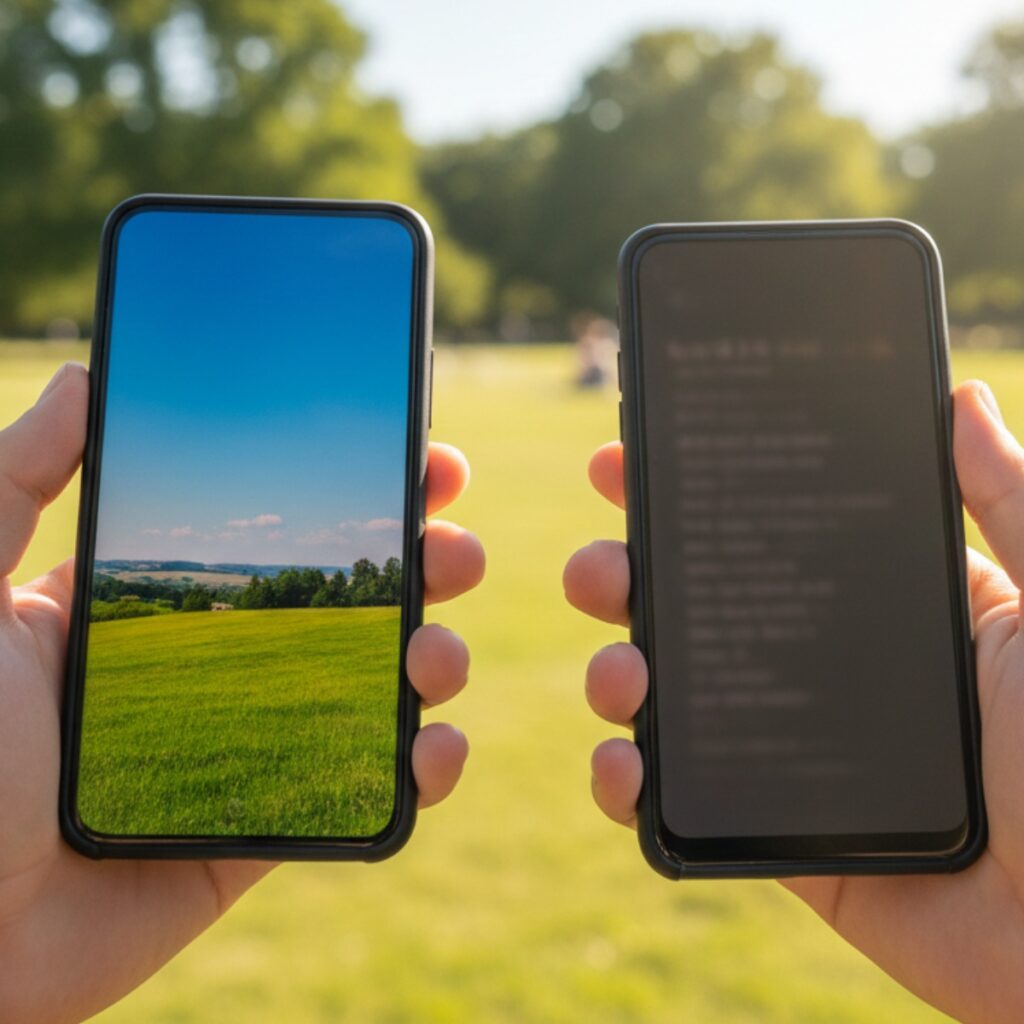
This one bit me hard last summer. My old phone claimed “500 nits brightness.” Took it to the beach, couldn’t see a damn thing on the screen.
What you actually need:
- Indoor use: 400-500 nits is fine
- Outdoor use: 800+ nits, preferably 1000+
- HDR content: 1400+ nits peak brightness
Don’t just look at the advertised number. Check reviews for actual measured brightness. Companies love to fudge these numbers.
The Current Champions (Phones That Nail The Display Game)
I’ve spent way too much time comparing phone displays in Best Buy. Here’s what’s actually worth your money in 2025:
For Gaming: Samsung Galaxy S24 Ultra
The good:
- 6.8-inch AMOLED, 3088 x 1440
- 120Hz adaptive refresh rate
- Up to 2600 nits peak brightness
- Vision Booster tech (actually works)
I borrowed this for a week to play Genshin Impact. The difference from my Pixel was night and day. Colors were vibrant without being oversaturated, motion was smooth, and I could actually see what I was doing outdoors.
The catch: It’s expensive. But if you game seriously on mobile, this is it.
For Media Consumption: iPhone 16 Pro Max
The good:
- 6.9-inch Super Retina XDR
- ProMotion (up to 120Hz)
- 2000 nits peak brightness
- Excellent color accuracy
Apple’s displays have always been good, but the 16 Pro Max is stupid good. Watched The Lord of the Rings in Dolby Vision on this thing, and I was genuinely impressed. The HDR handling is chef’s kiss.
The catch: iOS. If you’re deep in the Android ecosystem, that’s a hard sell.
Best Value: Google Pixel 9 Pro
The good:
- 6.3-inch LTPO OLED
- 1-120Hz adaptive
- 3000 nits peak brightness
- $200-300 cheaper than Samsung/Apple flagships
This is my current daily driver. Not because it’s the absolute best display (it’s not), but because it’s 90% of the way there for significantly less money. For most people, this is the smart buy.
If you’re curious about how different Android phones compare, check out our Android vs iOS Comparison guide.
For Budget Conscious: OnePlus 12R
The good:
- 6.78-inch AMOLED
- 120Hz
- 4500 nits peak brightness (yes, really)
- Under $500
I tested this against phones twice its price, and honestly? The display holds up. It’s not as color-accurate as the flagships, and the viewing angles aren’t quite as good, but for gaming and watching videos, it’s shockingly capable.
If you’re looking for more budget options, our Best Budget Smartphones guide breaks down the best value picks.
Real-World Use: What These Displays Actually Feel Like
Numbers are one thing. Using these phones every day is another.
Gaming Performance
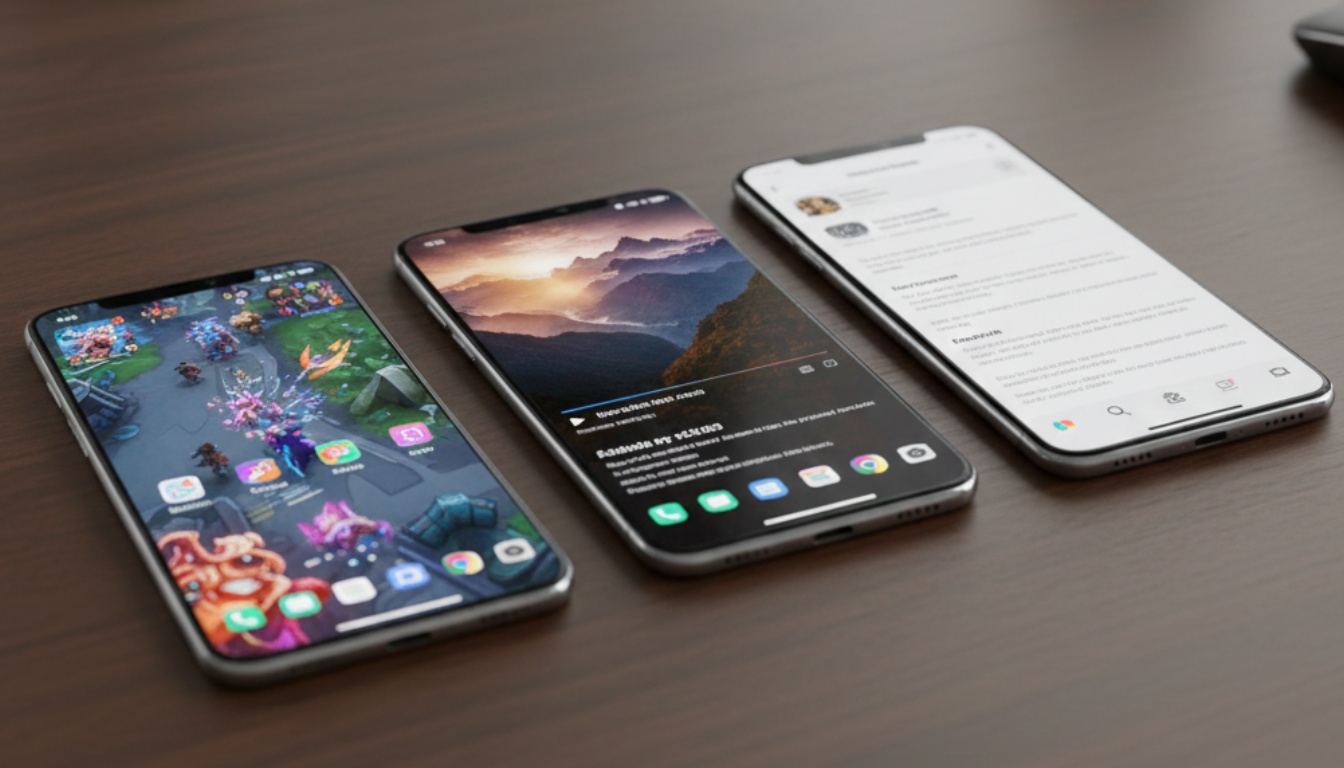
I played Call of Duty Mobile on three different phones back-to-back:
- Budget phone (60Hz LCD)
- Mid-range (90Hz OLED)
- Flagship (120Hz OLED)
The difference between 1 and 2 was huge. The difference between 2 and 3? Noticeable but not game-changing. My K/D ratio didn’t suddenly double with a better display (wish it did).
Bottom line: If you’re a casual mobile gamer, 90Hz OLED is plenty. Competitive players, spring for 120Hz.
Streaming Video
Watched the same Netflix series on all three phones. The budget LCD looked… fine. The mid-range OLED looked great. The flagship OLED looked marginally better.
The honest take: For streaming, a decent OLED at 60-90Hz is all you need. Unless you’re watching a ton of HDR content outdoors, you don’t need flagship specs.
Daily Use
Here’s where better displays actually matter most: scrolling through social media, reading articles, browsing the web. You do this for hours every day.
A smooth 120Hz display with good brightness makes this noticeably less tiring. After using one for a month, going back to 60Hz felt janky. Your eyes do notice, even if you don’t consciously register it.
Common Mistakes People Make
Mistake 1: Ignoring Brightness
I see people spend $1000 on phones with gorgeous displays that they can’t see outside. Check real-world brightness reviews, not just spec sheets.
Mistake 2: Obsessing Over Resolution
“I need 1440p!” Do you? On a 6.1-inch screen? You probably can’t tell the difference from 1080p, and you’re just killing your battery.
Mistake 3: Forgetting About Software
Samsung’s displays are hardware masterpieces, but their color calibration is… aggressive. iOS displays tend to be more color-accurate out of the box. Some people love punchy colors. Some hate them.
My advice: go to a store and look at actual content on the phones. Don’t just stare at the spec sheet.
Mistake 4: Not Considering Burn-In
OLED burn-in is rare these days, but it happens. If you use your phone for navigation constantly or leave the same app open for hours, LCD might actually be the smarter choice.
I’ve seen Tesla owners with permanent Waze UI burned into their phone screens. Not ideal.
For more tips on keeping your phone in good shape, check out our Smartphone Performance Tips.
What About Foldable Displays?
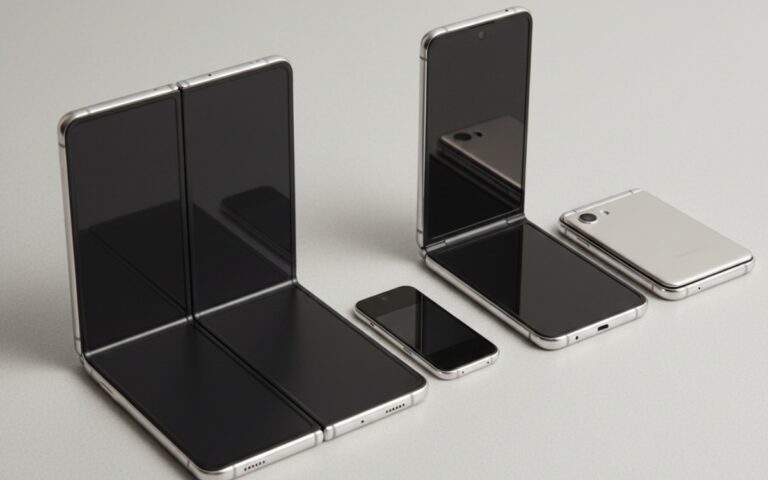
Quick detour: foldable phones have come a long way. The Galaxy Z Fold 6’s inner display is legitimately impressive for media consumption. But there’s still a visible crease, and the durability isn’t quite there yet.
I used a Z Fold 5 for three months. Loved the screen size for videos. Hated worrying about the crease getting worse. Your mileage may vary.
Want the full breakdown? Check our Foldable Smartphones Explained guide.
The Bottom Line
So, which phone has the “best” display? Depends on what you value.
For pure quality: Samsung Galaxy S24 Ultra or iPhone 16 Pro Max For value: Google Pixel 9 Pro or OnePlus 12R For gaming specifically: Samsung, no question For media accuracy: iPhone
But here’s what I actually recommend: figure out your budget, then get the best OLED display with 90Hz+ refresh rate you can afford. That’s the formula. Everything else is nice-to-have.
And honestly? Once you hit the mid-range OLED tier, the improvements get marginal fast. You’re not going to be twice as happy with a flagship display versus a good mid-ranger. Save that money for a phone with better battery life or accessories you’ll actually use.
Ready to Upgrade?
If you’re serious about getting a phone with a great display, do yourself a favor: go to a store and compare them in person. Look at actual content, not demo videos. Check brightness outdoors if you can. Your eyes will tell you more than any spec sheet.
And if you’re still overwhelmed by options, our Smartphone Buying Guide walks through the entire decision process step by step.
Trust me, once you’ve used a great display, everything else feels like a downgrade. Your eyes deserve better than that budget LCD.
For more smartphone insights and comparisons, head back to our main Smartphones and Mobile Technology hub. We’ve got guides on everything from camera tips to security best practices.