Top Smartphone Apps of 2026
This article is part of our comprehensive guide on Smartphones and Mobile Technology. For the full guide and more insights, check out the main resource.
Look, I’ve downloaded probably 500 apps in the last year. Most got deleted within a week. Some lasted a month. But there’s this core group that’s stuck around, and I’m gonna tell you about them because they actually solve real problems.
Here’s the thing about app recommendations in 2026: everyone’s got a list. Most of those lists are just whatever’s trending on the App Store that week. I’m not doing that. These are apps I’ve used daily (or near-daily) that have made my phone actually useful instead of just a dopamine slot machine.
Why Most App Lists Are Useless
Before we get into the good stuff, let me be honest about something. Most “best apps” articles are garbage. They’re either sponsored content disguised as recommendations, or they’re just regurgitating the top charts without any real usage experience.
I’ve been burned too many times downloading some hyped productivity app only to find out it’s just a worse version of Apple Notes with a subscription fee. So when I say an app is worth your time (and possibly your money), I mean it.
Productivity Apps That Don’t Suck
Notion (Still the King, Unfortunately)
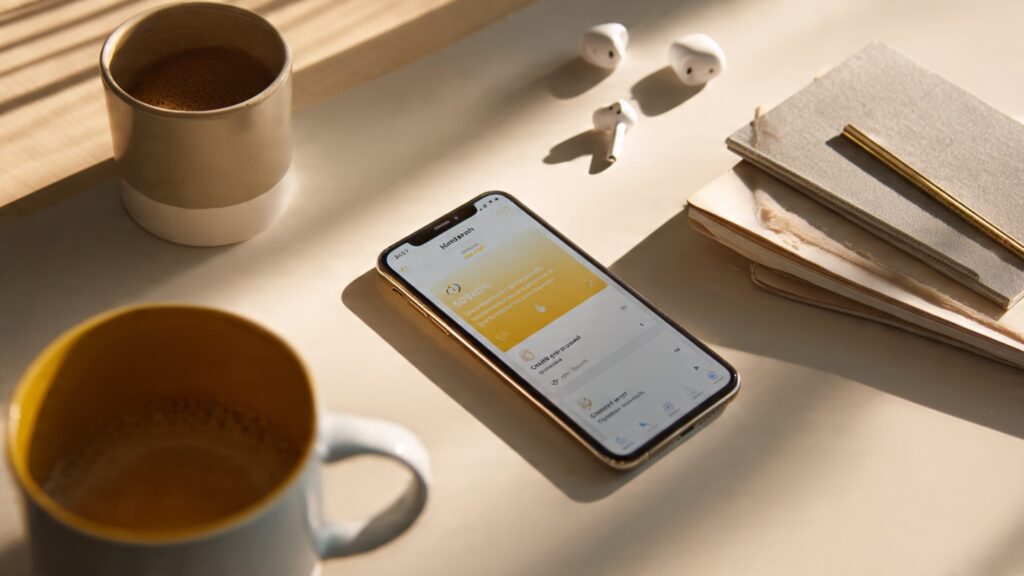
I say “unfortunately” because I really wanted to hate Notion. It’s bloated, sometimes slow, and has way more features than anyone needs. But damn if it isn’t still the best all-in-one workspace I’ve found.
I’ve tried migrating to Obsidian three times. Tried Craft. Tried building my own system with Apple Notes and Shortcuts. Always came back to Notion. The databases alone make it worth it, especially if you’re managing projects or tracking anything complex.
Real talk: The mobile app still lags sometimes when you’ve got heavy pages. But the offline mode they finally added last year mostly fixed my biggest complaint.
Structured (My Calendar Replacement)
This one surprised me. I’d been using Google Calendar for years, and it was fine. Then I tried Structured on a whim, and it completely changed how I think about my day.
Instead of just time blocks, it shows you a visual timeline of your day with travel time automatically calculated. Sounds simple, but it’s weirdly effective. I actually show up to meetings on time now because I can see “oh crap, that’s only 30 minutes away and I need to leave in 10.”
Only works on iOS though, which is annoying if you’re on Android.
Copilot (Budget Tracking That Actually Works)
Most budget apps are either too simple (just show me where my money went, thanks) or too complex (do I really need 47 categories for groceries?). Copilot sits right in the middle.
It connects to your bank accounts, categorizes transactions automatically, and the AI actually gets smarter over time. I’ve been using it for eight months, and it now correctly identifies like 95% of my transactions without me doing anything.
The $8/month subscription stung at first. Then I realized it’s helped me cut about $200/month in stupid subscriptions I forgot about. Worth it.
Social Media (The Necessary Evil)
Threads (Instagram Without the Photos)
Instagram got exhausting. Every story is a produced video now, and my feed is 80% ads. Threads feels like early Twitter before everything went sideways. Just people talking, no algorithm chaos yet.
Give it another year and it’ll probably turn into the same mess, but right now? It’s refreshing.
Discord (Not Just for Gamers Anymore)
I know Discord’s been around forever, but it’s evolved way beyond gaming communities. I’m in servers for programming, side projects, even local coffee shops. The channel organization makes way more sense than Slack for community stuff.
The mobile app got a major redesign in early 2026 that finally fixed the navigation nightmare. You can actually find your servers now without scrolling through a endless list.
Entertainment Apps Worth Your Time
Spotify (Still Winning)
Look, I’ve tried Apple Music, YouTube Music, Tidal. Keep coming back to Spotify. The recommendations are just better, and the UI isn’t trying to sell me something every time I open it.
Their AI DJ feature got way better this year. Used to be kinda cringe, now it actually plays stuff I want to hear. Plus the podcast integration is seamless, which matters if you’re like me and bounce between music and podcasts constantly.
Artifact (News That Doesn’t Make You Want to Scream)
Instagram’s founders made a news app, and it’s actually good. The AI summarizes articles, filters out rage-bait, and learns what you’re interested in without being creepy about it.
I was skeptical at first because, you know, another news app. But it’s replaced my morning scroll through Twitter (sorry, X, whatever). I actually feel informed instead of just angry.
Letterboxd (For Movie Nerds)
If you watch movies and like tracking what you’ve seen, Letterboxd is perfect. Simple interface, great social features, and the community isn’t toxic (yet). I’ve discovered more good movies from following the right people on Letterboxd than from any streaming recommendation algorithm.
The pro version ($20/year) adds stats that are borderline addictive. Like, did I really watch 47 movies in January? Apparently yes.
Utilities That Actually Earn Their Keep
1Password (Your Password Manager)
If you’re still reusing passwords, stop. Just stop. 1Password isn’t the cheapest option, but it’s the most reliable I’ve found. The autofill works on mobile better than LastPass or Bitwarp, and the security features are solid without being annoying.
Family plan is worth it if you want to share passwords with your household. My wife and I share streaming logins, WiFi passwords, all that stuff. One place, works everywhere.
Dark Sky (RIP) Actually, Carrot Weather
Dark Sky died (thanks Apple), but Carrot Weather picked up the torch. Hyperlocal forecasts, personality that’s actually funny, and weather alerts that are actually useful.
The snark is optional if that’s not your thing. But I appreciate an app that tells me “You’re going to regret shorts today” instead of just showing me numbers.
Apollo (If Reddit Hadn’t Killed Third-Party Apps…)
Yeah, this one hurts. Apollo was the best Reddit app ever made, and Reddit killed it. Using the official app now is like going back to dial-up internet. Everything’s worse.
I’m including it here as a cautionary tale about depending on platforms that can just shut you down. Also as a reminder that sometimes the best apps don’t survive corporate decisions.
Apps I Wanted to Like (But Don’t)
Quick mentions of stuff that didn’t make the cut:
BeReal – Fun concept, died after everyone got bored of posting their desk twice a day
ChatGPT mobile – Useful occasionally, but the context window limitations make it frustrating for anything complex
TikTok – Look, it’s addictive, but I wouldn’t call it a “must-have” unless you enjoy losing three hours without realizing it
The Real Questions: What About Battery Life?
People always ask about battery drain. Here’s what actually kills your battery:
- Location services running constantly (looking at you, every delivery app)
- Apps that abuse background refresh (social media, mostly)
- Streaming over cellular (obvious but worth mentioning)
Most of the apps I listed are actually pretty good about battery usage. Notion and Spotify can be heavy if you’re using them nonstop, but nothing like having Instagram constantly refreshing in the background.
For more battery optimization tips, check out our guide on smartphone battery life.
Making These Apps Actually Useful

Installing apps is easy. Actually using them consistently? That’s harder. Here’s what’s worked for me:
Home screen rules: Only apps I use daily. Everything else gets buried in folders or deleted.
Notification discipline: Most apps don’t need to notify you. Turn that off aggressively. I only have notifications enabled for Messages, Calendar, and Slack. Everything else can wait.
Regular cleaning: Once a month, I delete apps I haven’t opened in 30 days. If I really need it later, I can download it again. This keeps my phone fast and my storage manageable.
The Bottom Line
These apps aren’t going to change your life or make you suddenly productive. But they’re solid tools that do what they promise without being annoying about it. No dark patterns, no subscription traps (except where noted), no constant nagging.
Your mileage may vary. What works for me might not work for you. But if you’re looking for a starting point, this list won’t steer you wrong.
And if you’re still figuring out which phone to run these apps on, check out our smartphone buying guide for recommendations.
What I’m Testing Next
A few apps that are on my “maybe” list for next month:
- Arc Browser (mobile) – Finally coming to phones, curious if it’s as good as the desktop version
- Superhuman (email) – Everyone swears by it, but $30/month for email feels insane
- Readwise – For actually remembering stuff I read instead of just hoarding bookmarks
I’ll update this if any of them stick around. Most won’t.
Got an app you think should be on this list? I’m always testing new stuff. Just don’t recommend another to-do app. I’ve tried them all.
For more smartphone tips and comprehensive guides, visit our main Smartphones and Mobile Technology hub.