Smartphone Security Tips: Stop Making Your Phone an Easy Target
This article is part of our comprehensive guide on Smartphones and Mobile Technology. For the full guide on choosing, using, and optimizing your smartphone, visit the main hub.
You know what’s wild? I watched my friend’s phone get compromised at a coffee shop last year. He was showing me this “amazing deal” on crypto, clicking through sketchy links like it was nothing. Twenty minutes later, his Instagram was sending spam DMs to everyone he knew.
The worst part? He thought he was being careful. Had a passcode and everything.
Here’s the thing about smartphone security: most people think they’re protected because they have a lock screen. But your phone is basically a computer that knows where you live, who you talk to, what you buy, and probably your bank account details. And we treat it like it’s invincible.
Let me save you from learning the hard way.
Why Your Phone Security Actually Matters (Right Now)
Look, I get it. Security feels like something that happens to other people. Until it doesn’t.
Last month, my cousin got his phone stolen at a bar. Within an hour, someone had:
- Reset his Apple ID password (he had predictable security questions)
- Accessed his Gmail (saved password in Notes app)
- Requested a $3,000 Zelle transfer from his bank
- Posted some truly embarrassing stuff on his Facebook
The thief didn’t need to be a hacker. They just needed 15 minutes and my cousin’s incredibly poor security habits.
Your phone isn’t just a device anymore. It’s your digital life, and people know that’s valuable.
Lock Screen Basics (That People Still Get Wrong)
Starting with the obvious stuff, but trust me, this matters.
Use a proper PIN or password. Not 1234. Not your birthday. I’ve seen grown adults use 0000 because “it’s easier to remember.” Yeah, and it’s even easier to guess.
Biometrics are great. I use Face ID on my iPhone. But here’s what nobody tells you: if someone forces you to unlock your phone (sketchy border crossing, aggressive cop, angry partner), biometrics don’t protect you. A strong password does. Set up both.
The auto-lock timer? Set it to 30 seconds, maybe a minute if you’re feeling generous. I’ve seen people with 5-minute timeouts wondering how their “secure” phone got accessed. Come on.
And for the love of everything, don’t use the “swipe to unlock” option. That’s not security. That’s a screen saver.
App Permissions: Stop Saying Yes to Everything
This drives me crazy. I watched my mom download a flashlight app that wanted access to her contacts, location, and camera. Why would a flashlight need any of that?
Every time you install an app, it asks for permissions. Most people just tap “Allow” until it goes away. Bad move.
Here’s my rule: if an app asks for something that doesn’t make sense for its core function, the answer is no. A weather app needs your location? Sure. A calculator wants access to your photos? Absolutely not.
Check your current permissions:
- iOS: Settings > Privacy & Security
- Android: Settings > Privacy > Permission Manager
I went through mine last week. Found out TikTok still had microphone access from 2021 even though I’d deleted and reinstalled it twice. Facebook had tracking permissions I definitely didn’t remember approving.
Clean that stuff up. It takes 10 minutes and you’ll sleep better.
For more tips on optimizing your device’s overall performance while maintaining security, check out our guide on smartphone performance tips.
Public Wi-Fi Will Absolutely Screw You
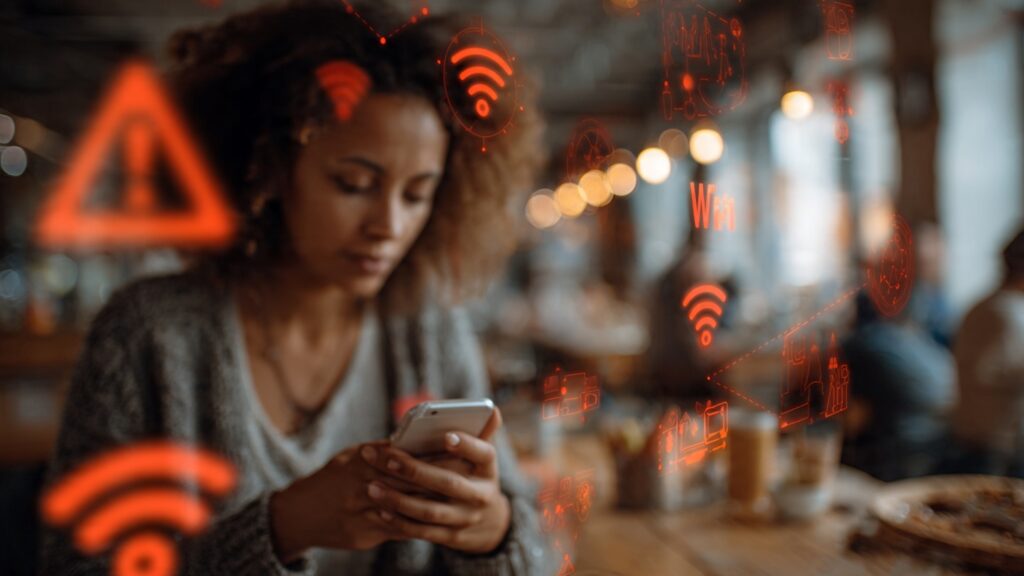
Real talk: using public Wi-Fi without protection is like leaving your front door open and posting about it on Instagram.
I used to connect to coffee shop Wi-Fi all the time. Then I learned about packet sniffing. Someone sitting three tables away can see everything you’re doing on an unsecured network. Passwords, credit cards, embarrassing Google searches. Everything.
What actually works:
- Use your cellular data instead (it’s encrypted by default)
- Get a VPN if you absolutely need public Wi-Fi (I use one, costs like $5/month)
- Never, ever enter passwords or payment info on public networks
- Turn off “auto-connect to networks” in your settings
That last one bit me hard. My phone kept connecting to a fake “Starbucks WiFi” network someone set up to steal data. Didn’t even realize it was happening until my bank flagged weird login attempts.
Update Your Damn Phone
I know updates are annoying. They happen at the worst times. Your phone restarts when you’re trying to show someone a photo. It’s the worst.
But you know what’s more annoying? Getting hacked because you ignored a security patch for three months.
Apple and Google push updates specifically to fix security holes. When you skip them, you’re leaving vulnerabilities open. It’s like knowing there’s a broken window in your house and just… not fixing it.
Enable automatic updates. Seriously. Let it happen overnight while you’re sleeping. You won’t even notice.
I ignored an iOS update for six weeks last year because I was “too busy.” The update fixed a zero-day exploit that was actively being used to compromise phones. Lucky for me, I wasn’t targeted. But I was stupid.
Don’t be me.
Two-Factor Authentication Is Non-Negotiable
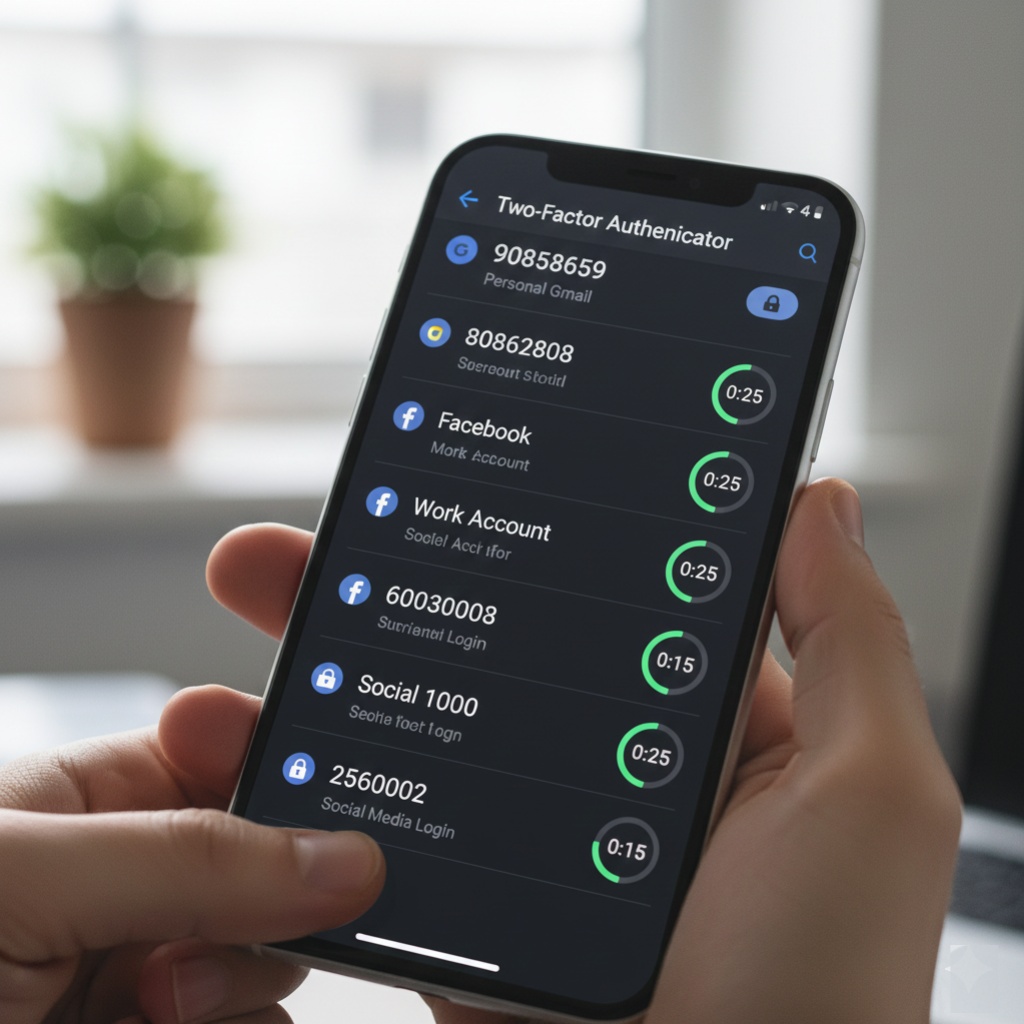
If you only do one thing from this entire article, set up 2FA on your important accounts. Email, banking, social media, cloud storage. Everything.
SMS-based 2FA is better than nothing, but it’s not great. SIM swapping is a thing where someone convinces your carrier to transfer your number to their device. I’ve seen it happen to three people I know personally.
Better options:
- Authenticator apps (Google Authenticator, Authy, Microsoft Authenticator)
- Hardware keys if you’re really serious (YubiKey)
- Built-in platform authenticators (Apple’s keychain, Google’s system)
Takes an extra 5 seconds to log in. Makes your accounts exponentially harder to compromise. Math checks out.
When thinking about which smartphone to buy, consider built-in security features and how long the manufacturer supports security updates.
The Apps You Download Are Probably Sketchy
Both the App Store and Google Play have review processes, but sketchy stuff still gets through. I’ve downloaded legitimate-looking apps that turned out to be data-harvesting nightmares.
Red flags I watch for:
- Apps with tons of permissions they don’t need
- Developer names that look like keyboard mashes
- Reviews that are weirdly similar or obviously fake
- Apps that bombard you with ads immediately
- “Free” apps that offer premium features for “watching one quick video”
Before downloading anything, I check:
- How many downloads it has
- When it was last updated
- What the 1-star reviews say (they’re usually most honest)
- If the developer has other apps (scammers usually make dozens)
Also, stop downloading modded or cracked apps from sketchy websites. That’s how you get malware. I don’t care how much money you think you’re saving.
Backups Save Lives (And Data)
This isn’t exactly security, but it’s related. If your phone gets compromised, stolen, or just dies, you need backups.
I learned this when my iPhone took a swim in a lake. No backup. Lost two years of photos, all my contacts, and some work stuff I really needed.
Set up automatic cloud backups:
- iCloud for iPhone
- Google Drive/Photos for Android
Yes, it costs money if you need more storage. It’s worth it. Trust me on this one.
And here’s a security tip: encrypt your backups. Both platforms offer this. It means even if someone hacks your cloud account, they can’t access your backed-up data without your device password.
What to Do If Your Phone Gets Stolen
Hope you never need this, but just in case:
Immediately:
- Use Find My iPhone or Find My Device to lock it remotely
- Change passwords for email, banking, and social media
- Contact your carrier to suspend service
- File a police report (you’ll need it for insurance)
If you set up everything right, the thief gets a locked brick. If you didn’t… well, that’s why we’re having this conversation.
Pro tip: write down your phone’s IMEI number (dial *#06# to see it) and keep it somewhere safe. Police and carriers can track stolen phones with this.
Looking for a phone with better built-in security? Check out our reviews of flagship smartphones which typically have the most robust security features.
The Stuff That Actually Doesn’t Work
Let me save you some time. These things are security theater:
“Antivirus” apps for smartphones: Mostly useless. iOS doesn’t even allow them to work properly because of its sandboxing. Android has Google Play Protect built in. You don’t need a third-party antivirus eating your battery.
Privacy screens: Those screen protectors that prevent people from seeing your screen at an angle? They’re fine for privacy on the subway, but they’re not a security measure. Someone sitting next to you can still shoulder-surf.
App lockers: The ones that add extra passwords to individual apps? Your phone’s built-in security is better. These apps often request sketchy permissions themselves.
My Actual Security Setup (What I Use)
Since I’m asking you to do this stuff, here’s what I actually run:
- Strong alphanumeric passcode (not biometric-only)
- 2FA on everything important using Google Authenticator
- VPN when I absolutely must use public Wi-Fi
- Auto-updates enabled for OS and apps
- Cloud backup running nightly
- “Find My” enabled and tested
- Periodic permission audits (every few months)
- No saved passwords in browsers (I use a password manager)
It’s not paranoid. It’s just practical.
Stop Ignoring This
Look, I’m not trying to scare you. Okay, maybe a little. But phone security isn’t some abstract concept. It’s about protecting your money, your identity, and your private life.
You don’t need to be a security expert. You just need to stop treating your phone like it’s invincible and start treating it like the valuable, sensitive device it actually is.
Most phone breaches happen because of lazy security habits, not sophisticated hacking. You’re not protecting yourself from the NSA. You’re protecting yourself from opportunistic thieves, scammers, and that sketchy app that wants to know your location 24/7.
Take an hour this weekend. Go through your settings. Update your passwords. Turn on 2FA. Delete apps you don’t use. Check your permissions.
Future you will thank present you. Probably when you’re not dealing with identity theft.
For more ways to keep your device running smoothly and securely, explore our complete Smartphones and Mobile Technology guide.