
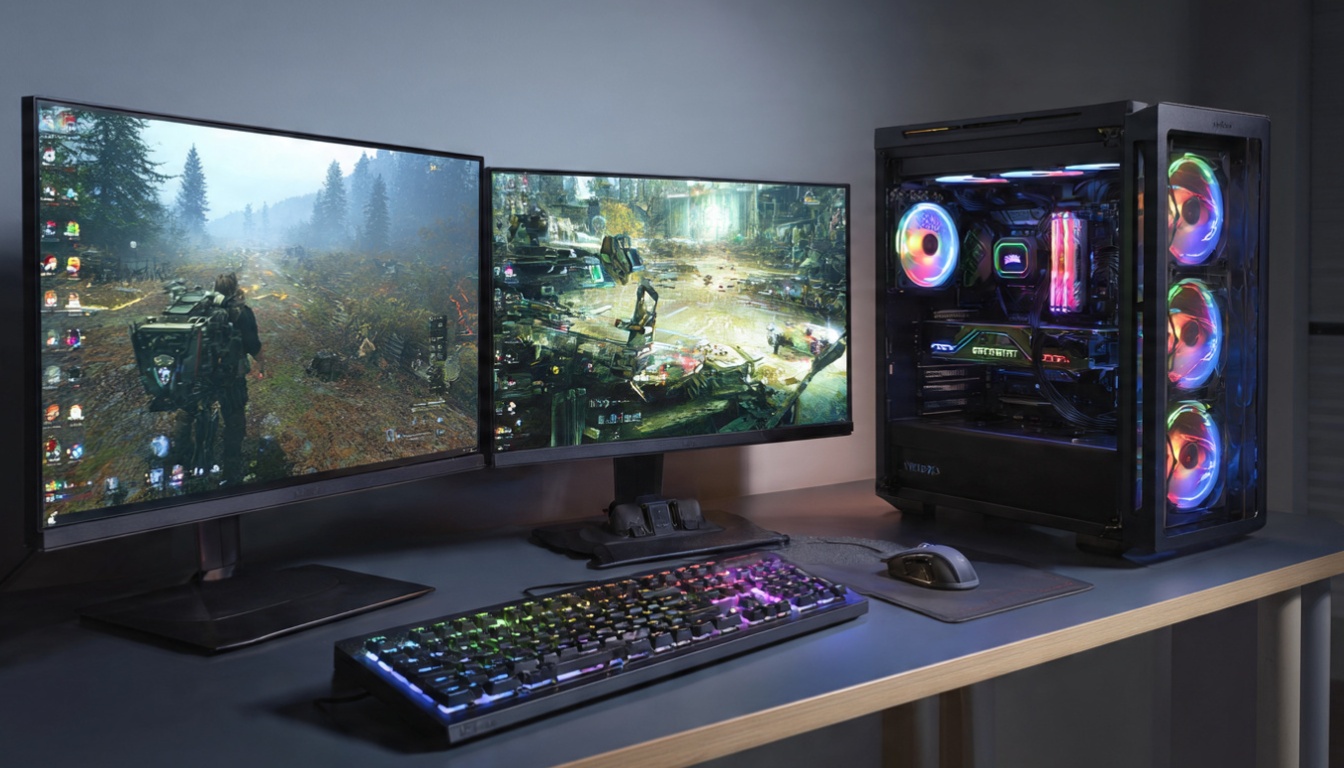
Gaming Desktops Explained: What You Actually Need to Know
This article is part of our comprehensive guide on Computers, Laptops, and Accessories. For the complete resource hub, check out the main guide.
Look, I built my first gaming PC in 2018, and I thought I knew everything. Spent $2,200 on what I was convinced was the perfect setup. Three months later, I was bottlenecked by my CPU in every game I wanted to play.
Nobody tells you this stuff when you’re staring at spec sheets.
So let’s talk about gaming desktops. Not the marketing nonsense about “ultra-responsive gaming experiences” but the actual components, real-world performance, and mistakes you’ll want to avoid. I’ve built five gaming rigs since then, helped friends build theirs, and learned some expensive lessons along the way.
What Makes a Gaming Desktop Different?
Here’s the thing: a gaming desktop isn’t just a regular computer with prettier lights. The components are specifically chosen to handle one thing really well – rendering complex 3D graphics at high frame rates without setting your room on fire.
Your standard office desktop? It’s optimized for spreadsheets and email. Gaming desktops are built around the GPU, and everything else exists to feed it data as fast as possible.
I learned this the hard way when I tried to game on my work PC. Sure, it had 32GB of RAM and a fancy Intel i7. But the integrated graphics? Couldn’t handle Valorant at 60fps. Not even close.
The Core Components That Actually Matter
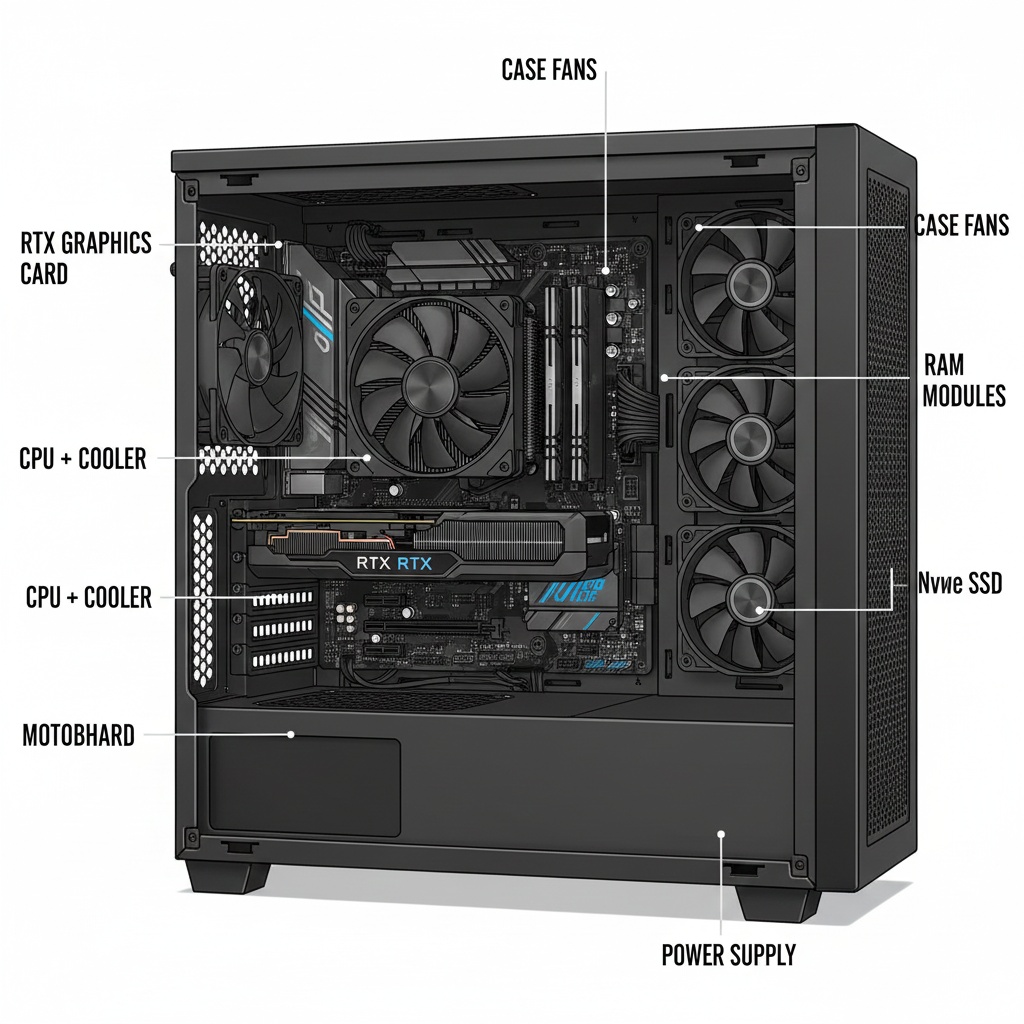
Graphics Card (GPU) – Your Most Important Investment
Real talk: your GPU is 50% of your gaming performance. Maybe more.
I currently run an RTX 4070, and it handles everything I throw at it at 1440p. But here’s what the YouTube reviews don’t mention – the difference between a $400 GPU and a $1,200 GPU isn’t always 3x the performance.
My RTX 4070 cost me $599. An RTX 4090 would’ve been $1,600. For 1440p gaming? The performance gap is maybe 40-50%. That’s real money for diminishing returns unless you’re pushing 4K or doing professional 3D rendering.
GPU tiers that make sense in 2025:
- Budget gaming (1080p): RTX 4060 or AMD RX 7600
- Sweet spot (1440p): RTX 4070 or AMD RX 7800 XT
- High-end (4K): RTX 4080 or AMD RX 7900 XTX
- Money-is-no-object: RTX 4090
Quick story: my friend bought a 4090 for competitive Fortnite. At 1080p. His bottleneck? His 60Hz monitor. Don’t be that guy.
If you’re planning to do video editing alongside gaming, check out our guide on best computers for video editing – the GPU requirements overlap quite a bit.
CPU – Don’t Cheap Out, But Don’t Overspend Either
Your CPU matters, but not as much as people think for pure gaming. I’ve tested this. Going from a Ryzen 5 5600X to a Ryzen 7 7800X3D gave me maybe 15-20 more FPS in CPU-heavy games like Cyberpunk 2077.
Worth the $300 upgrade? Depends on what you’re doing. For gaming only? Probably not. For streaming while gaming? Absolutely.
Current recommendations:
- Budget: Intel i5-13400 or AMD Ryzen 5 7600
- Mid-range: AMD Ryzen 7 7800X3D (gaming king right now)
- High-end: Intel i7-14700K or AMD Ryzen 9 7950X
The 7800X3D is weirdly good at gaming because of AMD’s 3D V-Cache technology. I won’t bore you with the technical details, but games love large CPU caches. That chip consistently beats CPUs that cost $200 more in gaming benchmarks.
RAM – 16GB Minimum, 32GB Comfortable
You need 16GB. Period. Games in 2025 assume you have it.
But here’s where it gets interesting – I upgraded from 16GB to 32GB last year, and you know what changed? Nothing. In games, anyway. My Chrome tabs with 47 open YouTube tutorials? Those were finally happy.
Go with 32GB if you multitask or keep Discord, Spotify, and 12 browser tabs open while gaming. Stick with 16GB if you close everything before launching a game.
RAM specs that matter:
- Speed: DDR5-5600 or higher for new builds
- Timing: Lower CL (CAS latency) is better, but don’t stress it
- Configuration: 2x16GB is better than 1x32GB (dual channel matters)
Storage – SSDs Changed Everything
Remember loading screens? I barely do anymore.
You absolutely need an NVMe SSD for your boot drive and main games. I’m running a 1TB Samsung 980 Pro, and Windows boots in 8 seconds. Game load times that used to take 2 minutes? Now 15 seconds.
But here’s my actual setup:
- 500GB NVMe SSD – Windows and actively played games
- 2TB SATA SSD – Game library overflow
- 4TB HDD – Screenshots, recordings, games I’ll “play someday”
The HDD costs $80 and gives me peace of mind for storage I don’t need fast access to. For more on storage types and performance, our computer storage options guide breaks down the differences.
Power Supply – Don’t Skimp Here
I cannot stress this enough. Your PSU is not the place to save $50.
My first build had a cheap 600W power supply from a brand I’d never heard of. It lasted 18 months before dying and taking my GPU with it. That $50 savings cost me $400 in replacement parts.
Get a quality 80+ Gold rated PSU from Corsair, EVGA, or Seasonic. Calculate your power needs (GPU + CPU + 150W headroom) and go one tier up.
My RTX 4070 system runs fine on a 750W PSU. Could I have gotten away with 650W? Probably. But power supplies last 7-10 years if you buy quality. It’s worth the extra $30.
Pre-Built vs Building Your Own
This is where I’ll probably upset some people.
In 2018, building your own was always cheaper. In 2025? It depends.
I priced out a mid-range gaming PC last month:
- Custom build (buying parts): $1,450
- Pre-built from NZXT: $1,399
- Pre-built from local shop: $1,550
The NZXT pre-built was actually cheaper and came with a 2-year warranty. The trade-off? They used a slightly worse motherboard and a no-name PSU.
Build your own if:
- You enjoy the process (I do)
- You want complete control over every component
- You’re comfortable troubleshooting hardware issues
- You have the time to research and assemble
Buy pre-built if:
- You want to start gaming this weekend
- Hardware issues stress you out
- You value warranty and support
- You don’t care about cable management aesthetics
For first-timers, our desktop computers buying guide walks through the entire decision process.
Common Mistakes I See People Make
Mistake 1: Buying for Tomorrow’s Games
Everyone does this. “But what if games get more demanding?”
Here’s reality: your GPU will be outdated in 3-4 years regardless. Technology moves fast. Buy for today’s games with a bit of headroom, not for hypothetical 2028 releases.
Mistake 2: RGB Everything
Look, I get it. RGB looks cool. But that $150 difference between normal components and RGB versions? That’s money better spent on your GPU or a better graphics card.
My setup has zero RGB. It sits under my desk. Nobody sees it.
Mistake 3: Ignoring Cooling
I built my second PC with the stock CPU cooler. It thermal throttled at 95°C during summer, dropping my performance by 30%.
Aftermarket coolers cost $40-80. They’re worth every penny. Air cooling works fine for most builds. You don’t need a $200 AIO liquid cooler unless you’re overclocking heavily.
Mistake 4: Cheaping Out on the Motherboard
You don’t need a $400 motherboard. But that $80 one? It’ll probably limit your upgrade options in 2 years.
Spend $150-200 on a good B650 (AMD) or B760 (Intel) board. You’ll get enough features without paying for stuff you won’t use.
Gaming Desktop vs Gaming Laptop: The Honest Comparison
Desktops win on price-to-performance. Always.
A $1,200 gaming desktop will smoke a $1,200 gaming laptop. But the laptop goes to coffee shops and fits in a backpack.
I have both now. The desktop is for serious gaming sessions at home. The laptop is for when I’m traveling or want to game in bed like a college student.
For a detailed breakdown, we’ve got a full comparison in our desktop vs laptop guide. If you’re leaning toward portability, also check our gaming laptops guide.
Budget Builds That Actually Work
You don’t need $2,000 to game at 1080p.
Last month, I helped my cousin build a solid 1080p gaming PC for $850:
- Ryzen 5 5600 – $130
- RTX 4060 – $299
- 16GB DDR4 – $45
- 500GB NVMe – $40
- B550 motherboard – $110
- 650W PSU – $80
- Case – $60
- Windows license – $25 (OEM key from reputable seller)
It runs Fortnite at 144fps, Cyberpunk at 60fps on high settings, and handles everything he throws at it. For more budget-friendly options, our best budget desktops article has additional recommendations.
What to Actually Buy in 2025
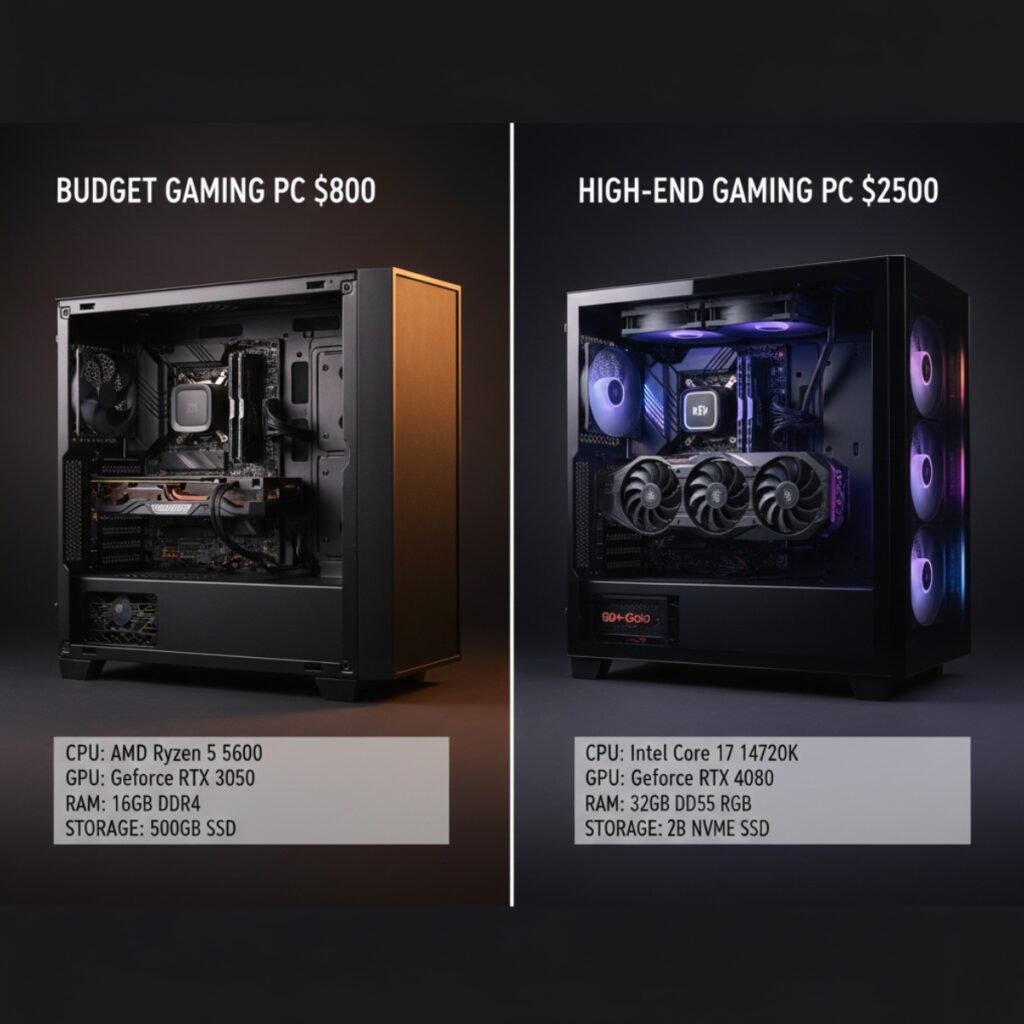
If I was building a gaming desktop today with my own money, here’s what I’d get for different budgets:
$800 Budget Build:
- AMD Ryzen 5 5600
- RTX 4060 (8GB)
- 16GB DDR4-3200
- 500GB NVMe SSD
- B550 motherboard
$1,400 Sweet Spot Build:
- AMD Ryzen 7 7800X3D
- RTX 4070 (12GB)
- 32GB DDR5-5600
- 1TB NVMe SSD
- B650 motherboard
$2,500 High-End Build:
- Intel i7-14700K
- RTX 4080 (16GB)
- 32GB DDR5-6000
- 2TB Gen4 NVMe SSD
- Z790 motherboard
- Quality AIO cooler
The Bottom Line
Gaming desktops are investments. Not just financially, but in your gaming experience.
The biggest lesson I’ve learned? Balance matters more than raw specs. A $1,200 balanced build will outperform a $1,200 build where you spent $800 on the GPU and cheaped out everywhere else.
Start with a clear budget. Prioritize GPU, then CPU, then everything else. Don’t let flashy features distract you from performance. And for the love of all that’s holy, buy a decent power supply.
Your future self will thank you when you’re hitting 144fps in whatever games come out next year instead of troubleshooting why your cheap PSU killed your GPU.
Questions about specific components? Drop them in the comments. I’ve probably made that mistake already and can save you the trouble.




One Comment
Comments are closed.