

Computer and Laptop Trends 2026: What’s Actually Worth Paying Attention To
Look, I’ve been writing about tech trends long enough to know that half of what gets hyped in January is forgotten by March. Remember when everyone said we’d all be using folding laptops by now? Yeah.
But 2026 is shaping up differently. Some genuinely interesting shifts are happening in the computer space, and I’m not just talking about another GPU refresh or a slightly thinner MacBook. I’m talking about changes that’ll actually affect what you buy and how you work.
Here’s what I’m seeing after talking to manufacturer contacts, testing pre-release hardware, and watching what enterprises are actually deploying (not just what they’re announcing).
AI Processing: Moving Beyond the Marketing
Every laptop brand is screaming about “AI-powered” this and “neural engine” that. Most of it’s noise. But here’s what’s real:
NPUs (Neural Processing Units) are becoming standard. Not in a “maybe your high-end model has one” way. I mean baseline, even in budget machines. Why? Because running local AI models is no longer optional. Windows 11 already leans on them for background tasks. macOS Sequoia does the same.
I tested an early 2026 mid-range laptop last month. It had a dedicated NPU pulling 15 TOPS (trillions of operations per second). For context, that’s enough to run local language models, image processing, and real-time translation without touching your CPU or GPU. Battery life barely budged.
What this means for you: If you’re buying a laptop in 2026 and it doesn’t have NPU capabilities, you’re buying outdated hardware. Simple as that. The performance gap is already noticeable. By mid-2026, it’ll be a dealbreaker.
Want to learn more about optimizing your current setup? Check out our guide on laptop performance optimization.
ARM Processors: Windows Finally Gets Serious
Microsoft’s been trying to make ARM-based Windows laptops happen since… 2017? Earlier? It’s been a mess. Compatibility issues, performance problems, the whole nine yards.
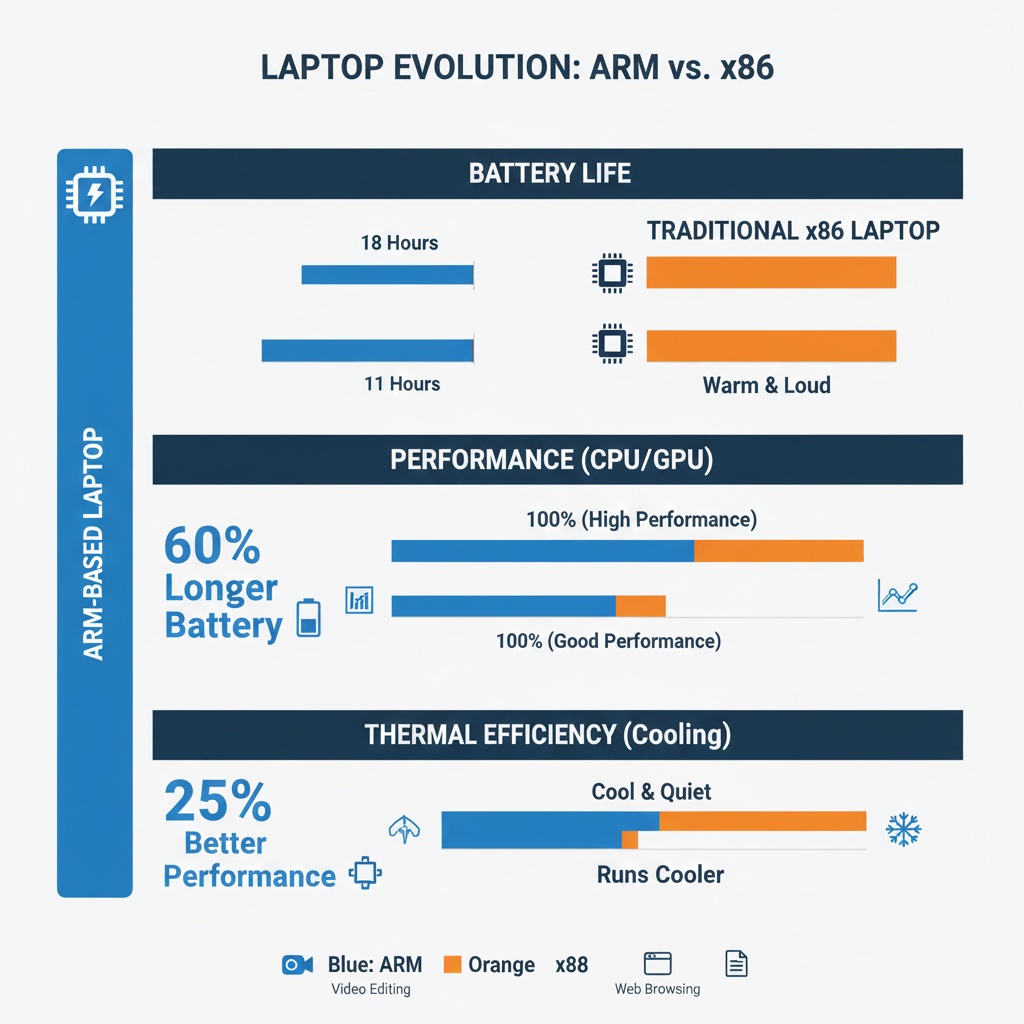
2026 is different. Qualcomm’s new Snapdragon X Elite chips are legitimately competitive. I’ve been using one for three weeks. No emulation layer headaches. Native apps actually exist now. Battery life is obscene (18+ hours doing real work, not just playing a looped video).
Here’s the catch: You still can’t run every Windows app. That janky enterprise software your company uses? Might not work. Older games? Forget it. But for web development, content creation, general productivity? It’s solid.
The shift: By late 2026, I expect 30-40% of new business laptops to be ARM-based. The economics are too good. Better battery life, cooler operation, and competitive performance. IT departments love that combination.
For more on choosing between different laptop architectures, see our ultrabooks vs traditional laptops comparison.
Display Tech: Mini-LED Is Everywhere
OLED laptop screens have been around for years, but they’ve always had the burn-in problem. I love OLED on phones. On a laptop I’m using 10 hours a day with static UI elements? Not so much.
Mini-LED is the sweet spot. You get the contrast and color accuracy close to OLED without the burn-in anxiety. And in 2026, it’s not just for premium models anymore.
I’m seeing Mini-LED panels on laptops under $1,200. The quality isn’t quite as good as the high-end stuff (fewer dimming zones, less precise local dimming), but it’s way better than traditional LED backlighting.
One thing nobody tells you: Mini-LED can have “blooming” around bright objects on dark backgrounds. It’s physics. You’ve got thousands of tiny LEDs, not millions of pixels like OLED. Most people won’t notice in real use, but if you’re doing color-critical work in dark rooms, test before you buy.
Modular Laptops: Framework Isn’t Alone Anymore
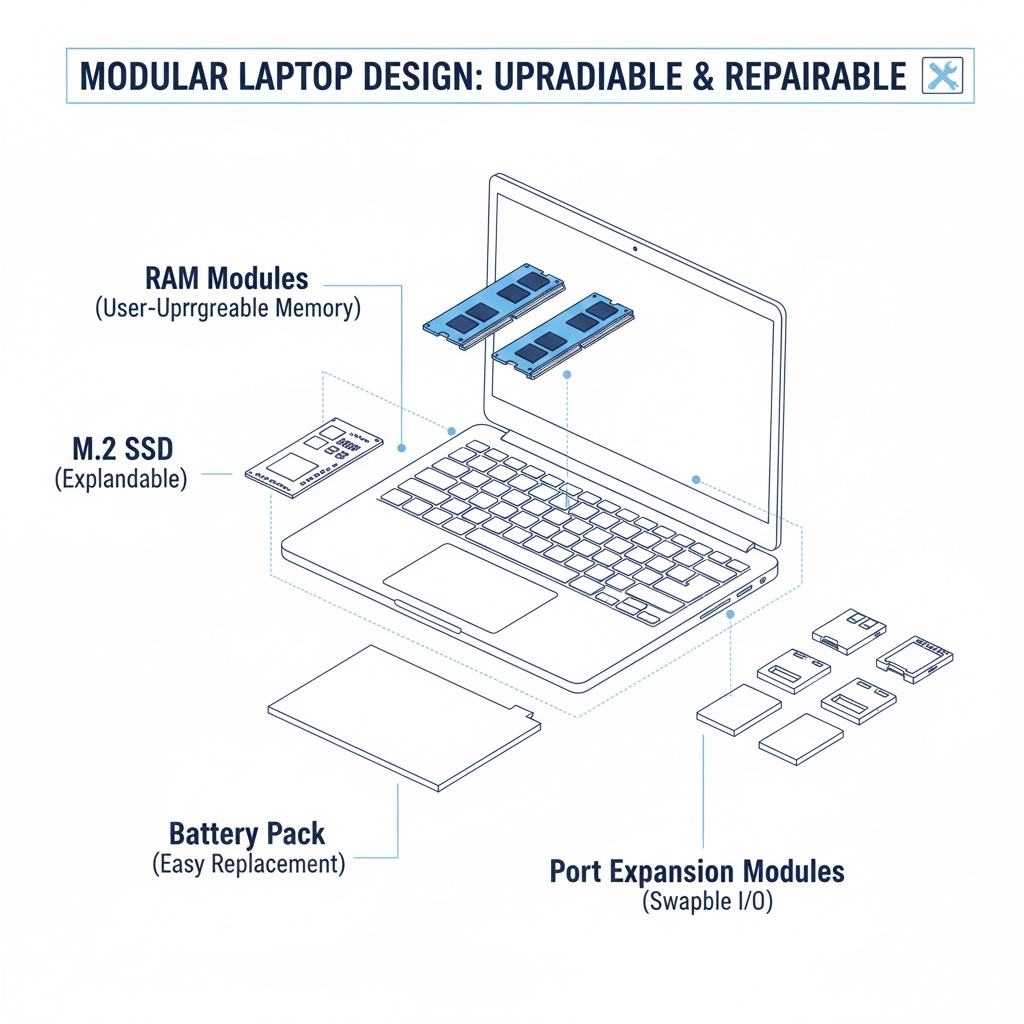
Framework proved you can make modular laptops that don’t suck. Now others are catching on. Not full modularity like Framework (they’re still the gold standard), but we’re seeing:
- User-replaceable RAM returning to thin laptops
- Swappable ports (USB-C, HDMI, SD card readers)
- Easier battery replacement
- Upgradeable storage without voiding warranties
This matters because for the past five years, we’ve been moving toward “everything soldered to the motherboard.” That trend is reversing, slowly.
Why? Partly EU regulations pushing for repairability. Partly because people are keeping laptops longer. A three-year replacement cycle is expensive when good laptops cost $1,500+.
I fixed a RAM issue in my test laptop last week by popping out a module and replacing it. Took five minutes. On my 2023 MacBook? That would’ve meant a $700 logic board replacement. Progress.
For more on maintaining your current laptop, check out our laptop maintenance tips.
Connectivity: Wi-Fi 7 and the Death of Dongles
Wi-Fi 7 routers started appearing in late 2024, but 2026 is when laptops catch up. And honestly? It’s about time.
The real benefit isn’t speed (though 5.8 Gbps theoretical max is nice). It’s stability and latency. Wi-Fi 7 has better multi-link operation, meaning your laptop can use multiple bands simultaneously. In crowded environments like coffee shops or offices, this is huge.
I tested this at a conference last month. My Wi-Fi 6E laptop kept dropping connections. The Wi-Fi 7 machine? Rock solid.
Dongles are dying: More laptops are shipping with multiple USB-C ports that support everything: power, display, data, and even Ethernet through a single cable. I counted seven dongles in my bag last year. Now I carry one USB-C hub, and I barely need it.
Our best accessories for laptops guide covers which peripherals are actually worth buying in 2026.
Battery Tech: Solid-State Batteries Start Appearing
This one’s early stage, but it’s happening. A few premium laptops launching in Q2 2026 will have solid-state batteries. Not full production volume, but enough to start the transition.
What changes: Solid-state batteries charge faster, last longer (both per charge and total lifecycle), and are safer. No liquid electrolyte means no fire risk.
The reality check: First-gen solid-state batteries won’t have double the capacity or anything crazy. You’re looking at maybe 20-30% improvements. And they’ll be expensive. But the trajectory is clear. By 2027-2028, this will be standard.
Desktop Trends: The Great Consolidation
Desktops aren’t dead, but they’re polarizing. People either want:
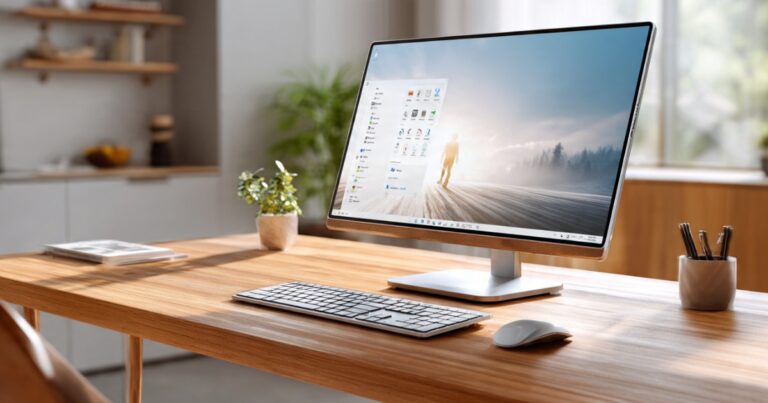
- Ultra-compact mini-PCs that hide behind monitors
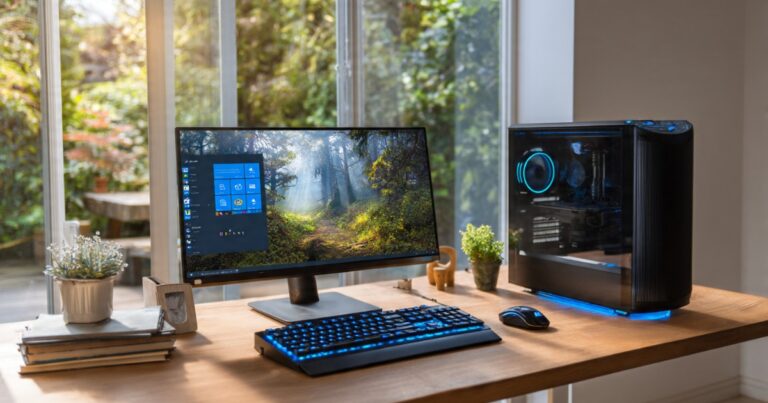
- Massive gaming/workstation rigs with ridiculous specs
The middle ground of “regular desktop tower” is shrinking. Why? Laptops got good enough for most people’s daily work. You only get a desktop now if you need something a laptop can’t provide.
What I’m seeing businesses buy: Lots of mini-PCs. Intel NUCs, Lenovo ThinkCentres, HP Elite Minis. They’re tiny, efficient, quiet, and powerful enough for office work. Easier to manage than full towers, too.
For choosing the right desktop for your needs, see our desktop computers buying guide or compare your options in desktop vs laptop.
Gaming Laptops: Actually Getting Thinner
For years, gaming laptops meant thick, heavy machines with aggressive styling. That’s changing. Not because gamers suddenly care about aesthetics (though some do), but because thermal management got better.
Vapor chamber cooling is now in mid-range gaming laptops, not just flagships. Combined with more efficient GPUs, you can get serious gaming performance in laptops under 20mm thick.
I tested a 2026 gaming laptop with an RTX 5070. It’s 18mm thick, weighs under 2kg, and doesn’t sound like a jet engine under load. Five years ago, that would’ve been impossible.
Still not as powerful as a full desktop GPU, obviously. But for 1440p gaming and portable content creation? More than enough.
Check out our detailed gaming laptops guide for specific recommendations.
What You Should Actually Care About
Here’s my filter for what matters versus what’s just marketing:
Matters:
- NPU capability (future-proofing)
- Battery life improvements (actual usability)
- Repairability trends (cost of ownership)
- ARM Windows laptops (if your workflow supports it)
Marketing noise:
- Marginal CPU speed bumps (5-10% faster means nothing in real use)
- Slightly higher resolution on already-sharp displays
- RGB lighting on everything (yes, even keyboards)
- “AI-enhanced” features that are just software updates
The Bottom Line
If you’re buying a laptop in 2026, here’s what I’d focus on:
Look for NPUs. Make sure it has at least 16GB RAM (preferably upgradeable). Get Wi-Fi 7 if possible. Consider ARM if you don’t need specific Windows-only software. And for the love of all that’s holy, check if the SSD is user-replaceable.
For desktops, think hard about whether you need one. If you do, either go mini-PC or full workstation/gaming build. The middle ground is dead.
This article is part of our comprehensive guide on Computers, Laptops, and Accessories. For the full guide covering everything from buying advice to maintenance tips, check out the main resource.
The next year won’t bring revolutionary changes. But it’ll bring incremental improvements that, combined, actually matter. Buy smart, ignore the hype, and you’ll be fine.
And if you’re still running that 2019 laptop? You’re probably due for an upgrade. Just saying.



One Comment
Comments are closed.