Best Headsets for Computers: Gaming, Work, and Everything Between
This article is part of our comprehensive guide on Computers, Laptops, and Accessories. For the full guide on building your perfect setup, check out the main resource.
I’ve spent way too much money on headsets. Like, embarrassingly too much.
Last count? Seven different pairs sitting in my desk drawer, each one purchased because I thought “this will be THE one.” Spoiler: most of them weren’t. But here’s what I learned after blowing through probably $800 in headset purchases over three years.
The right headset isn’t about specs. It’s about what you’re actually doing with your computer for 8+ hours a day.
Why Your Headset Choice Actually Matters
Here’s the thing. I used to think all headsets were basically the same. Slap some drivers in there, add a mic, done. Then I spent six months doing back-to-back Zoom calls with a gaming headset that made me sound like I was calling from inside a tin can.
Your coworkers will judge you. I’m not saying it’s fair, but it’s true.
The headset you use sends signals about whether you take your work seriously. Show up to client calls sounding like you’re in an airport bathroom, and people notice. Use a decent setup, and suddenly you’re “the professional one” on the call.
But it goes both ways. Try gaming with a corporate headset that has zero soundstage, and you’ll get destroyed because you can’t hear footsteps. Ask me how I know.
Gaming Headsets: What Actually Works
Real talk: most “gaming” headsets are overpriced garbage with RGB lights slapped on. But some are legitimately good.
What I’ve Tested (And What Survived)
I’ll skip the full specs sheet because nobody cares. Here’s what matters:
For competitive gaming, you need positional audio that doesn’t lie. I’ve been using the HyperX Cloud Alpha for about two years now. Not fancy. No wireless. But in CS:GO, I can hear exactly where people are. The soundstage is wide enough that I’m not guessing.
Cost me like $100. Still works. That’s rare.
For casual gaming + everything else, the SteelSeries Arctis 7 has been solid. Wireless actually works (2.4GHz, not Bluetooth), battery lasts forever, and the mic doesn’t make you sound like a robot. I’ve used this for everything from Valorant to podcast recording.
The catch? It’s $150, and if you lose that tiny USB dongle, you’re screwed. I taped mine to my monitor.
Gaming Headset Red Flags
Look, I’ve made these mistakes so you don’t have to:
- “7.1 Surround Sound” on headphones is marketing BS. You have two ears. Stereo is fine. Good stereo is better than fake surround any day.
- Super heavy bass sounds cool for about 20 minutes, then gives you a headache. If the product description screams about “EXPLOSIVE BASS,” run away.
- Proprietary software required for basic features. I’m looking at you, Razer Synapse. If I need to install bloatware just to adjust volume, that’s a hard pass.
Work and Productivity Headsets: The Boring Truth

Nobody wants to read about office headsets. I get it. But since you’re probably on calls 3-4 hours a day (or more if you’re remote), this matters more than you think.
What Makes a Good Work Headset
After suffering through terrible audio on client calls, here’s what I’ve learned:
The mic quality matters way more than the audio quality. Wild, right? But think about it. You’re not listening to music on these calls. You’re trying to not sound like garbage.
I switched to the Jabra Evolve2 65 about eight months ago, and the difference was instant. People stopped asking me to repeat myself. The noise cancellation on the mic actually works, so my mechanical keyboard doesn’t broadcast to the entire meeting.
It’s ugly. It looks like something from 2010. But it works, and that’s what counts.
For a cheaper option that’s still decent, the Logitech H390 is like $30 and gets the job done. Wired, but whatever. I keep one as a backup because I’ve had too many “battery died mid-presentation” moments.
The Comfort Problem
Here’s what nobody tells you about work headsets: after hour five of wearing them, they all start to hurt.
I don’t care what the reviews say about “all-day comfort.” Your head will hurt. The question is when.
Lighter is better. That Jabra I mentioned? It’s light enough that I forget I’m wearing it. Compare that to some of the gaming headsets I’ve tried that feel like wearing a brick.
Also, get over-ear, not on-ear. Your ears will thank you by 3 PM.
Communication and Meeting Headsets: Don’t Embarrass Yourself
This is where most people mess up. They show up to important calls with whatever gaming headset they had lying around, and wonder why clients aren’t taking them seriously.
The Professional Setup
If you do any kind of client-facing work, invest in something that doesn’t scream “I’m gaming between meetings.”
The Sennheiser SC 160 USB is my go-to recommendation. Boring name. Boring look. Crystal clear audio. Under $50. I’ve recommended this to probably a dozen people, and nobody’s complained.
For wireless, the Poly Voyager 4320 UC is what I see in actual offices. Connects via Bluetooth or USB dongle, works with basically everything, and the mic is good enough for professional use.
The trick? It looks professional. Sounds stupid, but it matters.
When Bluetooth Actually Works (Rarely)
Hot take: Bluetooth headsets for computer work mostly suck.
The latency is noticeable if you’re doing anything real-time. The connection drops randomly. The battery dies at the worst possible moment.
But if you absolutely need wireless and want Bluetooth, get something with multipoint pairing. The Jabra Elite 85h lets you connect to your phone and computer simultaneously. Useful for when your boss calls while you’re in the middle of something.
Still prefer wired for anything important though.
What Features Actually Matter (And Which Are BS)
After testing way too many headsets, here’s what I actually care about now:
Must-Haves
Replaceable cables. Cannot stress this enough. Every headset I’ve owned that died, died because of a cable issue. If you can swap the cable, the headset lasts years longer.
Decent padding. Memory foam is nice. Cheap foam that flattens after two months isn’t. Press on the ear cups in the store. If they feel cheap, they are.
Inline controls or easy software. I need to mute quickly when my dog starts barking during calls. If I have to dig through menus, it’s useless.
Nice-to-Haves
Volume wheel on the headset. So much better than using Windows volume controls or keyboard shortcuts.
Foldable design if you travel. I don’t, so I don’t care. But if you’re packing this in a bag regularly, it matters.
Complete Wastes of Money
RGB lighting. Looks cool in marketing photos. Adds zero value. Drains battery on wireless models.
Carrying cases that you’ll use exactly once, then forget in a closet.
Extra accessories like “VIP sound cards” or proprietary DACs. Your motherboard’s built-in audio is probably fine. If it’s not, fix that first before buying headset accessories.
Common Mistakes I’ve Made (So You Don’t Have To)
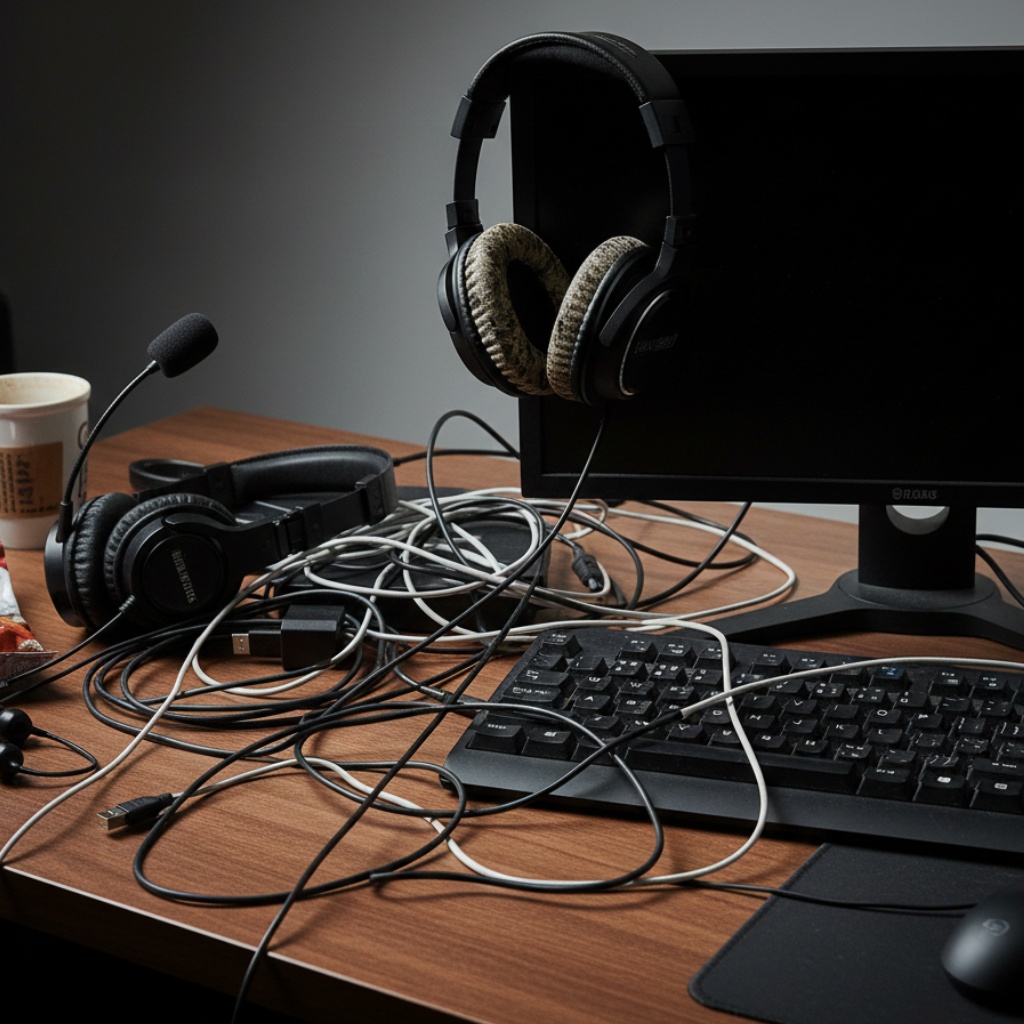
Let me save you some money and frustration:
Mistake 1: Buying Based on Reviews Alone
Reviews are helpful, but they don’t tell you everything. That headset with 4.8 stars? Might be perfect for someone who wears it an hour a day. You’re wearing it for eight.
Try before you buy if possible. Go to Best Buy, try on a few pairs. See what actually feels comfortable on your head, not someone else’s.
Mistake 2: Ignoring the Return Window
I’ve kept headsets I hated because I was too lazy to return them. Don’t be me.
Use the full return window. Wear them for real work for a week. If anything bothers you by day three, it’ll drive you crazy by month three.
Mistake 3: Going Too Cheap (or Too Expensive)
I’ve owned $30 headsets that lasted three months. I’ve owned $300 headsets that broke in six. Price doesn’t always equal quality.
Sweet spot seems to be $75-150 for most people. Below that, you’re rolling the dice. Above that, you’re paying for features you probably don’t need.
The Actual Recommendations
Okay, enough theory. Here’s what I’d buy if I was starting from scratch today:
If you game competitively: HyperX Cloud Alpha ($100). Just works. Good sound. Comfortable enough.
If you do both gaming and work: SteelSeries Arctis 7 ($150). Wireless is genuinely useful. Looks professional enough for video calls.
If you’re on calls all day: Jabra Evolve2 65 ($200) or Jabra Evolve2 40 ($100 for wired). Your ears and coworkers will appreciate the mic quality.
If you’re on a budget: Logitech H390 ($30). Nothing fancy, but it works. I keep one as a backup.
If you need true professional quality: Sennheiser SC series. Pick based on your connection needs (USB, 3.5mm, etc.). All under $100.
Quick Compatibility Check
Before you buy anything, make sure it actually works with your setup:
- Windows PC: Pretty much everything works. USB is plug-and-play. 3.5mm needs proper jacks (separate headphone/mic or combined TRRS).
- Mac: Same as Windows, but check if proprietary software works on macOS if you need it.
- Linux: USB audio generally works fine. Wireless can be hit or miss. Stick with basic USB or 3.5mm if you want zero hassle.
If you’re using a laptop with limited ports, consider a USB headset instead of 3.5mm. One less adapter to carry around.
Maintaining Your Headset (Because Nobody Does This)
Real quick: clean your headsets. Seriously.
Those ear pads collect sweat, dead skin, and generally gross stuff. Wipe them down weekly with a slightly damp cloth. If they’re removable, wash them every few months.
The mic foam? Replace it yearly if it’s replaceable. Costs like $5 and makes a huge difference.
And for the love of all that’s holy, don’t yank on the cable. I’ve killed three good headsets this way. Coil it loosely when you’re done, don’t wrap it tight around the headset.
When to Upgrade Your Current Setup
If your headset still works, don’t upgrade just because something new came out. Tech reviewers will tell you otherwise, but they get free stuff.
Upgrade when:
- The audio cuts out randomly
- Your ears hurt after 30 minutes
- People on calls constantly ask you to repeat yourself
- The padding is compressed flat and can’t be replaced
- You’ve moved to a role where audio quality actually matters (client calls, content creation, etc.)
Otherwise? Stick with what works.
If you’re considering upgrading other parts of your setup, check out our guide on best computer mice for productivity to see if your peripherals are holding you back.
The Bottom Line
Look, headsets aren’t exciting. Nobody dreams about owning the perfect headset. But using the wrong one for eight hours a day absolutely sucks.
Get something comfortable. Make sure the mic doesn’t make you sound like garbage. Don’t overpay for features you won’t use.
And for the love of god, if you’re doing professional video calls, stop using gaming headsets with rainbow LEDs. Your clients are judging you.
Want to round out your computer setup? Our main guide on computers, laptops, and accessories covers everything from picking the right monitor to optimizing your laptop’s performance.