Best Desktop Graphics Cards: Real Talk from Someone Who’s Tested Too Many GPUs
Look, I’ve built maybe a dozen PCs in the last three years. For myself, for friends, for that one cousin who swore he “just needed something for emails” and then asked if it could run Cyberpunk 2077. And here’s what I’ve learned: picking a graphics card in 2025 is somehow both easier and more confusing than ever.
The good news? GPUs are actually available at reasonable prices now. Remember 2021? Yeah, we don’t talk about that anymore.
The bad news? There’s like 47 different models with names that sound like robot serial numbers, and the difference between a $400 card and an $800 card isn’t always obvious until you’re three hours into rendering a video project.
So let me break down what actually matters when you’re shopping for a desktop graphics card. No marketing fluff. Just what I wish someone had told me before I bought my first overpriced GPU.
This article is part of our comprehensive guide on Computers, Laptops, and Accessories. For more hardware insights, check out the full guide.
Why Your GPU Choice Actually Matters
Here’s the thing: your graphics card is doing a lot more than just making games look pretty. It’s handling video encoding, running AI models, powering multiple 4K monitors, and basically anything that involves pushing pixels around your screen.
I learned this the hard way when I tried editing 4K video on my old GTX 1060. What should’ve been a two-hour project turned into an overnight render fest. Not fun.
In 2025, a good GPU affects:
- Gaming performance (obviously)
- Video editing and rendering speed
- 3D modeling and CAD work
- Machine learning projects
- Crypto mining (if that’s still your thing)
- Even basic stuff like smooth 4K video playback
The Current GPU Landscape (Early 2025)
Right now, we’ve got two main players: Nvidia and AMD. Intel’s trying with their Arc cards, and they’re honestly not bad for budget builds, but I’m focusing on what most people are actually buying.
Nvidia’s Latest:
- RTX 40-series is mature now, prices have stabilized
- RTX 50-series just launched (expensive but powerful)
- DLSS 3 is genuinely impressive for gaming
AMD’s Response:
- RX 7000-series offers better value in some tiers
- FSR 3 is catching up to DLSS
- Generally cheaper for similar raw performance
Best Graphics Cards by Use Case
For Serious Gaming (1440p and 4K)
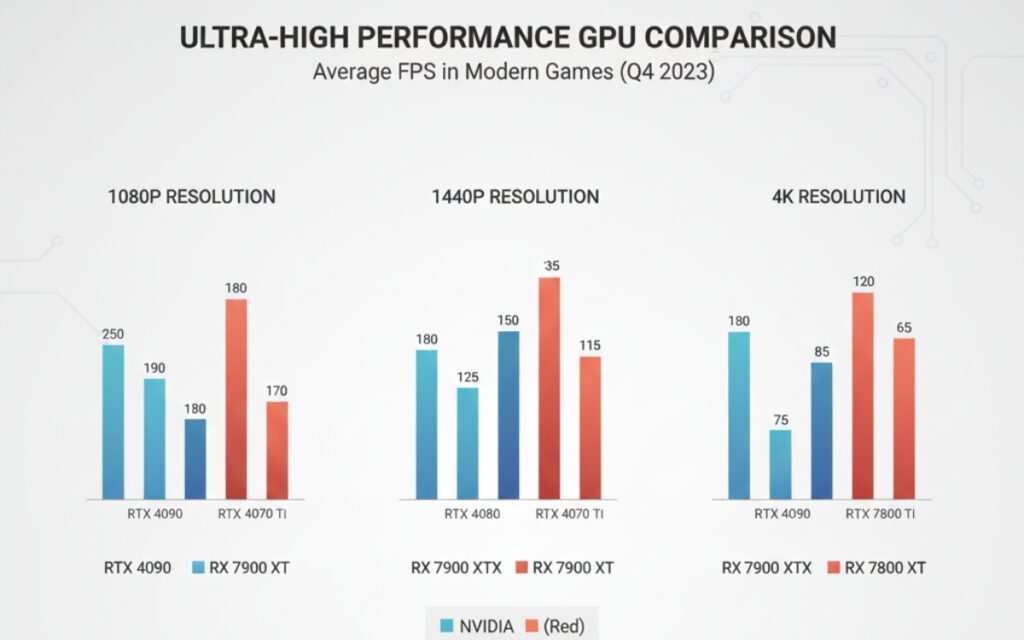
Nvidia RTX 4080 Super – $999 This is my current card, and it’s kind of ridiculous. I’m getting 100+ fps in most games at 1440p with maxed settings. At 4K, it still pushes 60-80 fps in demanding titles.
Real talk: You don’t need this much power for 1080p gaming. I see people buying 4080s for 1080p monitors and it’s like… why? Save your money.
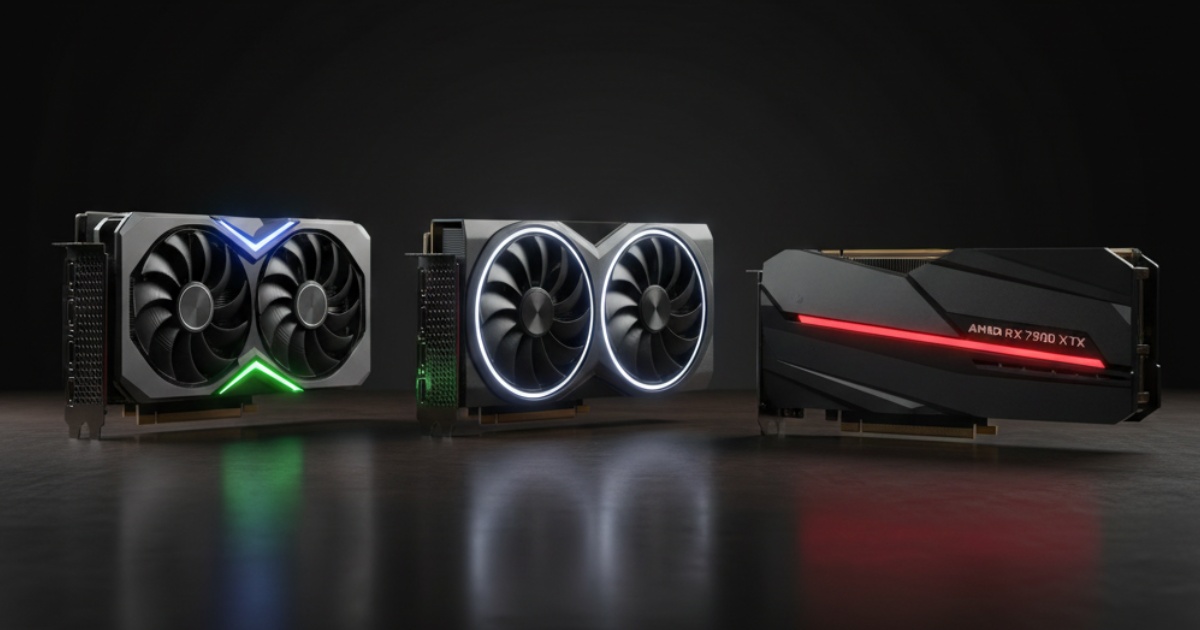
AMD RX 7900 XTX – $899 If you’re not locked into Nvidia’s ecosystem (looking at you, CUDA developers), this card is a beast. Slightly cheaper than the 4080, trades blows in raw performance. I helped a friend build with this last month, and his Baldur’s Gate 3 runs like butter.
The catch? Ray tracing performance isn’t quite as good as Nvidia. But honestly, unless you’re obsessed with reflections, you probably won’t care.
For 1440p Gaming on a Budget
Nvidia RTX 4070 – $549 This is the sweet spot for most people. Handles 1440p gaming beautifully, won’t destroy your power bill, and includes DLSS 3 for that extra performance boost.
I built my brother’s PC with this card six months ago. He plays everything at high/ultra settings at 1440p and hasn’t complained once. It just works.
AMD RX 7800 XT – $499 Fifty bucks cheaper than the 4070, performs almost identically in most games. If you’re looking at gaming desktops and want to save some cash, this is a solid pick.
For Video Editing and Creative Work
Nvidia RTX 4090 – $1,599 Yeah, it’s expensive. Yeah, it’s overkill for most people. But if you’re editing 4K or 8K video professionally, this card will change your life.
I know a videographer who upgraded from a 3080 to a 4090. His Premiere Pro export times dropped by 60%. Sixty percent! That’s hours saved every week.
The 4090 also has 24GB of VRAM, which matters a ton for complex After Effects projects or 3D rendering. I’ve maxed out cards with less VRAM more times than I can count.
For more on building a complete video editing setup, check out our guide on best computers for video editing.
Nvidia RTX 4070 Ti Super – $799 If the 4090 is out of budget (and it probably should be unless you’re making money with it), the 4070 Ti Super is a great middle ground. 16GB of VRAM, strong performance, won’t require a second mortgage.
Budget Gaming (1080p)
Nvidia RTX 4060 – $299 Controversial opinion: This card is fine. Not amazing, but fine. It’ll run modern games at 1080p high settings without breaking a sweat.
The problem? Only 8GB of VRAM. Some newer games are already pushing past that at max settings. It’s not a huge issue now, but think about whether you want this card to last three years or six.
AMD RX 7600 – $269 Similar performance to the 4060, thirty bucks cheaper. I’d probably go with this for a budget build unless I specifically needed Nvidia features.
What Actually Matters When Choosing a GPU
VRAM (Video Memory)
This is super important and often overlooked. Here’s my rule of thumb for 2025:
- 1080p gaming: 8GB minimum (12GB better)
- 1440p gaming: 12GB minimum
- 4K gaming or creative work: 16GB+
I’ve seen people buy powerful GPUs with only 8GB VRAM and wonder why their performance tanks in certain games. It’s because you’re running out of memory, friend.
Power Requirements
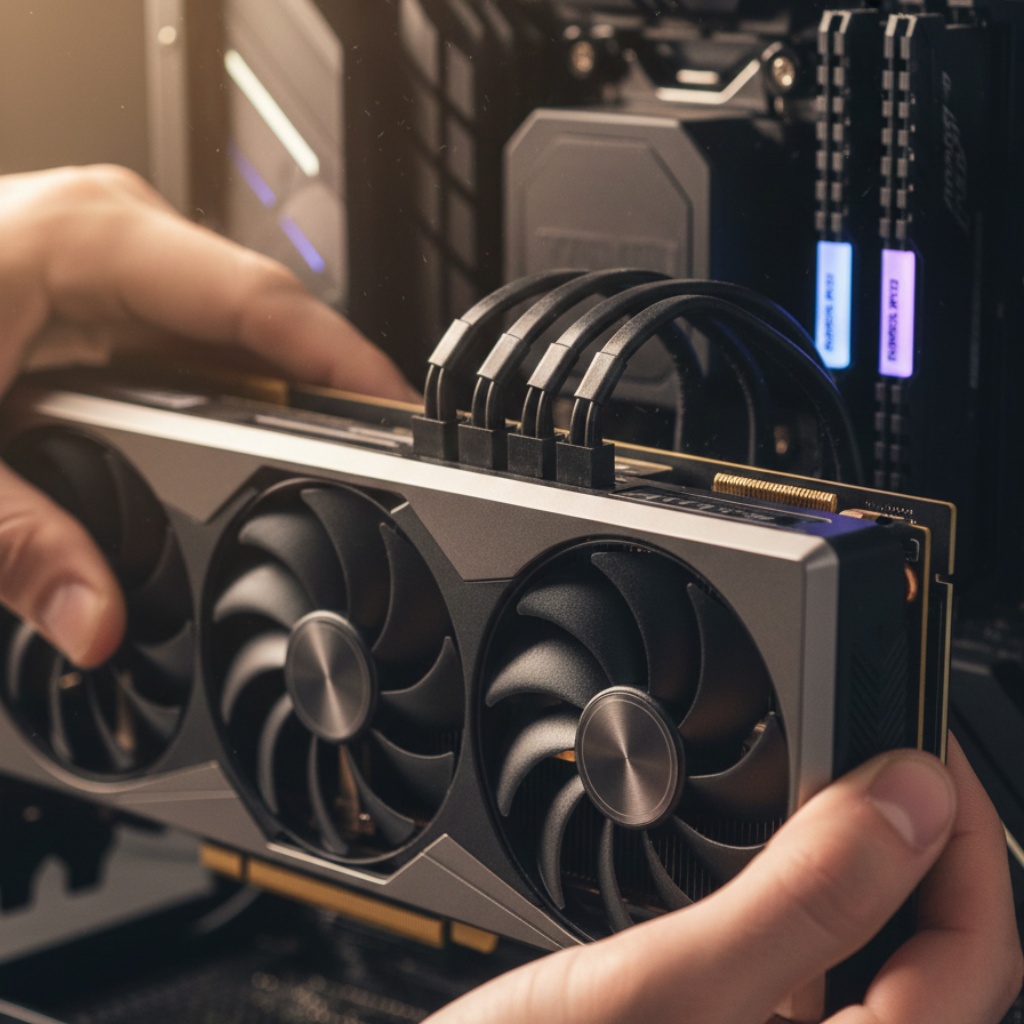
Don’t be like me in 2019 when I bought a GPU that needed two 8-pin connectors and my power supply only had one. I had to wait three days for a new PSU to arrive before I could even test the card.
Check your PSU wattage. Add up your entire system power draw. Give yourself headroom. A 600W PSU for a 4090 build is asking for trouble.
For more on building a complete system, our desktop computers buying guide covers power supply considerations in detail.
Cooling and Size
Measure your case before buying. Modern GPUs are huge. The 4090 is literally three slots wide. I’ve seen people buy cards that physically don’t fit their cases. It’s painful to watch.
Also, consider cooling. Founders Edition cards usually run quieter but hotter. Aftermarket cards (ASUS, MSI, EVGA) often have better cooling but might be louder.
Common Mistakes I See People Make
Buying Used GPUs Without Testing I get it, saving money is great. But that $500 “barely used” 3090 on Facebook Marketplace? It was probably mining crypto 24/7 for two years. Test it thoroughly before handing over cash.
Ignoring Driver Support AMD’s drivers have gotten way better, but Nvidia still has the edge for compatibility with creative software. If you’re using Premiere, DaVinci Resolve, or Blender professionally, check which GPU is optimized for your workflow.
Overspending for Your Monitor If you have a 1080p 60Hz monitor, don’t buy a 4080. You literally can’t see the benefit. Upgrade your monitor first or save the money.
Not Considering Resale Value Nvidia cards hold their value better than AMD. If you upgrade every few years, this matters. My 3080 sold for 70% of what I paid for it after two years of use.
The Storage Consideration
One thing people forget: modern games are huge. If you’re serious about gaming or creative work, pair that new GPU with proper storage. Check out our guide on computer storage options to make sure you’re not bottlenecking your system with a slow HDD.
What I’d Buy Today (Early 2025)
If someone asked me what to buy right now with different budgets, here’s what I’d say:
Budget ($300): AMD RX 7600. Best bang for buck at 1080p.
Mid-Range ($600): Nvidia RTX 4070. Solid 1440p performer, good for light creative work too.
High-End ($1,000): Nvidia RTX 4080 Super. Handles everything you throw at it.
Money’s No Object: RTX 4090. It’s absurd, but it’s also the fastest thing available.
Creative Professional: RTX 4090 or 4070 Ti Super, depending on budget and VRAM needs.
Final Thoughts
Picking a graphics card doesn’t have to be complicated. Figure out what resolution you’re gaming at (or what work you’re doing), set a budget, and buy the best card that fits both.
Don’t get caught up in benchmark numbers or theoretical performance. A card that gives you 180 fps instead of 160 fps doesn’t matter if your monitor only does 144Hz anyway.
And whatever you do, don’t cheap out on the power supply. I’ve seen too many good GPUs killed by garbage PSUs.
Got questions about specific cards or wondering if something will work with your setup? Drop a comment. I’ve probably either tried it or talked someone out of buying it.